September 18, 2026
·8 min readWhat Is Virtual Try-On? A Practical Guide for Ecommerce Brands

Otuokon Nsikak
Virtual try-on is one of the most searched ideas in ecommerce, and one of the most misunderstood.
Some teams hear it and think of a digital fitting room that predicts exact size.
Others think of face filters.
Others mean any interactive product experience where a shopper can explore an item before buying.
Those are not the same thing.
For ecommerce brands, virtual try-on is best understood as a product-page tool that helps a shopper answer a confidence question before checkout. Usually that question is:
How will this look on me?
Sometimes the question is broader:
Can I understand this product well enough to buy it without seeing it in person?
This guide defines virtual try-on in practical terms, separates what it can do from what it is often assumed to do, and shows where it fits in a modern ecommerce stack.
A clear definition
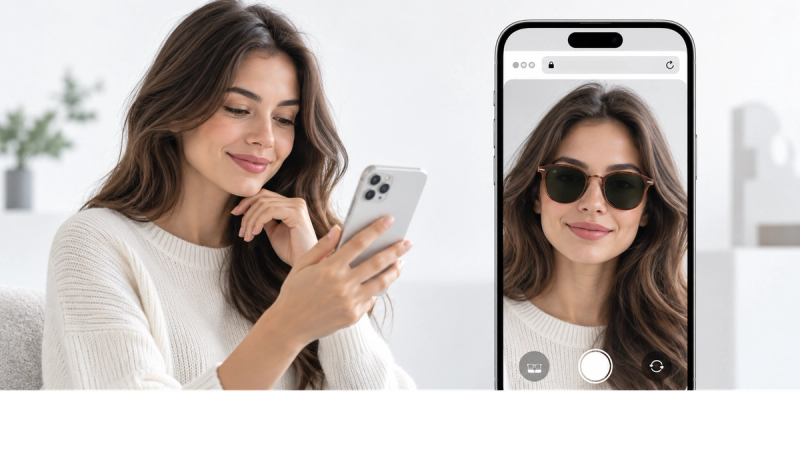
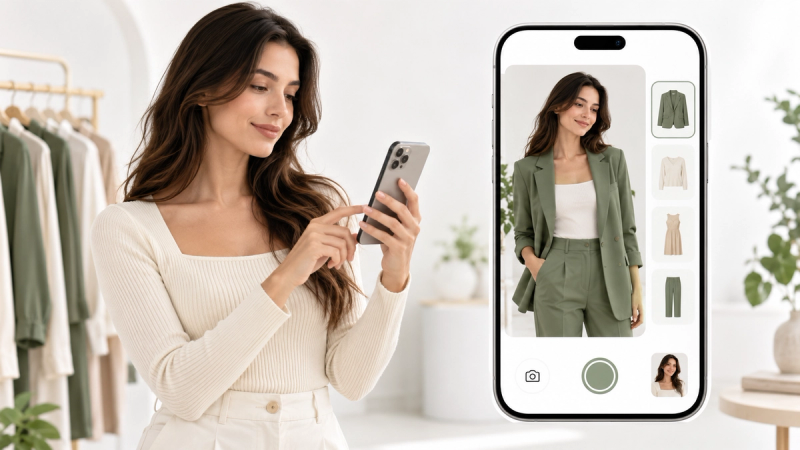
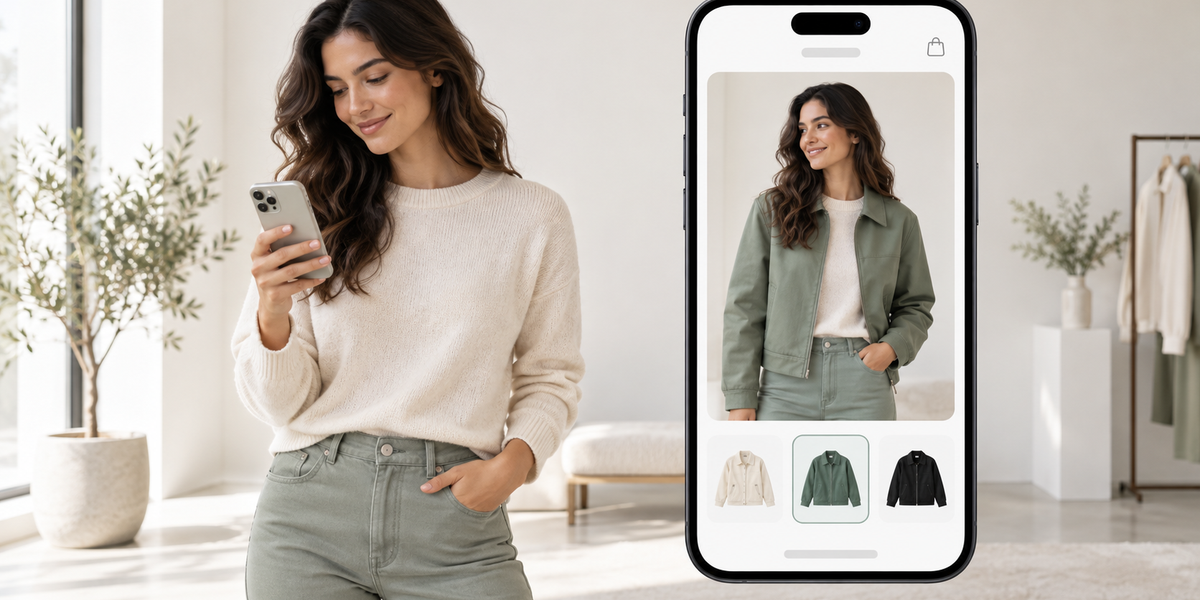
Virtual try-on is a digital experience that lets a shopper preview a product on themselves, or in relation to their body, before purchasing.
Depending on the product and the technology used, that preview may involve:
- A photo of the shopper with the product placed on them
- A live camera view with face or body tracking
- An AR overlay in the browser
- A 3D product experience paired with personal preview
The shared purpose is not entertainment. The purpose is to reduce uncertainty on products where appearance, proportion, or personal context affects the buying decision.
The three things people confuse under one name
Search demand around virtual try-on usually mixes three different expectations.
1. Appearance visualisation
“How will this look on me?”
This is the core ecommerce use case for fashion, footwear, eyewear, jewellery, headwear, and many accessories. The shopper wants personal visual context that model photography cannot fully provide.
2. Fit prediction
“Will this size actually fit me?”
This is a different problem. It involves body measurements, size charts, fit models, and often historical return data. Some tools attempt this. Many virtual try-on experiences do not.
3. Product interaction
“Can I inspect, rotate, or customise this before I buy?”
This is where interactive 3D, AR placement, and product configurators sit. A shopper may not need to see the item on their face or body. They may need to understand detail, finish, scale, or options.
A strong ecommerce strategy separates these jobs instead of forcing one feature to solve all three.
How virtual try-on works
Most commercial virtual try-on flows follow the same basic path:
The shopper opens a product page
They launch try-on in the browser or supported experience
They provide a photo, camera view, or other input
The system places or maps the product onto that input
The shopper reviews the result and continues shopping
The technical method varies.
AI photo try-on
The shopper uploads or captures a photo. AI helps place the product on that image so they can preview appearance quickly.
AR or face-tracking try-on
The experience uses the camera to align products such as glasses, jewellery, or similar items in real time.
3D-led product experiences
The shopper inspects a product in interactive 3D, sometimes combined with AR or personal preview tools depending on the use case.
For ecommerce, the delivery method matters as much as the method of visualisation. App-free, web-based try-on is usually stronger than flows that require a download before the shopper can see anything.
What virtual try-on is good at
Virtual try-on is useful when the buying decision depends on personal appearance context.
It helps shoppers:
- Judge style on themselves rather than on a campaign model
- Compare wearable options with more confidence
- Reduce the gap between product-page imagination and real-life expectation
- Move through the decision faster on appearance-led products
It is especially relevant for:
- Clothing and fashion
- Footwear
- Eyewear
- Jewellery
- Hats and headwear
- Accessories judged against the body
What virtual try-on is not
This is where brands get into trouble.
Virtual try-on is not automatically:
- A guarantee of correct garment size
- A full replacement for size guides
- A perfect simulation of fabric hand-feel or drape
- A substitute for every product photo
- A reason to ignore mobile performance and page speed
If your main problem is technical specification, room-scale placement, or material inspection, a 3D product viewer or AR placement tool may be the better first feature. If your main problem is “how will this look on me,” try-on belongs closer to the centre of the page.
Virtual try-on vs related ecommerce tools
Virtual try-on vs product photography
Photography shows the product. Try-on personalises the preview. You usually need both.
Virtual try-on vs 3D product viewer
A 3D viewer helps shoppers inspect the product itself. Try-on helps them relate the product to themselves. Different doubts. Different tools.
Virtual try-on vs size recommendation
Size recommendation systems aim at fit probability. Try-on aims at appearance confidence. They can support each other, but they are not interchangeable.
Virtual try-on vs virtual fitting room
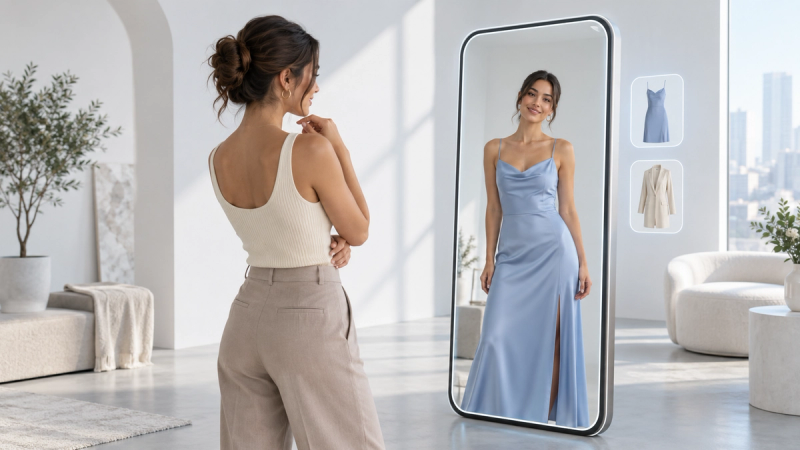
“Virtual fitting room” is often used as a broader or more marketing-led phrase. In practice, ask what the tool actually does: appearance preview, size prediction, or interactive product exploration.
What brands need before they add it
A usable virtual try-on setup usually requires:
- Products that benefit from personal appearance context
- A clear product-page placement
- A web-based flow shoppers will complete
- Assets or product inputs the system can work with
- An owner on the ecommerce or merchandising team
- A way to measure opens, completions, and downstream actions
The brands that struggle are rarely the ones that lack vision. They are the ones that turn try-on on across the whole catalogue before proving it on the products that need it most.
Why app-free delivery matters
If try-on requires an app install, many shoppers will not start.
Web-based virtual try-on keeps the experience inside the browser and closer to checkout. For ecommerce, that is not a minor preference. It is often the difference between a feature that gets used and a feature that only performs in demos.
Where SwiftXR fits
SwiftXR supports virtual try-on as part of a broader immersive commerce toolkit.
That includes:
- AI Photo Try-On for wearables and appearance-led products
- App-free, browser-based delivery
- Product-page publishing for ecommerce teams
- Interactive 3D and AR experiences when the shopper also needs inspection, placement, or configuration
The practical position is simple. SwiftXR helps customers explore products more confidently before they buy, directly from the website, without forcing an app download.
It should not be described as a guaranteed fit-prediction engine. It should be described as a product experience layer that improves appearance confidence and product understanding.
When your store should use virtual try-on
Use it when:
- Shoppers repeatedly hesitate on appearance
- Returns are linked to “not what I expected” on wearable products
- Model photos are not enough for personal decision-making
- Your team can maintain the experience after launch
Consider a different first step when:
- The main doubt is scale in a room
- The main doubt is technical detail
- The product is not judged on the body
- You cannot yet support a clean mobile web experience
The right feature is the one that answers the doubt actually blocking the sale.
A practical takeaway for ecommerce teams
Virtual try-on is not magic, and it is not one technology.
It is a customer confidence tool. Used well, it helps people judge appearance-led products with less guesswork. Used carelessly, it gets asked to solve sizing, merchandising, and product education all at once, then blamed when it cannot.
Define the job first.
Choose the experience that matches that job.
Publish it on the product page.
Measure whether shoppers actually use it.
That is the practical standard.
Explore virtual try-on with SwiftXR →
Frequently Asked Questions
What is virtual try-on in ecommerce?
It is a digital product-page experience that lets shoppers preview how a product looks on them, or in relation to themselves, before buying.
Is virtual try-on the same as AR?
Not always. Some try-on experiences use AR. Others use AI photo flows or related methods. AR is one way to deliver personal preview, not the whole category.
Does virtual try-on predict exact clothing size?
Not by default. Appearance visualisation and fit prediction are different problems. Do not assume one tool solves both.
Can virtual try-on work without an app?
Yes. Web-based try-on is often the better ecommerce standard because it removes install friction.
Should every product have virtual try-on?
No. Start with products where personal appearance strongly affects confidence, then expand only if the flow works and the team can maintain it.