Blog
October 2, 2026
·6 min readAR Furniture Previews: Test Product Scale Before You Offer View in Room

Otuokon Nsikak
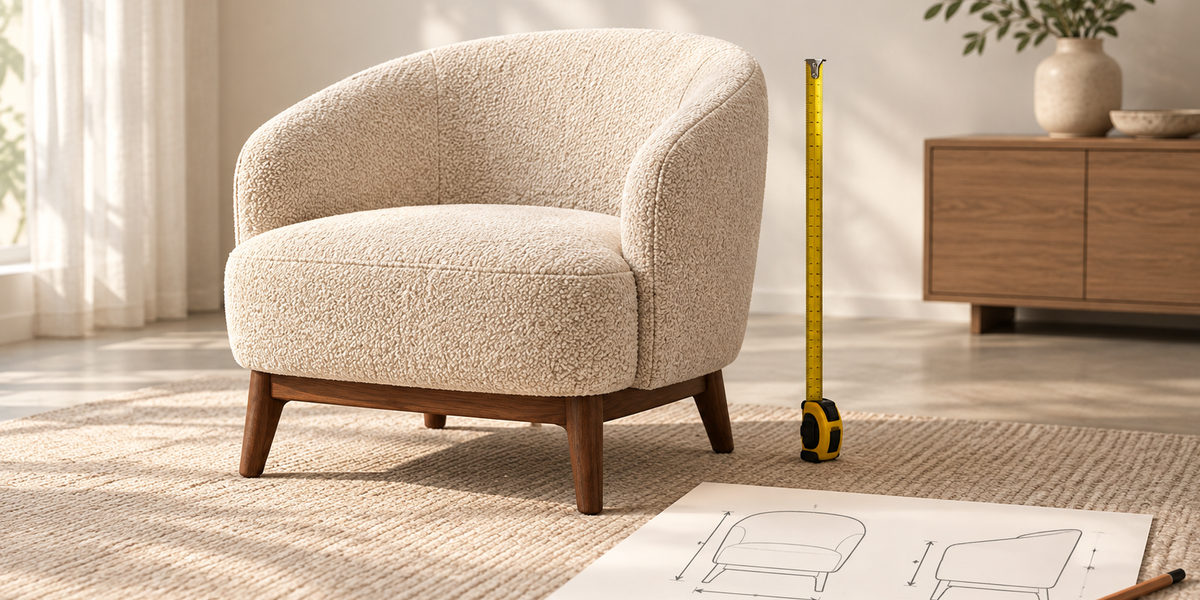
An AR furniture preview is useful when it helps a shopper judge a real product's size and placement in a real space. It is not a substitute for verified dimensions, clear product photos, or a measured room. Before offering View in Room, test one approved furniture model against the physical item and its published specifications on supported phones.
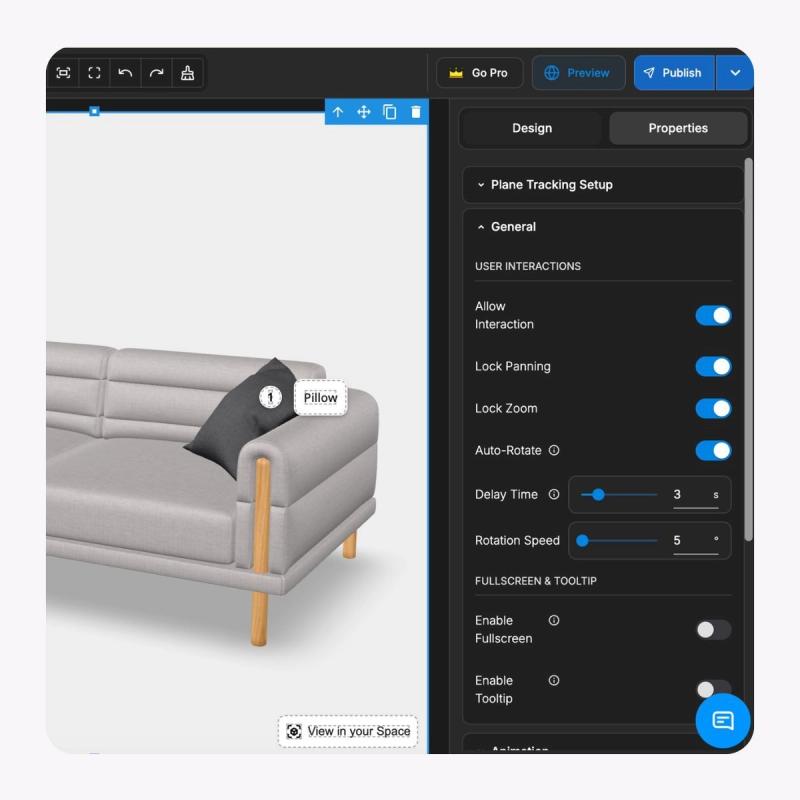
For a furniture ecommerce lead, the risk is a polished preview that invites a fit decision while showing the wrong size or a finish that differs from the SKU. The buyer may still need a tape measure, delivery clearances, and a readable dimensions table. SwiftXR can present a furniture model in an embeddable 3D viewer and open an AR room preview on supported mobile devices. Treat that as a visual layer to validate, not proof that a particular product will fit a particular home. Explore the SwiftXR furniture viewer.
Start with the decision the preview should support
A chair shopper may need to compare its footprint with an existing table. A procurement team may need to show a sofa to a client before specifying a finish. These are different tasks. Record the product SKU, approved variant, physical dimensions, clearance requirements, buyer question, and intended next step before choosing the AR presentation.
The page should still answer the core question without AR. Give width, depth, height, key clearances, finish information, and a useful still image in ordinary page content. Keep delivery and assembly constraints in their authoritative product fields. A room preview can add context, but it should not become the only place a shopper can find a critical dimension.
Baymard's furniture UX research warns that shoppers can avoid View in Room and that some previews create doubt. That finding argues for a specific buyer task and a small pilot rather than putting AR ahead of basic product information. It does not mean every AR experience fails. The retailer still needs to test its own page with its own shoppers.
Verify the model against the physical product
Obtain the manufacturer's approved dimensions for the exact SKU and variation. Check the model's bounding dimensions and orientation against those specifications. Inspect seat height, arm width, leg footprint, and protrusions that affect fit. If a cushion or modular element changes the maximum footprint, use the relevant assembled state. Record who approved the geometry and the date of that approval.
Review materials and colour separately from size. Lighting and phone displays can change perceived finish. Show a clear material name and photography or swatches where appropriate, and do not promise that an AR rendering is a colour-accurate substitute for a physical sample. If a model is updated, keep its version linked to the product record and repeat the scale check.
A useful acceptance record has the physical SKU, source dimensions, model version, observed AR scale, device, and any discrepancy. The approval decision belongs to the product team, not to the rendering alone. If dimensions cannot be verified, hold the preview and show the verified product information instead.
Test placement on supported devices
Open the experience from the actual product page on the mobile devices your customers use. Check that the model loads, the floor or surface placement is stable, and the item is oriented as a shopper would expect. Move around it. Compare its apparent footprint with a measured floor area, then check a second room and a second supported device. Test the fallback when AR is unavailable.
Google's ARCore guidance explains that web model viewing and AR placement have different device support. Its content guidance also discusses user scaling controls. If the experience permits a shopper to resize the object, do not present the altered view as a reliable fit check. Make the scale state clear and recheck the product at its approved size.
Do not use a screenshot of an AR scene as a measurement certificate. Furniture placement also depends on room measurements, doorways, access routes, assembly space, and the shopper's own judgement. Where a fit decision is consequential, give an explicit route to verify those details.
Keep the product page and commercial handoff intact
The AR launch control should be easy to find without displacing the dimensions, variant selector, price or quote route, and delivery information. Test a shopper who does not open AR as well as one who does. After viewing, the selected finish and product identifier must still match the item added to cart or sent to sales. A visual option in the viewer is not automatically a commerce variant.
For SwiftXR, start with one approved furniture model. Its furniture solution page documents 3D viewing, mobile AR, and embedding or sharing. Verify the live product page, its fallback, and the handoff to the store or sales system separately. SwiftXR's viewer can help people inspect and place a model visually; the merchant remains responsible for the underlying product facts and order flow.
Decide whether AR earns a wider rollout
Before launch, define one buyer question that a room preview could answer better than photos and dimensions alone. Pilot a small set of suitable products. Review whether shoppers can find and use the preview, whether they understand its limits, and whether product questions become clearer in observed sessions or direct feedback. Measure page and commercial outcomes with a separate plan; do not infer sales or return benefits from AR opens.
If the preview causes confusion about scale, colour, or variant, fix the source data or presentation before expanding it. If the task is simply to inspect details from any angle, a 3D viewer without room placement may be enough. The useful choice is the least complex experience that answers the buyer's actual question accurately.
Bring one approved SKU, its dimensions, and a target product page to a SwiftXR demonstration. Ask to test the viewer, AR handoff, mobile fallback, and ownership of the published model against that real brief.
Sources and scope
Product capabilities: SwiftXR 3D Furniture Viewer. Research context: Baymard furniture View in Room study. Device and interaction guidance: Google ARCore model viewer and Google ARCore content manipulation. This article proposes a validation method. It reports no SwiftXR customer result or vendor performance comparison.