
Responsive 3D viewing
Let buyers rotate and zoom around a furniture model on phones, tablets, and desktop screens. Touch and mouse controls adapt to the device.

Give buyers an interactive view of chairs, sofas, tables, storage, and other products on any device. They can rotate and zoom in 3D, then open AR to view the item in their space.
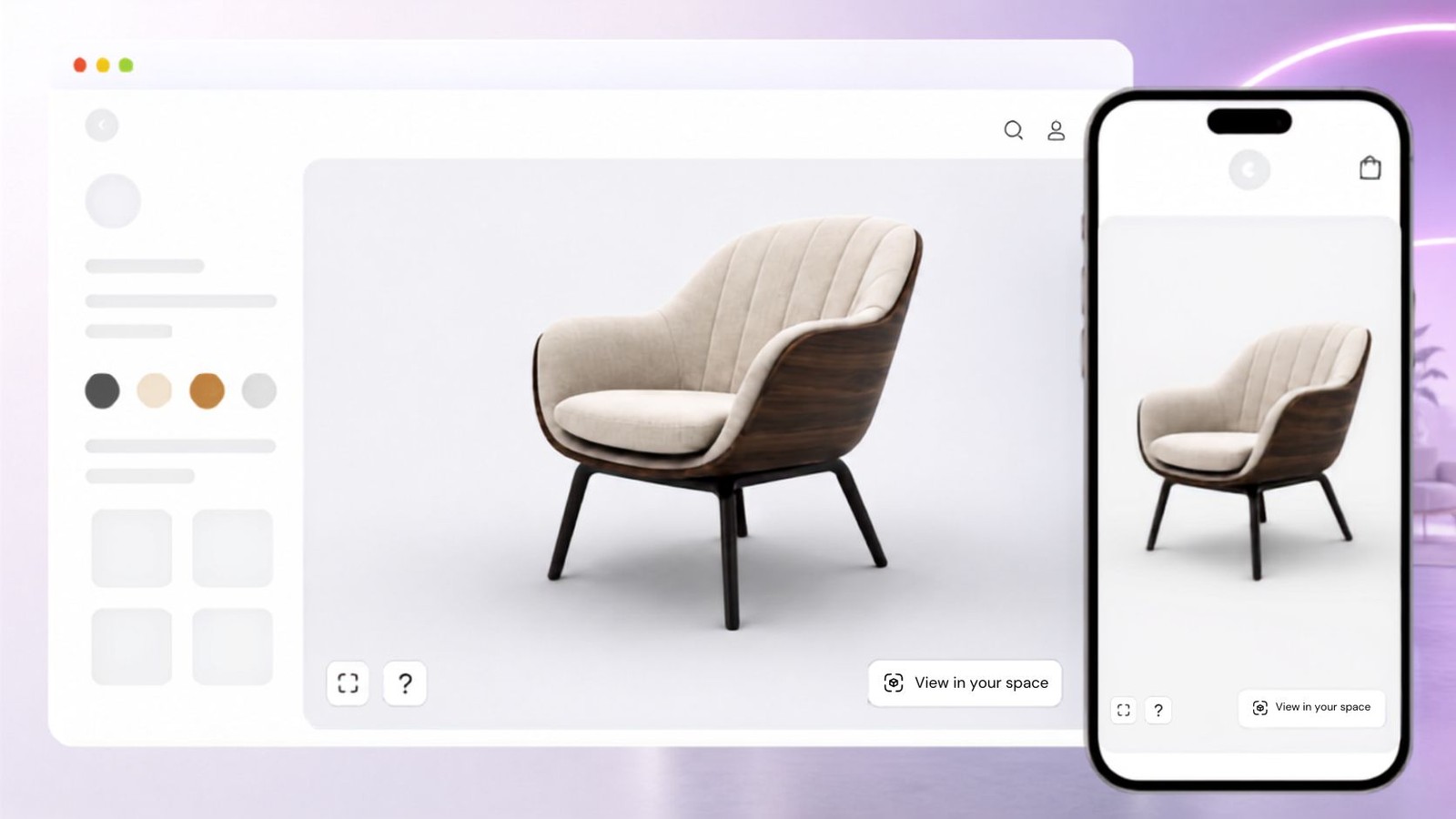
Use one responsive viewer to present furniture in 3D, extend the experience into AR, and embed it in the pages your buyers already use.


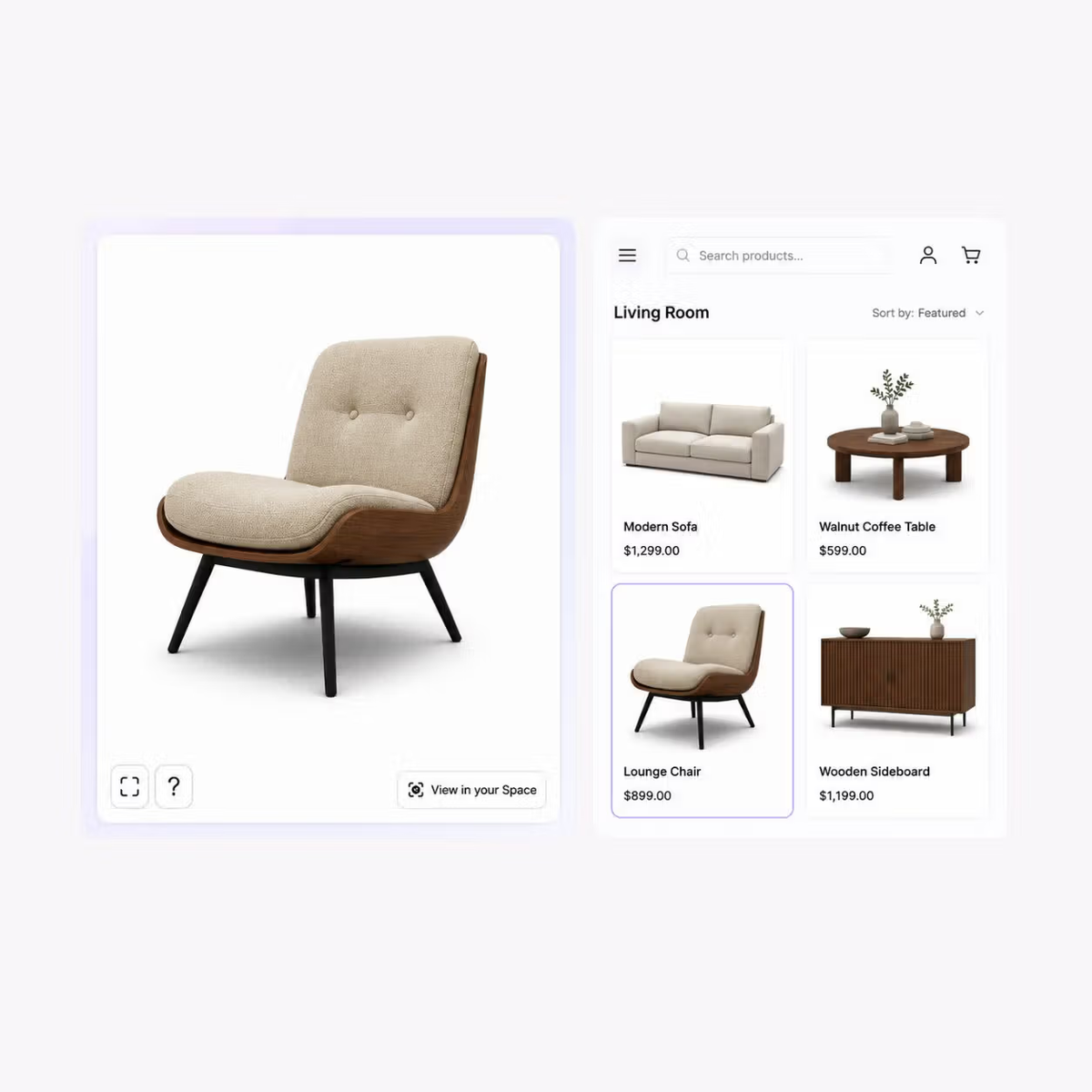
Let buyers rotate and zoom around a furniture model on phones, tablets, and desktop screens. Touch and mouse controls adapt to the device.
Give mobile shoppers an AR option from the 3D view, using WebAR, iOS Quick Look, or Android Scene Viewer on supported devices.
Add the viewer to a product page, landing page, website, or CMS with a SwiftXR embed snippet. The same project can also be shared as a standalone viewer.
Use SwiftXR as a standalone 3D viewer page, or embed a viewer on every product page in your catalog.
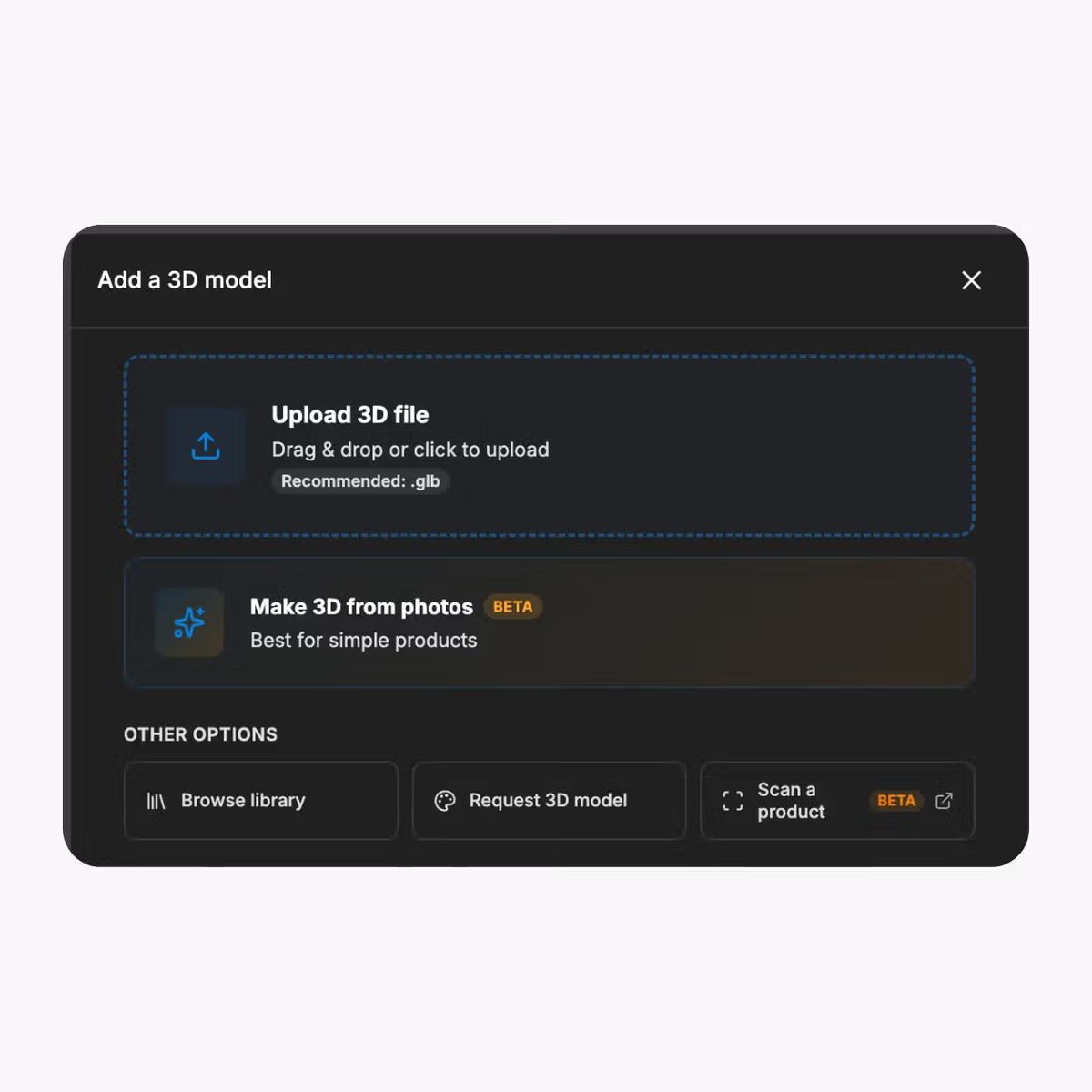
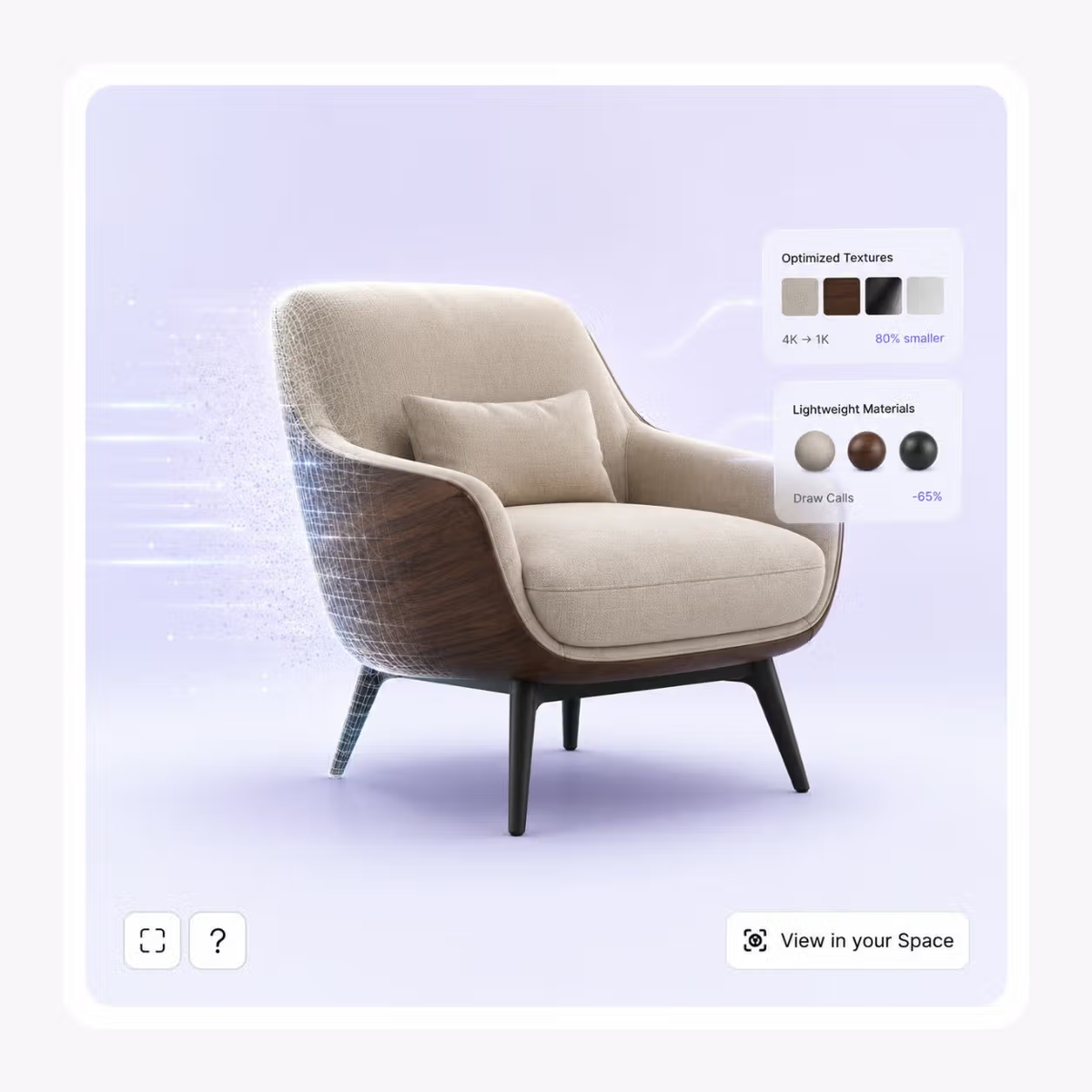
GLB, GLTF, OBJ, FBX, STL, DAE, and most CAD formats. Auto-optimized for the web on import.
Models are auto-compressed so the viewer loads fast and won't slow your site.
Upload, prepare, and embed the experience through one repeatable workflow.
01
Upload
Bring a supported 3D furniture file into SwiftXR. The viewer accepts GLB, GLTF, OBJ, FBX, STL, DAE, and most CAD formats.
02
Prepare the presentation
Review the model and choose how buyers should encounter it in 3D and AR.
03
Embed or share
Paste the SwiftXR snippet into a product page or share the standalone viewer with buyers, dealers, or project teams.
Rotate and zoom around the chair, then use the AR option on a supported mobile device.
Use the same approved furniture model on customer-facing product pages, standalone viewer links, and internal or partner presentations.
Online furniture retail
Add an interactive viewer to furniture product pages so shoppers can inspect the product in 3D and open AR where supported.
Furniture manufacturers
Present chairs, tables, storage, lighting, and other product ranges through a consistent viewer across your website and catalogue workflows.
Made-to-order collections
Use interactive 3D presentation for products with approved materials, finishes, or components, and connect the experience to a structured configuration workflow where needed.
B2B sales and showrooms
Share standalone product viewers with dealers, specifiers, project teams, and buyers through a browser-based link.
What to know before getting started with SwiftXR.
SwiftXR projects are lightweight, interactive experiences that you can create, share, and embed on your website. No prior 3D or immersive development experience is needed.
Platform credits are the unit of usage on SwiftXR. Each interaction with a 3D or AR experience consumes credits based on complexity and duration.
No. You can update your projects as many times as you want without any extra charges.
A project view is counted each time a unique session loads and interacts with your SwiftXR experience.
If you exceed your plan's included views, additional usage is billed at your plan's overage rate.
Yes. SwiftXR supports multiple 3D objects, hotspots, animations, and AR triggers within a single project.
What our customers say.
See how brands use SwiftXR to help customers understand products before they buy.
Retail (air treatment products)
DUUX
Retail (automated laundry racks)
GoodLiving
Real Estate
Cozy Homeva
Manufacturing
TopMetalPro
Furniture
Taeillo Nigeria
Cast Stone Fireplaces
ARCH Casting, Co.
Wooden House Construction
Ebat Yapı ve Ahşap Sanatları
3D Construction Printing
Versarien Construction
Signage & Environmental Graphics
Clark Technical Design
Central Salone
E Commerce
Central Salone
Art
SlickcityPrintsAfrica