September 17, 2026
·5 min readApp-Free / Web-Based Virtual Try-On

Otuokon Nsikak
Most shoppers will not install an app to decide on one product.
That single fact decides whether virtual try-on becomes a conversion tool or a abandoned feature. If the experience asks for a download, a new account, or a trip outside the product page, a large share of buyers never complete it.
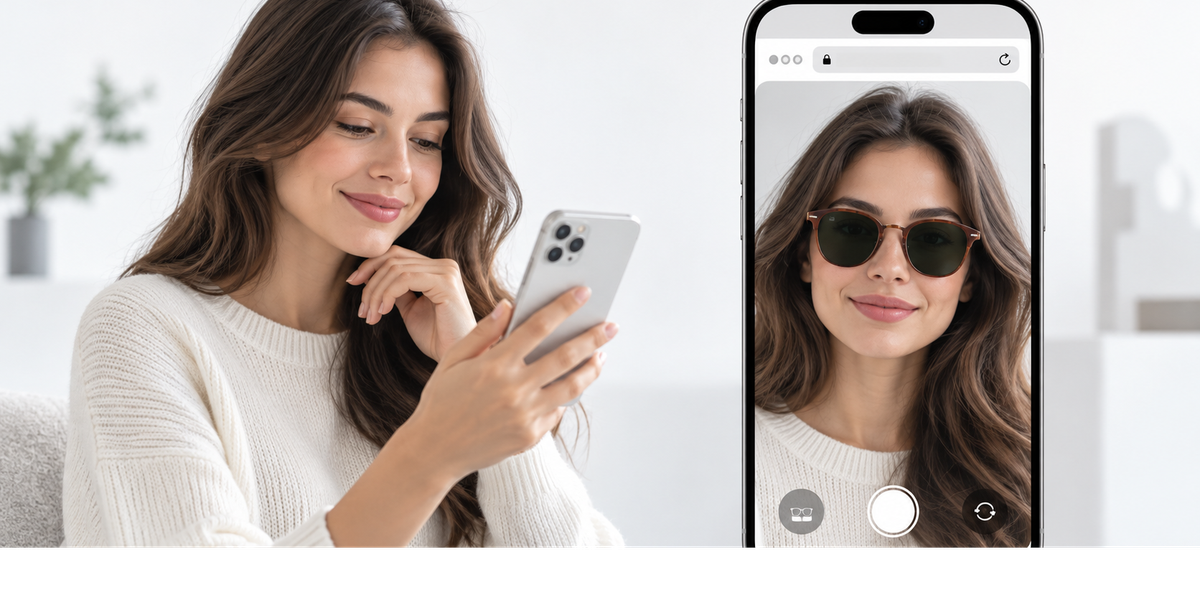
App-free, web-based virtual try-on removes that barrier. The shopper stays in the browser, sees the product on themselves, and continues buying from the same page.
What app-free virtual try-on means
App-free virtual try-on runs in a mobile or desktop browser. No App Store step. No Play Store step. No extra install before the shopper can see a result.
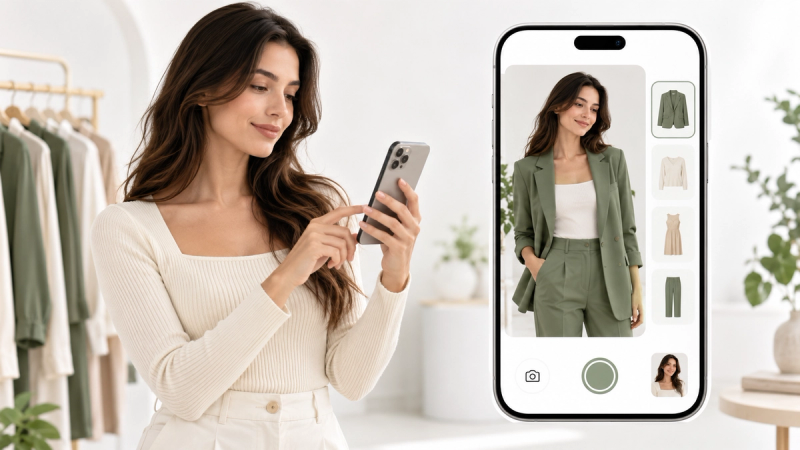
In practice, a web-based flow looks like this:
Shopper opens your product page
They launch try-on in the browser
They upload or capture a photo, or use a supported camera flow
They see the product on themselves
They return to the buying decision without leaving your store
That is the standard ecommerce teams should demand.
Why app-based try-on loses shoppers
App-based try-on can look impressive in a controlled demo. On a live product page, it creates extra work:
- Download the app
- Wait for install
- Open a new environment
- Find the product again
- Complete try-on
- Return to the store to buy
Every extra step is a chance to drop off. On mobile, where attention is short and data or storage limits are real, those steps are costly.
Web-based try-on keeps the session intact. The shopper never has to decide whether the product is “worth an install.”
Why web-based try-on fits ecommerce better
It meets the shopper where they already are
Your product page is the decision surface. Try-on should support that surface, not compete with it.
It protects mobile conversion
Most store traffic is mobile. Browser-based try-on is built for that reality.
It is easier to maintain
Teams can publish and update experiences through a platform workflow instead of managing app-release cycles for every improvement.
It lowers the trust barrier
Asking for an app install from a store the shopper just met creates hesitation. A browser experience feels lighter and more immediate.
It works across campaigns and pages
The same web-based experience can live on product pages, collection pages, landing pages, and shared links without forcing a single distribution channel through an app store.
What good app-free try-on needs to get right
Being web-based is not enough on its own. The experience still has to work commercially.
Fast result
If the try-on takes too long, shoppers leave.
Clear product-page placement
Try-on should be obvious without overwhelming the page.
Clean mobile performance
The flow has to hold up on ordinary phones, not only flagship devices on Wi-Fi.
Easy merchant control
Your team should be able to enable products and update them without a developer for every change.
A path back to purchase
After the preview, the shopper needs a direct route to variant selection and add to cart.
Where SwiftXR fits
SwiftXR is built for browser-based immersive commerce, including app-free virtual try-on.
With SwiftXR, shoppers can use AI Photo Try-On in the browser: upload or snap a photo, see the product on themselves, and continue shopping without installing anything. Merchants publish the experience to product pages and supported storefronts through a no-code workflow.
That combination is the point:
- No app for the customer
- No custom build for every product update
- Try-on where the purchase decision already happens
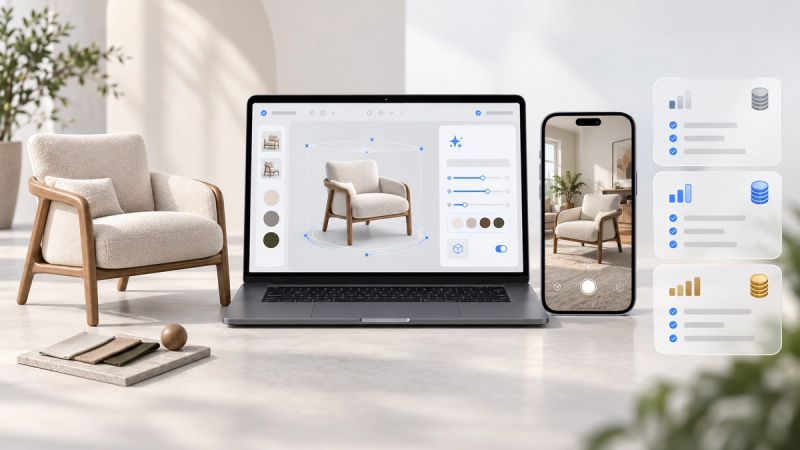
SwiftXR also supports wider product experiences in the same platform, such as interactive 3D and AR placement, so brands are not forced into a stack of disconnected tools when shoppers need more than one kind of confidence.
App-free try-on vs in-store energy
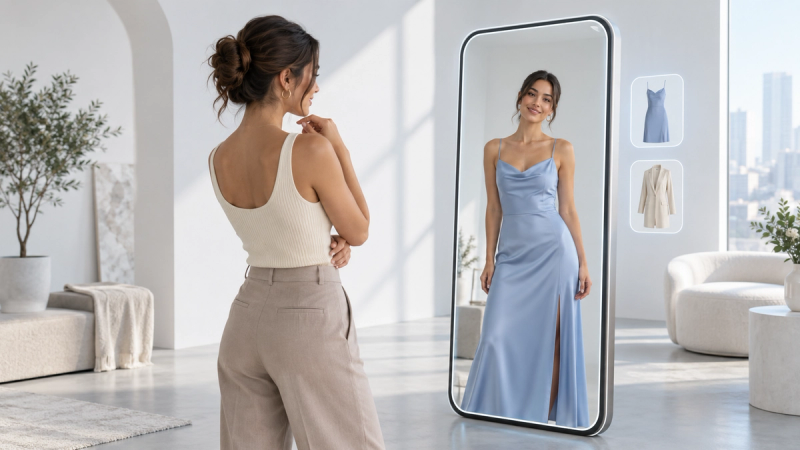
A physical fitting room works because the feedback is immediate. Web-based try-on cannot replace fabric hand-feel or full sizing nuance, but it can restore one critical part of that process: personal visual context.
The shopper stops guessing from model photos alone. They see the product in relation to themselves. That is often enough to move a hesitant browser into a decision.
Which products benefit most
App-free try-on is especially useful for:
- Apparel
- Footwear
- Headwear
- Outerwear
- Accessories judged by appearance on the body
If the main buying doubt is “how will this look on me,” web-based try-on belongs on the page.
If the product is purely technical and appearance is irrelevant, prioritise other product-page tools first.
How to roll it out without wasting the launch
Choose a small set of high-doubt products.
Enable web-based try-on on those pages only.
Test the full path on mobile.
Measure opens, completions, and continuation to cart.
Expand only after the flow is stable.
A controlled pilot beats a catalogue-wide switch-on that nobody maintains.
The practical standard
In ecommerce, the winning try-on experience is not the one with the most technical complexity.
It is the one a shopper will actually finish.
That usually means:
- Web-based
- App-free
- Product-page native
- Fast enough for mobile
- Simple enough for your team to run
SwiftXR is built around that standard: virtual try-on in the browser, published where you sell, with no app download required.
Try SwiftXR app-free virtual try-on →
Frequently Asked Questions
What is app-free virtual try-on?
It is virtual try-on that runs in a web browser, so shoppers can preview a product on themselves without downloading an app.
Is web-based try-on as effective as app-based try-on?
For ecommerce, it is often more effective because more shoppers complete it. A perfect demo that people never open does not help conversion.
Does web-based try-on work on both iPhone and Android?
Yes. Browser-based experiences are designed to work across modern mobile browsers.
Can my team manage this without developers?
Yes, when the platform is no-code. SwiftXR is built so ecommerce teams can enable and update product experiences without a custom development cycle for every change.
Should app-free try-on replace product photos?
No. Keep your photos and product details. Try-on adds personal context that static media cannot provide on its own.