Blog
October 20, 2026
·7 min readWhere AR Furniture Previews Actually Drive Add-to-Cart

Otuokon Nsikak
Furniture is one of the hardest categories to sell online for a simple reason.
Shoppers are not only buying an object. They are buying how that object will live in a room they already know.
Photos can make a sofa look elegant.
They cannot answer the questions that stall the purchase:
- Will this fit the wall?
- Is it larger than I think?
- Does it overpower the space?
- Does it work with what I already own?
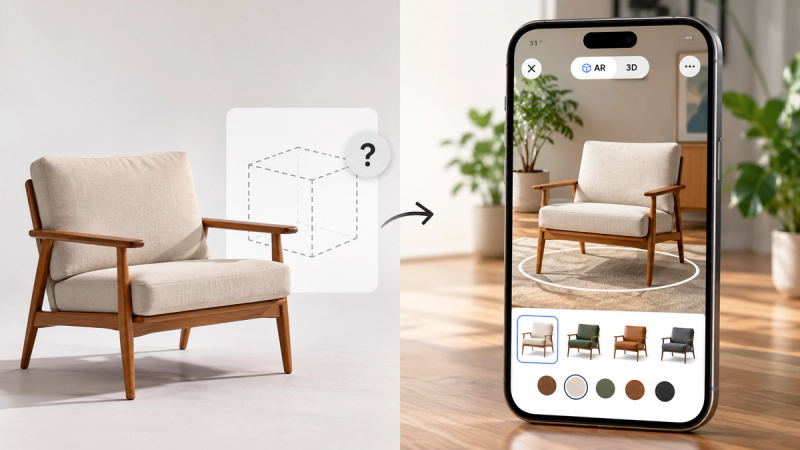
That is the gap AR furniture previews are meant to close.
Not by making the page more impressive.
By helping the shopper move from imagination to confirmation.
The real job of AR on a furniture page
An AR preview is useful when it answers a decision that photos leave open.
The strongest commercial job is usually scale and presence.
Shoppers do not need AR to admire fabric texture in every case.
They need AR when the risk of being wrong is expensive, visual, and hard to reverse.
That is why furniture is a natural fit:
- high average order value
- high return friction
- strong dependence on room context
- weak confidence from flat images alone
AR does not replace the product page.
It strengthens the moment where hesitation usually wins.
Where AR is most likely to help add-to-cart
AR is not equally useful on every SKU.
It tends to matter more when one or more of these are true.
1. Scale is the main source of doubt
Large sofas, dining tables, beds, storage units, and statement chairs create immediate size anxiety.
If the shopper’s first question is “Will this fit?”, AR has a clear job.
2. The product changes the room
A piece that dominates visual space benefits from in-room preview more than a small accessory does.
Think:
- sectional sofas
- armchairs with strong silhouettes
- console tables
- outdoor furniture
- sculptural lighting or fire features
When the product is meant to command a space, shoppers need to test that claim.
3. The buying decision is hard to reverse
Heavy, bulky, or custom-adjacent furniture makes returns painful.
The higher the cost of being wrong, the more valuable a confidence tool becomes before checkout.
4. Mobile is where the decision happens
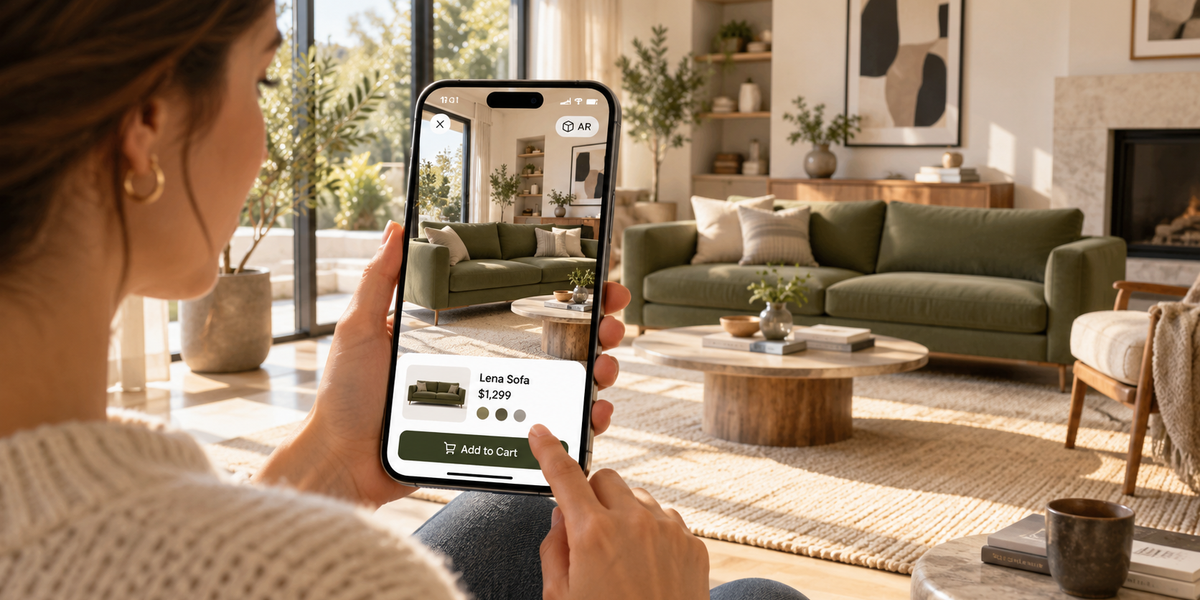
Many furniture shoppers browse on their phone, often while standing in the actual room.
If AR opens in the browser without an app, that moment becomes usable.
If it requires downloads or friction, most people will not bother.
5. The page already has clean product information
AR works best as support, not rescue.
Dimensions, materials, and clear imagery still matter.
AR should confirm what the page is already saying, not compensate for missing basics.
Where AR is less likely to move the needle
Be honest about weak use cases; AR is less likely to drive add-to-cart when:
- the product is small and low-risk
- the shopper already knows the size category well
- the model quality is poor, or scale feels wrong
- launching AR takes too many steps
- the page is slow on mobile
- the product’s main uncertainty is fabric hand-feel, delivery timing, or price, not spatial fit
If the hesitation is not spatial, AR is the wrong tool for that SKU.
What “drive add-to-cart” actually means
A useful AR preview does not need to convert every visitor.
It needs to improve the path for people who were close but unsure.
The important signals are practical:
- How many shoppers launch AR?
- How many complete the placement?
- Do those shoppers continue toward cart more often?
- Do support questions about size drop?
- Do returns related to “not as expected” change over time?
Launch rate without completion is vanity.
Completion without commercial movement is incomplete.
Measure the journey, not only the novelty.
The product-page setup that supports buying behaviour
AR furniture previews work better when the experience is designed around the shopper, not the technology.
Make launch obvious
If the shopper has to hunt for the AR button, usage collapses.
Use clear language:
- View in your room
- See it in your space
- Preview at full scale
Keep it app-free
Browser-based AR removes a major barrier.
The moment someone has to install something, many will return to scrolling photos.
Protect mobile performance
A beautiful model that stalls on a phone is worse than no AR.
Keep the experience light enough to open quickly in real network conditions.
Support the preview with facts
Show dimensions near the experience.
Make materials easy to scan.
Do not force the shopper to leave AR and dig for basic information.
Start with the right default view
The first angle should communicate the product’s form immediately.
Confusion in the first two seconds reduces trust.
How to choose the first products for a pilot
Do not roll AR across the full catalogue first.
Start with 5 to 10 products where scale or presence creates real hesitation.
Strong pilot candidates:
- best-selling sofas with frequent size questions
- large tables
- statement chairs
- outdoor pieces
- products with higher return risk tied to “looked different in my room”
Weak first candidates:
- minor accessories
- products with weak source models
- items where AR adds little beyond the existing gallery
A focused pilot gives cleaner learning than a wide launch with no baseline.
What to test before you scale
Run the full mobile journey on real devices:
Open the product page
Find the AR launch
Place the product in a real room
Adjust position and view
Return to the page
Continue toward cart
Watch for friction:
- slow load
- unclear scale
- floating or sinking models
- hard-to-find controls
- broken path back to purchase
If the experience is impressive but interrupts buying, it is not commercially ready.
Where SwiftXR fits
SwiftXR is built for the publish-and-use layer of this problem.
Furniture brands do not only need a model.
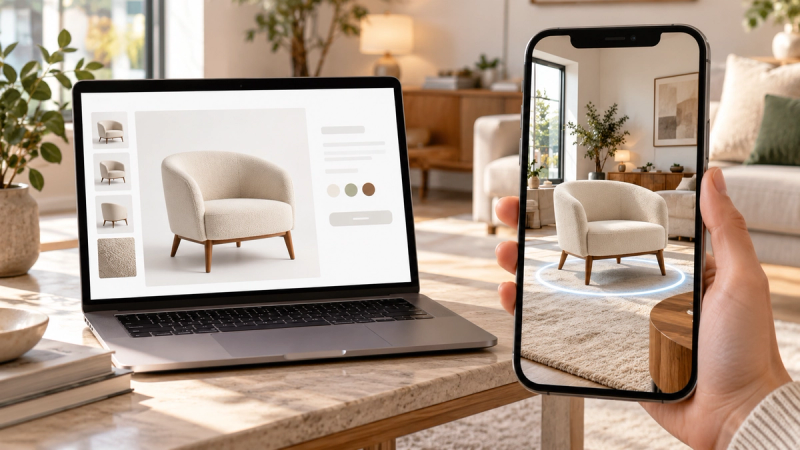
They need an experience shoppers can open on the product page, in the browser, without an app.
With SwiftXR, teams can:
- publish interactive 3D product views
- enable browser-based AR placement
- embed experiences on ecommerce pages
- run no-code setups for faster pilots
- keep the shopper inside the buying journey
The commercial point is not “we added AR.”
The commercial point is “shoppers can resolve scale and presence before they commit.”
Start free: https://swiftxr.io/users/signup
A practical way to judge success
After a pilot, ask four questions:
Did the right shoppers use it?
Did usage concentrate on high-hesitation products?
Did AR users show stronger progress toward cart or enquiry?
Did the experience reduce repeated size and fit questions?
If the answer is yes on the products that matter, expand.
If usage is low, fix launch clarity, mobile speed, or model quality before adding more SKUs.
If usage is high but commercial movement is flat, the experience may be interesting without answering the real objection.
Frequently asked questions
Does AR furniture preview always increase add-to-cart?
No. It helps most when scale, fit, or room presence is a major source of hesitation and the experience is easy to use on mobile.
Which furniture products benefit most?
Larger or more presence-driven pieces such as sofas, tables, beds, storage, outdoor furniture, and statement chairs.
Should AR replace product photos?
No. Photos still sell attention and style. AR supports confirmation.
Is app-based AR enough?
For ecommerce, browser-based AR is usually stronger because it keeps friction low on the product page.
How many products should we start with?
Five to ten high-hesitation SKUs is enough to learn before a wider rollout.
What matters more, model beauty or ease of use?
Both matter, but ease of use decides whether shoppers ever complete the experience. A stunning model that is hard to launch will not drive behaviour.
The point
AR furniture previews drive add-to-cart when they remove a real blocker in the buying decision.
That blocker is usually not a lack of inspiration.
It is a lack of certainty.
When shoppers can place the product in their own space, at a believable scale, without leaving the page or installing an app, the product page starts doing the work a showroom used to do.
Do not add AR everywhere.
Add it where doubt is already costing you the sale.
Publish the experience. Measure the journey. Expand from evidence.
Start free with SwiftXR: https://swiftxr.io/users/signup