Blog
August 24, 2026
·9 min readVirtual Showroom for B2B Sales: Build the Buyer Journey, Not Just the Room

Otuokon Nsikak
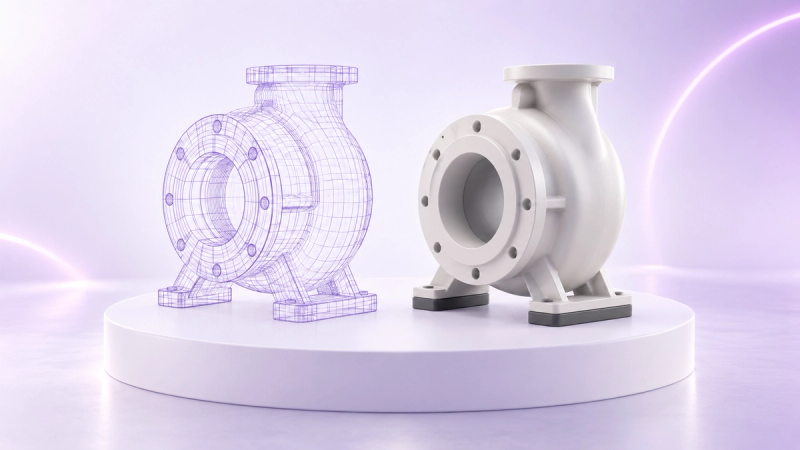
A useful B2B virtual showroom is a guided product-evaluation journey that happens in an interactive digital space. It should help a buyer understand the right products, find authoritative information, and continue to a clear commercial next step. A polished 3D room without those elements is a visual demonstration, not a sales tool.
That distinction matters for manufacturers, distributors, product marketers, and sales enablement teams. The project can look complete while the buyer still cannot answer practical questions about options, specifications, fit, availability, or who to contact. The room is not the product. The buyer task, product authority, and commercial handoff determine whether the showroom is useful.
SwiftXR can support an early browser-based pilot because its current platform lets teams work with 3D models, set lighting, hotspots, camera angles and Web VR paths, then publish a shareable link or embed an experience. Those capabilities provide the visual layer. The commercial journey around that layer still needs deliberate ownership.
What is a virtual showroom for B2B sales?
A virtual showroom is an online environment where a buyer can explore products or spaces through interactive media such as 3D models, virtual walkthroughs, product views, video, and linked information. In a B2B context, it can support remote product discovery, sales conversations, range presentations, and early technical evaluation.
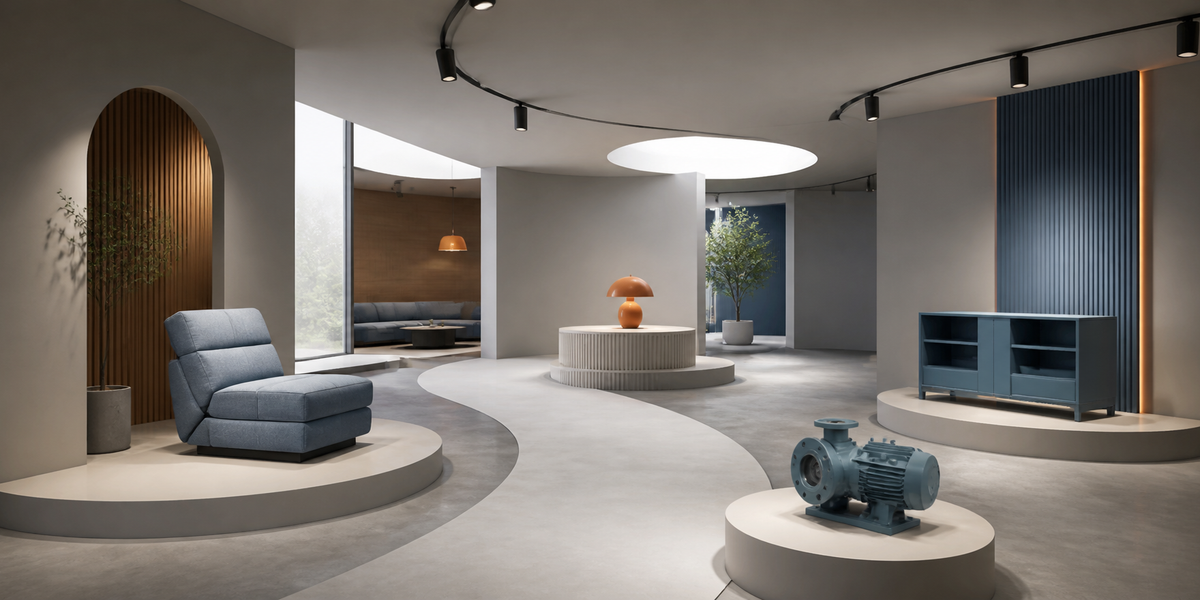
The format can be simple or spatial. One team may need a shared browser link with several guided product zones. Another may need an embedded experience on an existing product or campaign page. A third may use a Web VR walkthrough to explain how products relate inside a space.
The format is secondary to the buyer task. Before choosing a room layout, define what the buyer should understand or decide. For example:
- identify the relevant product family;
- inspect scale, materials, components, or approved variants;
- understand how several products work together;
- compare visible options without treating the visual as an ordering system;
- open a specification, enquiry, or meeting route; or
- share the same approved experience with another stakeholder.
If the task is unclear, the team cannot judge whether the showroom works.
Why room-first virtual showroom projects fail
Room-first scope starts with architecture, atmosphere, and navigation. It asks what the entrance should look like, how many display zones are needed, and which visual effects will make the experience feel impressive.
Those choices matter later. They are weak starting points because they do not establish why a buyer entered the showroom.
A visually rich experience can still fail the commercial test when:
- the products are generic or out of date;
- product labels do not match the authoritative catalogue;
- important specifications exist only inside the 3D scene;
- a buyer reaches a product but cannot continue to an enquiry or sales conversation;
- sales teams cannot explain which revision is live;
- the experience has no useful fallback for an unsupported device or input method; or
- analytics record movement without connecting it to a defined buyer task.
The better sequence is buyer task, product evidence, commercial handoff, delivery route, then spatial design.
Start with one buyer and one decision
Avoid designing for every visitor at once. A procurement lead, a design consultant, a distributor, and an end customer may need different information and different next steps.
Write a short pilot statement:
> A defined buyer will use the showroom to evaluate a representative product set, confirm the information needed for the next buying stage, and continue to an approved commercial route.
Then make each part specific.
Define the buyer
Record the buyer role, market, device context, product knowledge, and buying stage. A technical buyer may need dimensions, materials, compatibility, and revision evidence. A commercial buyer may need range context, approved options, and a route to a sales representative.
Define the decision
State what should be possible after the visit. The decision might be to shortlist a product family, request a configured proposal, book a demonstration, or share an approved product view with another stakeholder.
Define the evidence
List the information the buyer must trust. That can include product names, dimensions, materials, option boundaries, supporting documents, and the owner of each fact. Do not rely on the visual model to carry every specification.
Keep authoritative product information outside the scene
Interactive 3D can make a complex product easier to understand, but it should not become the only source of essential information.
Keep authoritative facts in the system and page layer that owns them. Depending on the product, that may include:
- product and variant identifiers;
- approved dimensions and units;
- material names and finish options;
- compatibility or installation requirements;
- included and excluded components;
- market-specific availability;
- safety or compliance information; and
- the current enquiry, quote, or ordering route.
Use the showroom to create context and guided inspection. Use the authoritative product record to confirm the facts.
This boundary is especially important when a visual option is not connected to live price, stock, eligibility, or ordering data. Show only approved visual states, label the limitation clearly, and direct the buyer to the system that owns the commercial result.
Design the route around buyer questions
A useful showroom should not require a buyer to wander until something relevant appears. Build a route that reflects the questions buyers ask.
Give each product zone a purpose
A zone might help a buyer compare product families, inspect a component, understand scale, or see how items work together. Use a short introduction and a clear next action. Avoid decorative areas that do not help the evaluation.
Use guidance without removing control
Camera paths, hotspots, controlled views, and short prompts can draw attention to important details. Buyers should still be able to pause, revisit a product, and reach an equivalent information route outside the walkthrough.
Make the handoff visible
Decide where the buyer can request a meeting, open a product page, download an approved document, or continue to a quote process. Test the handoff from the same browser, page, and device used for the showroom.
Provide an accessible alternative
An interactive room should not trap essential information inside a visual or pointer-led experience. W3C guidance requires meaningful text alternatives for non-text content and keyboard operability for functionality, subject to defined exceptions. Provide structured page content, clear links, and an equivalent route to the product and next step.
Choose the delivery model that fits the sales motion
The showroom does not need to be a separate destination in every case.
Use a shareable browser link when a sales rep needs a controlled experience for meetings, messages, or follow-up. Use an embed when the buyer should move from an existing website or campaign page into the interactive layer without losing page context. Use a more spatial Web VR walkthrough when relationships between products, rooms, or zones are part of the explanation.
SwiftXR currently supports a visual editor for 3D, AR, and Web VR experiences, including hotspots, camera angles, Web VR paths, shareable links, and website embeds. A pilot can therefore test more than appearance. It can test the actual route from invitation to product understanding and commercial handoff.
The platform does not decide which product facts are authoritative, who approves a revision, or how a lead moves through the sales process. Assign those responsibilities before launch.
Run a representative pilot
Choose a small product set that exposes the real sales challenge. Do not choose only the easiest models if the eventual portfolio contains difficult scale, material, option, or component decisions.
For the pilot, record:
- the buyer and buying stage;
- the product set and approved model revisions;
- the questions each zone should answer;
- the authoritative source for every displayed fact;
- the intended entry point and device coverage;
- the fallback and equivalent information route;
- the commercial handoff;
- the owners for content, models, page, sales follow-up, and release; and
- the evidence required for approval.
Test with representative users. Observe whether they can identify the right product, find the required information, recover from a wrong turn, use the experience with the intended input methods, and reach the next step.
Hold wider rollout when product authority, accessibility, device coverage, ownership, or handoff remains unresolved.
Measure the journey, not the novelty
Experience analytics can help a team diagnose whether the intended route is being used. SwiftXR currently presents views, engagement, and interactions in its platform and business analytics materials.
Define event meaning before reporting. A visit to a zone may show that the zone was reached. It does not prove that the buyer understood the product or advanced a deal. A hotspot interaction may show interest. It does not establish commercial impact on its own.
Connect measurement to the pilot questions:
- Did invited buyers open the experience?
- Did they reach the representative product zones?
- Which information or controls were used?
- Did the intended product, meeting, or enquiry handoff open?
- Where did buyers stop or need help?
Use those signals alongside sales feedback and observed user testing. Do not invent a revenue, conversion, engagement, or time-saving claim from an interaction count.
The release test for a B2B virtual showroom
Release the pilot only when the team can answer yes to these questions:
1. Is the buyer and intended decision explicit? 2. Does every product zone answer a useful buyer question? 3. Are product facts current and owned outside the visual scene? 4. Can buyers reach an equivalent information route without relying on the walkthrough? 5. Is the sales or enquiry handoff visible and tested? 6. Are model, content, page, and release owners named? 7. Can the team identify the exact revision that is live? 8. Does the measurement plan describe diagnostic signals without overstating results?
If those controls pass, spatial design can strengthen the experience. If they fail, adding more visual polish will not repair the sales journey.
SwiftXR gives teams a practical browser-based route for building and publishing the visual layer. Explore the SwiftXR platform, review the 3D model viewer, or book a demo to scope a representative B2B virtual showroom pilot.