Blog
September 18, 2026
·9 min read5 Product Configurator Examples and the Buyer Task Each One Solves

Otuokon Nsikak

The most useful product configurator examples do more than make a product look impressive. They help a buyer complete a defined task: choose a valid combination, understand a visible difference, plan a modular product, or carry a selection into the next commercial step.
That distinction matters for ecommerce, product marketing, and B2B sales teams. A beautiful configurator can still fail if nobody agrees what it should help the buyer decide, what data it can trust, or what happens after the selection.
We reviewed five current public examples across furniture, storage, commercial vehicles, passenger vehicles, and browser-based 3D. This is not a ranking. Each example represents a different scope. The lesson is to borrow the interaction pattern that fits your buyer task, not the surface treatment that looks most dramatic.
SwiftXR's point of view is simple: begin with the buyer question and the required handoff. Then choose the smallest useful level of visual configuration that can answer the question and remain accurate over time.
How these configurator examples were selected
The examples were checked on 16 September 2026 using current official pages. Each one had to meet four criteria:
- A buyer can make or plan a meaningful product choice.
- The public experience shows a distinct configuration pattern.
- The official source explains enough of the workflow to identify what the pattern is for.
- The example offers a practical lesson without assuming that its technology, catalogue, or commercial systems match another business.
We did not score conversion, revenue, or return reduction because the public pages do not provide comparable evidence for those outcomes. We also did not treat every visual choice as proof of rules-based configuration, pricing, stock, ordering, or manufacturing output.
The five examples at a glance
- IKEA PLATSA Planner: best for studying modular planning and a product list.
- Vitra 3D Configurator: best for studying finish and component choices around a defined product family.
- Scania Truck Configurator: best for studying a high-consideration B2B product with many visible choices.
- BMW UK Configurator: best for studying how configuration sits inside a wider model and offer journey.
- SwiftXR 3D Product Configurator: best for studying a browser-based visual configurator that can be shared or embedded.
These labels describe the public interaction pattern, not an overall product recommendation.
1. IKEA PLATSA Planner: configure a modular system, not one fixed object
IKEA describes PLATSA as a 3D planner for trying combinations and understanding the functions of a storage solution. Its wider planning guidance also says designs can be viewed in 3D and produce a detailed product list.
The important buyer task is assembly of a system. A customer is not merely changing the colour of one cabinet. They are planning a combination of frames, doors, internal elements, and available space.
What a B2B team should study:
- The configuration has a clear product family boundary.
- Choices build towards a defined arrangement rather than an isolated visual state.
- The output connects the visual plan to a list that can support the next buying step.
- Spatial context matters because the result must fit a real location.
The limitation to remember is that a room or storage planner is not a universal template for every configurable product. It depends on maintained product dimensions, available components, compatibility rules, and commercial records. A simpler finish selector should not inherit that complexity unless the buyer genuinely needs it.
2. Vitra 3D Configurator: keep choices close to the product
Vitra's official product pages identify a 3D Configurator for selected chair families. The public experience sits alongside product information, colours, materials, dimensions, and other maintained buying evidence.
The buyer task is narrower than a room planner. It is about understanding how approved components and finishes change a recognisable product. The experience works because the product family already has a clear identity and the choices remain connected to it.
What a B2B team should study:
- The configurator starts from a specific product family.
- Visible choices remain close to supporting product information.
- Materials and components are presented as controlled options, not an unlimited design canvas.
- The buyer can move between visual exploration and ordinary product evidence.
The practical lesson is to resist adding controls that do not change the buying decision. A finish selector earns its place when seeing the combination reduces uncertainty. It should not become a substitute for dimensions, material specifications, care guidance, or availability data.
3. Scania Truck Configurator: make a complex B2B product understandable
Scania maintains a public Truck Configurator, and its official configurator material describes the purpose as designing a Scania truck in 3D.
This is a high-consideration B2B pattern. The product has visible and operational complexity, and the buyer may need to understand a vehicle as a combination rather than a single stock image.
What a B2B team should study:
- A complex product can be divided into manageable choice groups.
- The visual state helps the buyer maintain context while moving through the configuration.
- The experience supports a considered sales conversation rather than pretending every decision is self-service.
- The product remains recognisable while meaningful parts of the specification change.
The limitation is equally important. A visible truck configuration does not, by itself, prove technical compatibility, homologation, price, delivery, or order readiness. Those facts need maintained sources and explicit handoffs. For any industrial configurator, name which system owns each rule before promising an end-to-end result.
4. BMW UK Configurator: connect configuration to the wider commercial journey
The official BMW UK configurator begins with model selection and moves into a build-and-price journey. It also sits beside comparison, vehicle search, offers, and contact routes.
The buyer task is not only to make the vehicle look right. It is to narrow a model, understand available choices in a market, and continue towards a commercial conversation or purchase route.
What a B2B team should study:
- The configuration begins inside a wider product taxonomy.
- The buyer can move between model discovery, comparison, configuration, and the next commercial action.
- Market-specific information is presented as maintained page content rather than being baked into a generic visual asset.
- The experience preserves the selected product context while the buyer explores options.
Do not copy the apparent depth of an automotive configurator without copying its operating discipline. Vehicle ranges, options, market rules, imagery, pricing, and offers change. A team needs owners for every source and a reliable way to retire invalid combinations. The attractive visual layer is only one part of that system.
5. SwiftXR 3D Product Configurator: test a visual configuration layer in the browser
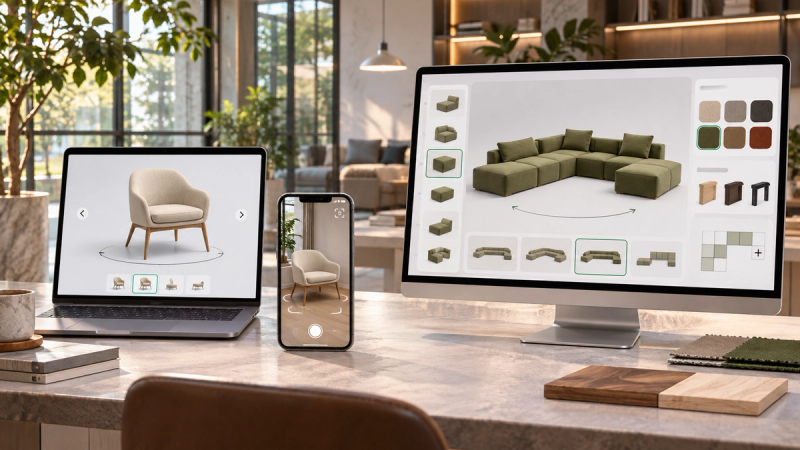
The current SwiftXR 3D Product Configurator supports real-time colour, material, and finish changes in a browser-based interactive experience. SwiftXR also documents sharing, website embedding, supported 3D and AR presentation, and analytics for published experiences.
The buyer task is visual evaluation. A visitor can inspect a product and see supported visible options change without the project team building a rendering and publishing engine from the ground up.
What a B2B team should study:
- Start with one representative product and a small approved option set.
- Use visual configuration for choices the buyer benefits from seeing.
- Keep product labels, prices, stock, lead times, and other volatile facts in maintained systems.
- Define whether the next action is add to cart, request a quote, save, share, or contact sales.
SwiftXR belongs in this list as a platform example, not as evidence that every catalogue needs the same scope. Its supported visual configuration model should be tested against the real product, assets, devices, website, accessibility requirements, and downstream handoff. Complex engineering rules or commercial approvals may still belong in product, commerce, CPQ, CRM, or ERP systems.
What the examples have in common
Across the five experiences, the useful pattern is not more options. It is a clearer relationship between the buyer task, the visible state, and the next step.
Strong configurator briefs answer these questions:
- Who is configuring the product and in what buying context?
- Which choices are visible, and which are factual but not visual?
- Which combinations are permitted?
- What maintained source owns every label, rule, price, and identifier?
- What should the buyer do after making a selection?
- What happens when an option, asset, or connected system is unavailable?
- Who approves a change after launch?
The examples also show different levels of configuration. A finish selector, modular planner, vehicle builder, and visual product configurator are not interchangeable. Ask suppliers to demonstrate the exact buyer task with a representative product rather than presenting a feature list.
Choose the smallest configurator that solves the real problem
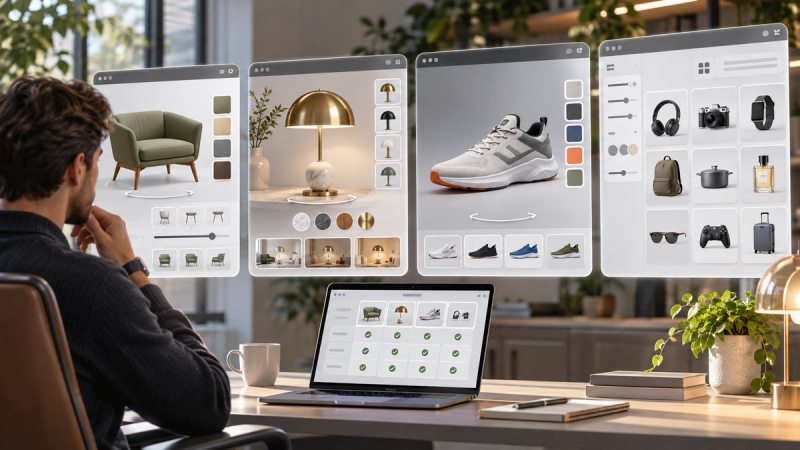
Begin with one unresolved buyer question. If the person only needs another viewing angle, a 3D product viewer may be enough. If they need to compare visible finishes, a controlled visual configurator may be appropriate. If dimensions, dependencies, or modules change, the project needs stronger product rules. If price, approval, and formal quotes matter, define the CPQ or commercial-system boundary.
Then write a test pack with one normal path, one invalid combination, one changed or unavailable option, one mobile device, one fallback, and the intended next action. The project is ready to expand only when the team can maintain the result as reliably as it can demonstrate it.
The right example to follow is the one whose buyer task resembles yours. The right implementation is the one your team can keep accurate after the launch presentation is over.
Common questions
What is a product configurator example?
A useful example shows how a buyer or salesperson changes a product within an approved scope, understands the result, and continues to a defined next step. It should reveal the choices, rules, evidence, and handoff, not only an attractive product image.
Does every product configurator need 3D?
No. Use 3D when free-angle inspection, spatial context, or visible combinations materially help the buyer. A simpler visual or form-based configurator can be more appropriate when the decision does not depend on an explorable model.
Should a configurator include pricing?
Only when the implementation has a maintained and authorised price source. A visual layer should not invent or preserve stale prices. If pricing is complex, account-specific, or approval-dependent, define the boundary with commerce or CPQ systems.
What should we bring to a configurator demo?
Bring one representative product, an approved option list, the real buyer question, the intended next action, and the systems that own changing facts. That turns a generic demonstration into a useful scope test.
Book a SwiftXR demo to test one representative product and a controlled set of visible options before planning a wider rollout.