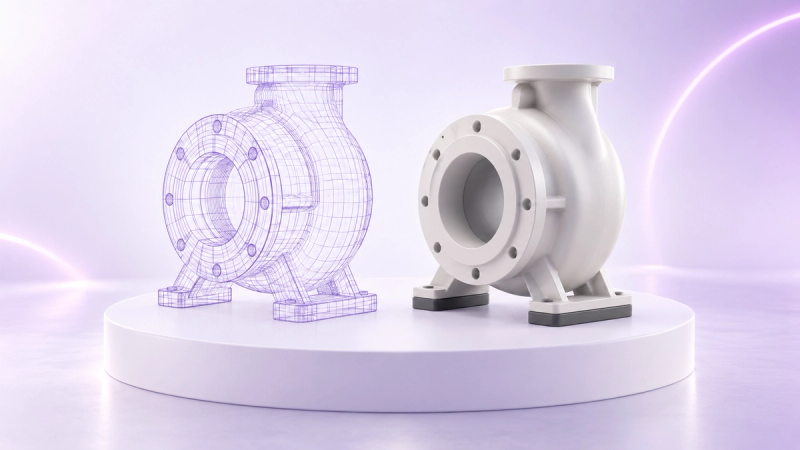
Blog
August 13, 2026
·6 min readLuma AI 3D Capture: The Complete Guide to Scanning, Exporting, and Publishing 3D Models in 2026

Otuokon Nsikak
If you've searched for Luma 3D capture, chances are you've landed on a dozen different pages that each answer half your question. This guide is built to answer all of it in one place: what Luma AI actually is, how the scanning process works, which devices support it, what you get when you export, and how to turn that scan into something people can actually interact with online.
But before the technical walkthrough, here is the commercial reality this guide is built around.
Every day, online shoppers make purchasing decisions based on images that cannot fully communicate what a product actually looks, feels, or fits like. That gap between what a buyer sees and what they trust is where hesitation lives, and hesitation is where sales die. 3D capture changes that equation. A product that can be rotated, inspected from every angle, and placed in a buyer's real space via AR is a product that sells with less doubt and returns with less frequency. This guide shows you how to get there.
What Is Luma AI's 3D Capture?
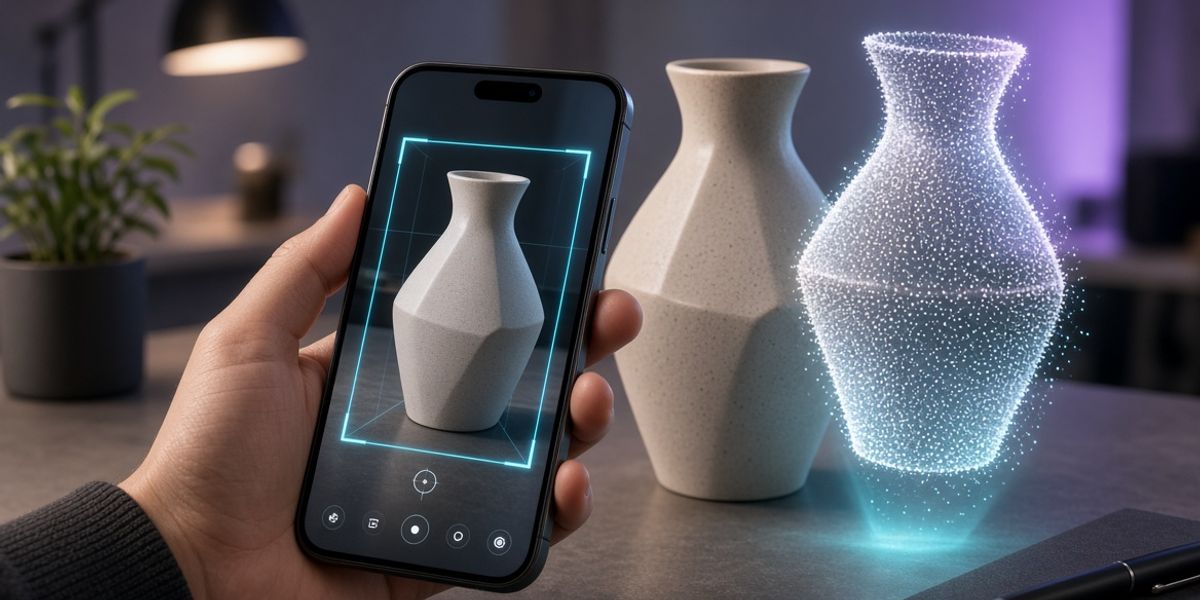
Luma AI is the company behind Luma 3D Capture, a mobile app that uses photogrammetry to turn real-world objects into 3D models. Instead of building a model from scratch in 3D software, you capture a series of images or video around an object, and Luma reconstructs it into a digital 3D asset using AI-powered reconstruction.
It is an independent, official tool from Luma AI, Inc., not built by SwiftXR. This guide bridges the gap between the two: scan your object with Luma, then bring it to life on the web with SwiftXR's no-code 3D and AR publishing platform.
Is Luma 3D Capture Available on Android or iPhone?
Luma 3D Capture is currently iOS only, available through the Apple App Store on iPhone. There is no official Android version at this time.
If you are on Android and need a comparable scanning workflow, alternatives like Kiri Engine support both platforms, and the resulting model can be brought into SwiftXR through the same publishing process described below.
How Photogrammetry Powers Luma's 3D Scanning
Photogrammetry is the underlying technique that makes Luma 3D Capture work. It reconstructs a 3D object from a series of 2D photos or video frames, using overlapping images to calculate depth, geometry, and surface detail. It is the same principle used in professional 3D scanning equipment, made accessible through a phone camera and AI processing.
This is different from AI generation tools like text-to-3D or image-to-3D generators, which create a 3D model from a written prompt or a single photo rather than a real, physically scanned object.
The distinction matters commercially. If your goal is an accurate digital twin of something real, a product you sell, a space you want customers to explore, or an object you need to present with full fidelity, photogrammetry-based capture is the right tool. If your goal is a stylised or imagined 3D asset from a text prompt, that is a different product entirely.
How to Scan an Object with Luma 3D Capture
Getting a clean scan comes down to preparation and movement. Each step below matters for the quality of the final model.
Set up your environment. Position your object on a flat surface with even lighting. Avoid harsh shadows and reflective surfaces. Both confuse the scan and produce gaps in the final model that are difficult to recover.
Place the bounding box. Start the scan and use the bounding box to frame your object tightly. This tells Luma exactly what to reconstruct and keeps the processing focused on what matters.
Capture the loops. Move your camera in parallel passes around the object, covering it from multiple heights and angles. The goal is complete coverage with significant overlap between frames. Rushing this step is the most common reason scans come out incomplete.
Name and export. Once the scan is processed, name your file clearly and export in the format that fits your next step.
Exporting Your Luma 3D Model: STL, OBJ, GLB, and FBX Explained
Once your scan is done, Luma lets you export in several formats. The right one depends entirely on what you are doing next.
OBJ is broadly supported across most 3D software and works well if you plan to edit the model before publishing.
GLB is the format built for the web. It is fast-loading, compact, and ideal for browser-based 3D viewers and AR experiences. For publishing on SwiftXR, this is the format to use.
STL is the standard for 3D printing. If your end goal is a physical output rather than a digital one, this is your format.
FBX is better suited for game engines like Unity or Unreal. If the model is heading into a real-time game or simulation environment, export here.
For most e-commerce and web publishing use cases, export as GLB and move straight to SwiftXR.
From Scan to Interactive Experience: Publishing with SwiftXR
A 3D model sitting in a file is not doing anything for your business. The value is in what happens after the export.
Once you have your Luma scan, SwiftXR turns it into something customers can actually interact with. Publish it as a browser-based 3D viewer with no app required. Enable AR placement so shoppers can view the product in their own space through a phone camera. Embed it directly into a product page, portfolio, or digital catalogue. Add hotspots, labels, and interactive elements without writing a single line of code.
This is where photogrammetry stops being a capture technique and becomes a commercial tool. A customer who can rotate your product, inspect its finish up close, and place it in their own room before buying is a customer who buys with confidence and returns with far less frequency. That is the business case for 3D capture, and SwiftXR is where that case gets made.
Luma 3D Capture vs. AI Generation Tools
Luma AI also offers generative tools including text-to-3D and image-to-3D, which is a common source of confusion. If you searched for "Luma AI 3D from image" or "Luma AI text to 3D" expecting the same workflow as 3D Capture, know that these are different products. One scans a real object. The other generates a 3D asset from a prompt or reference image. Both can produce a usable 3D model, but the process, accuracy, and use case are different.
For brands presenting real products to real buyers, photogrammetry-based capture is the more commercially valuable path. The model it produces is a digital twin of the actual object, not an approximation of it.
Getting Started
Whether you are capturing a product for an online store, a piece for a portfolio, or an asset for an immersive experience, the path is the same. Scan with Luma, export as GLB, and publish with SwiftXR to turn a static file into something people can explore.
The customer who can fully see what they are buying is the customer who buys.
Start free with SwiftXR and bring your first Luma capture to life on the web. Start Free Trial
Questions? Book a call or join the community on Discord.