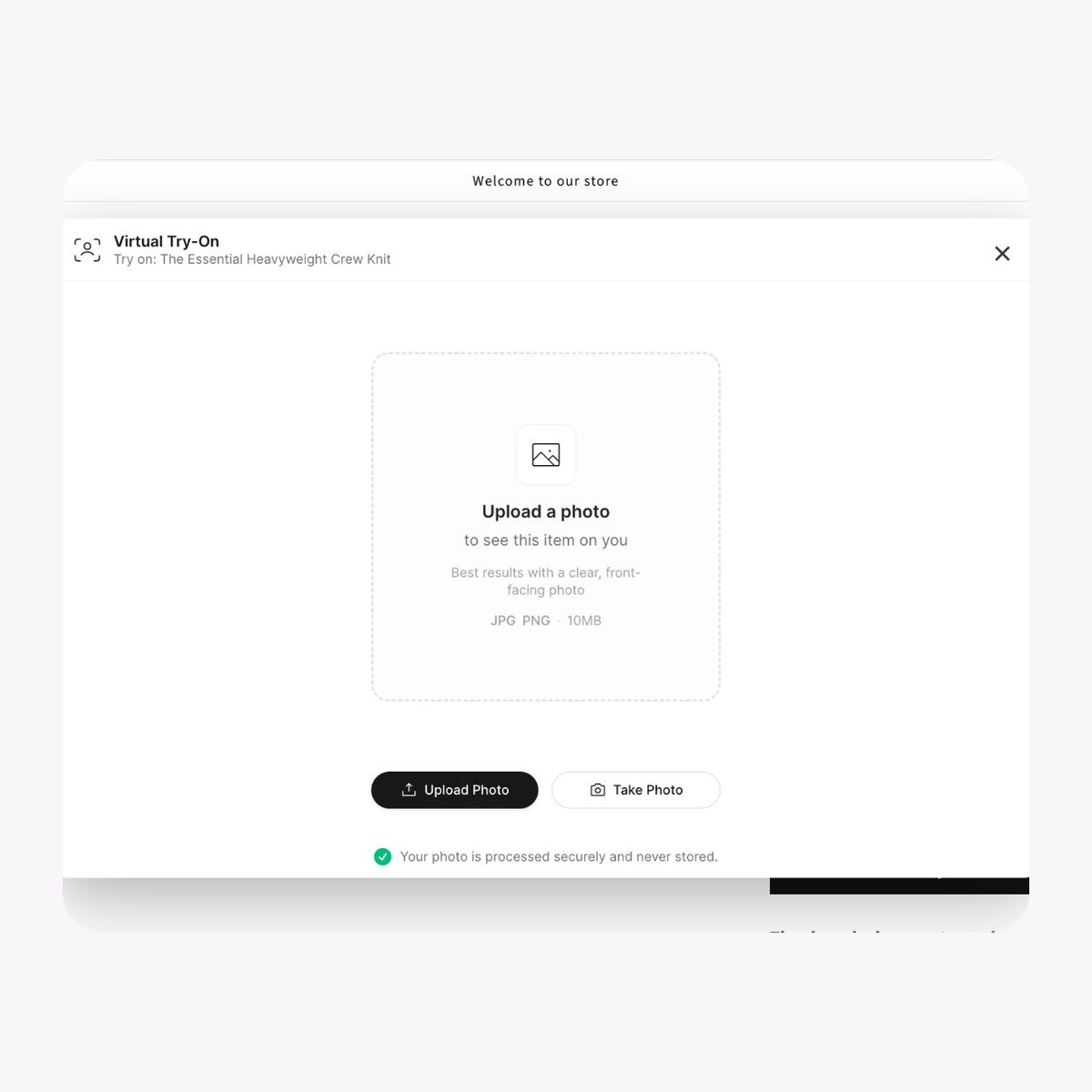
Upload or snap a photo
Shoppers add a photo of themselves or take one on the spot, and AI places your product on them in seconds.

With SwiftXR AI Photo Try-On, shoppers upload or snap one photo, and AI shows your product on them, right on your product page. They can save it, share it, or check out. No app, no live video, just a photo.
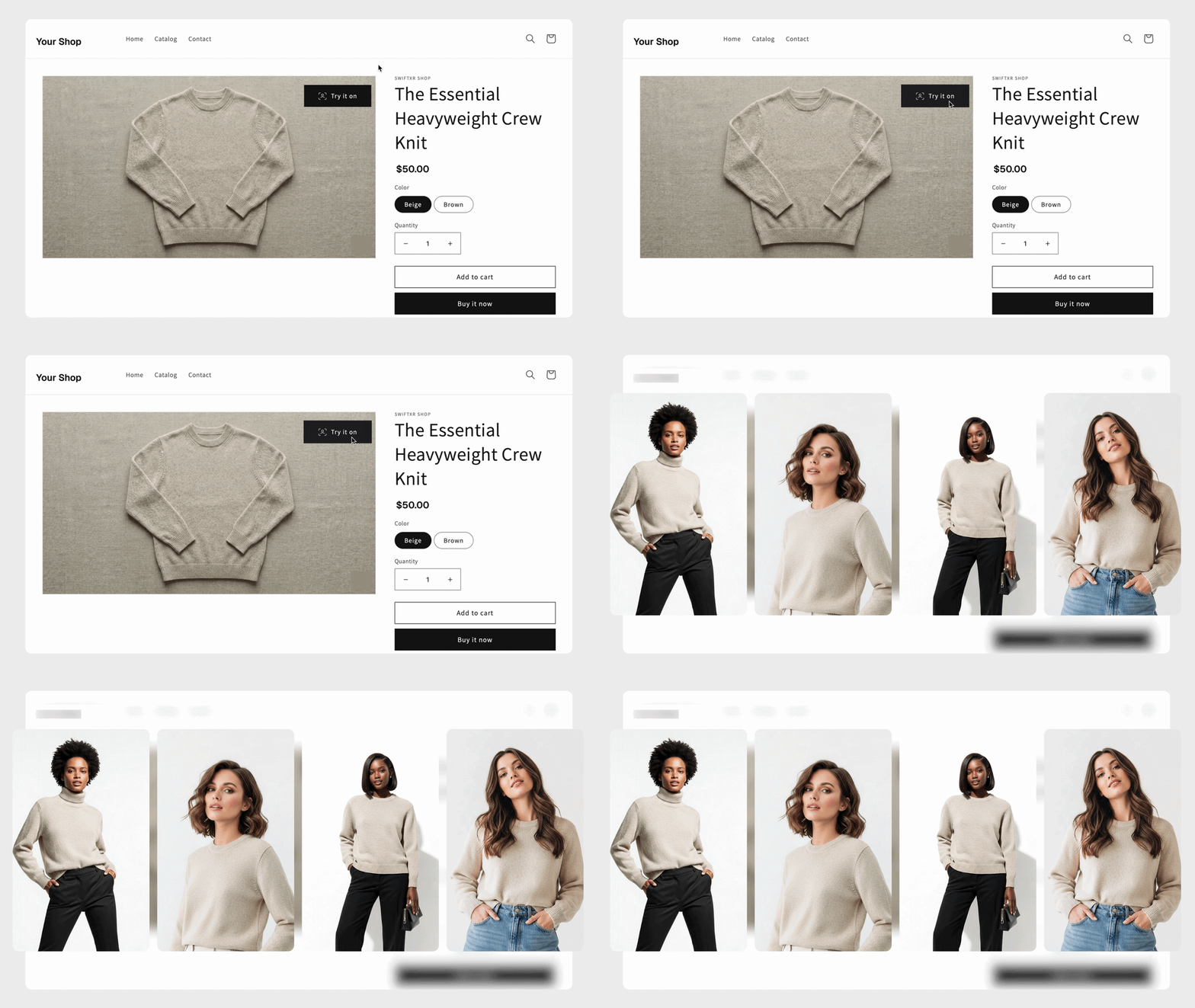
Every part of photo try-on is built to remove the doubt between a shopper and the buy button.
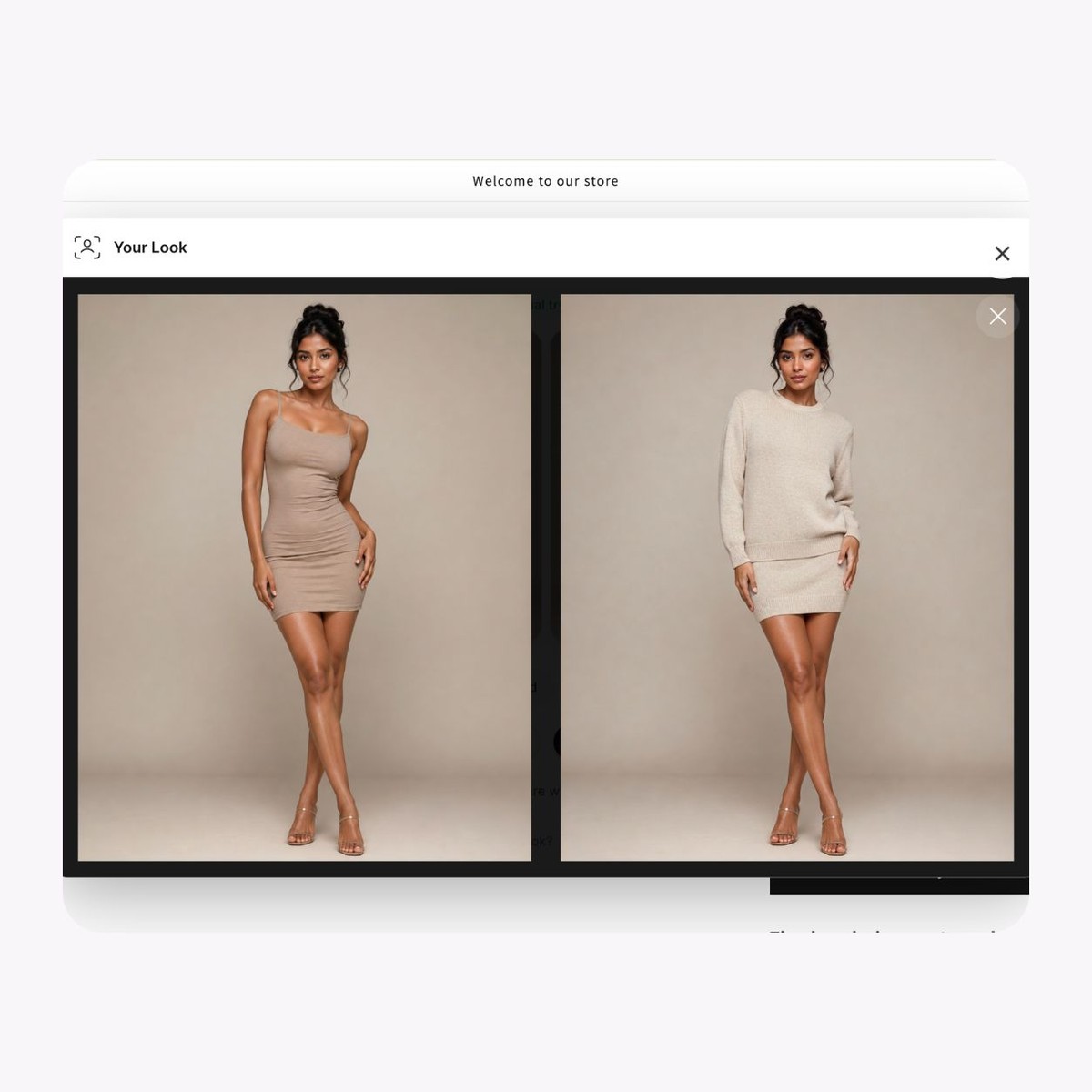
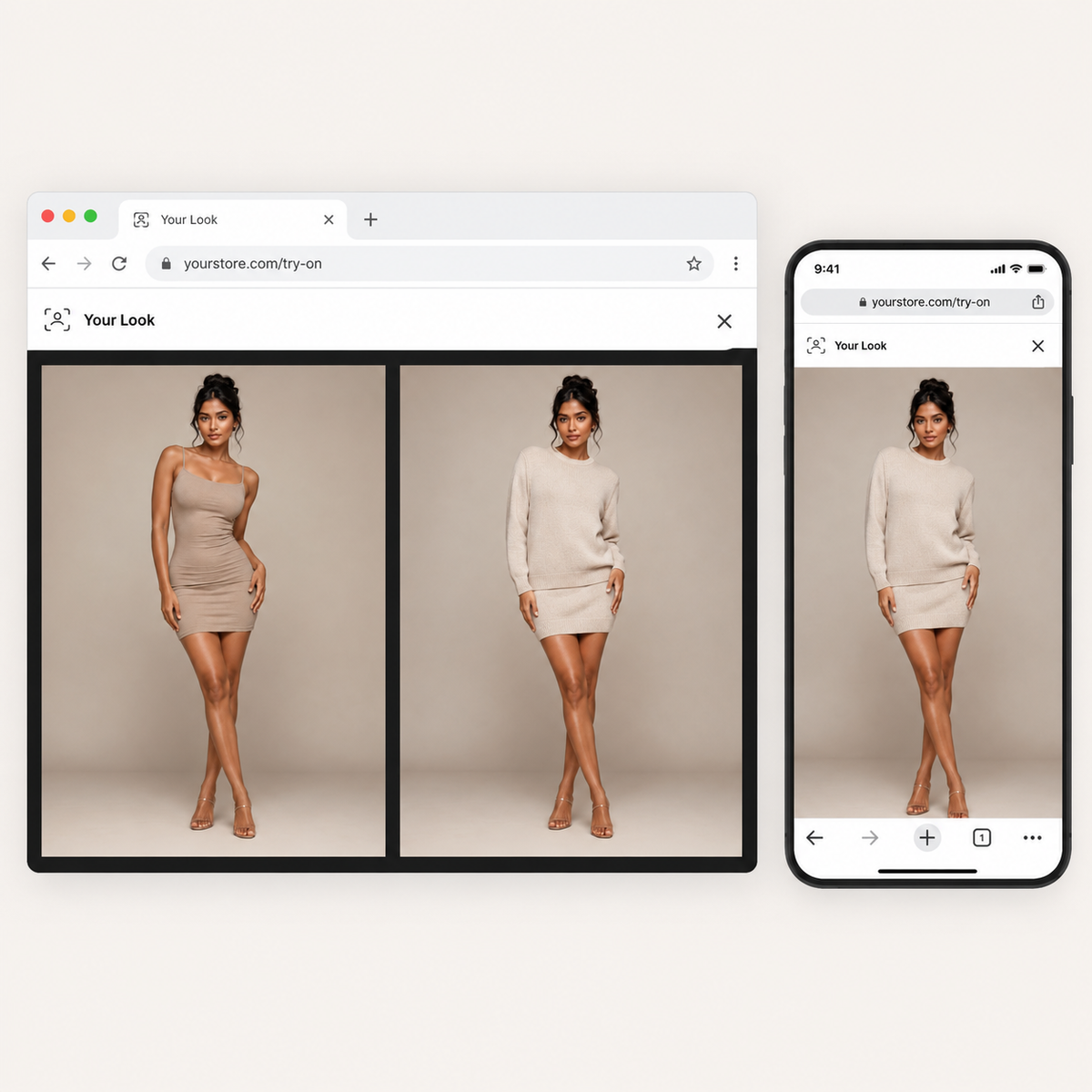
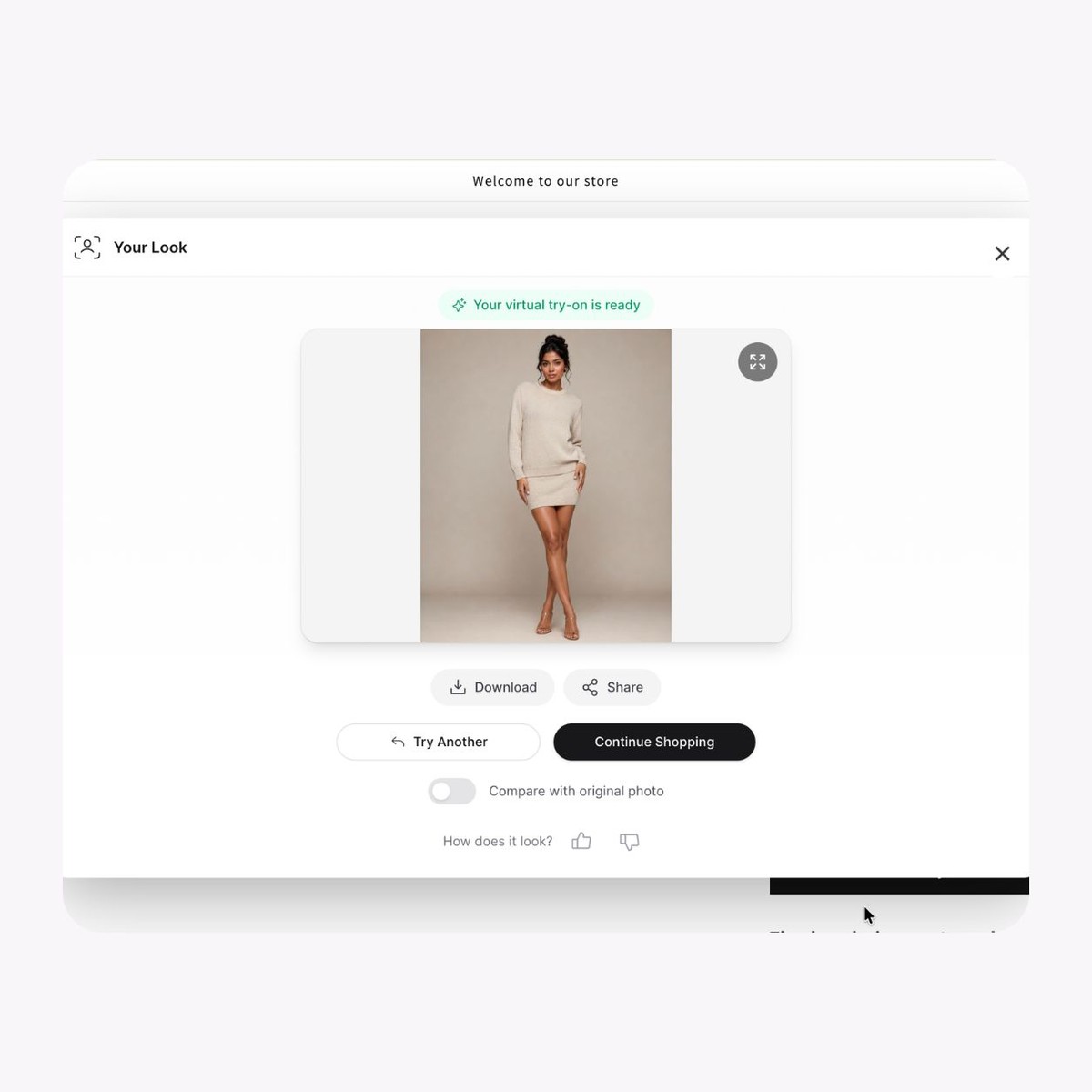
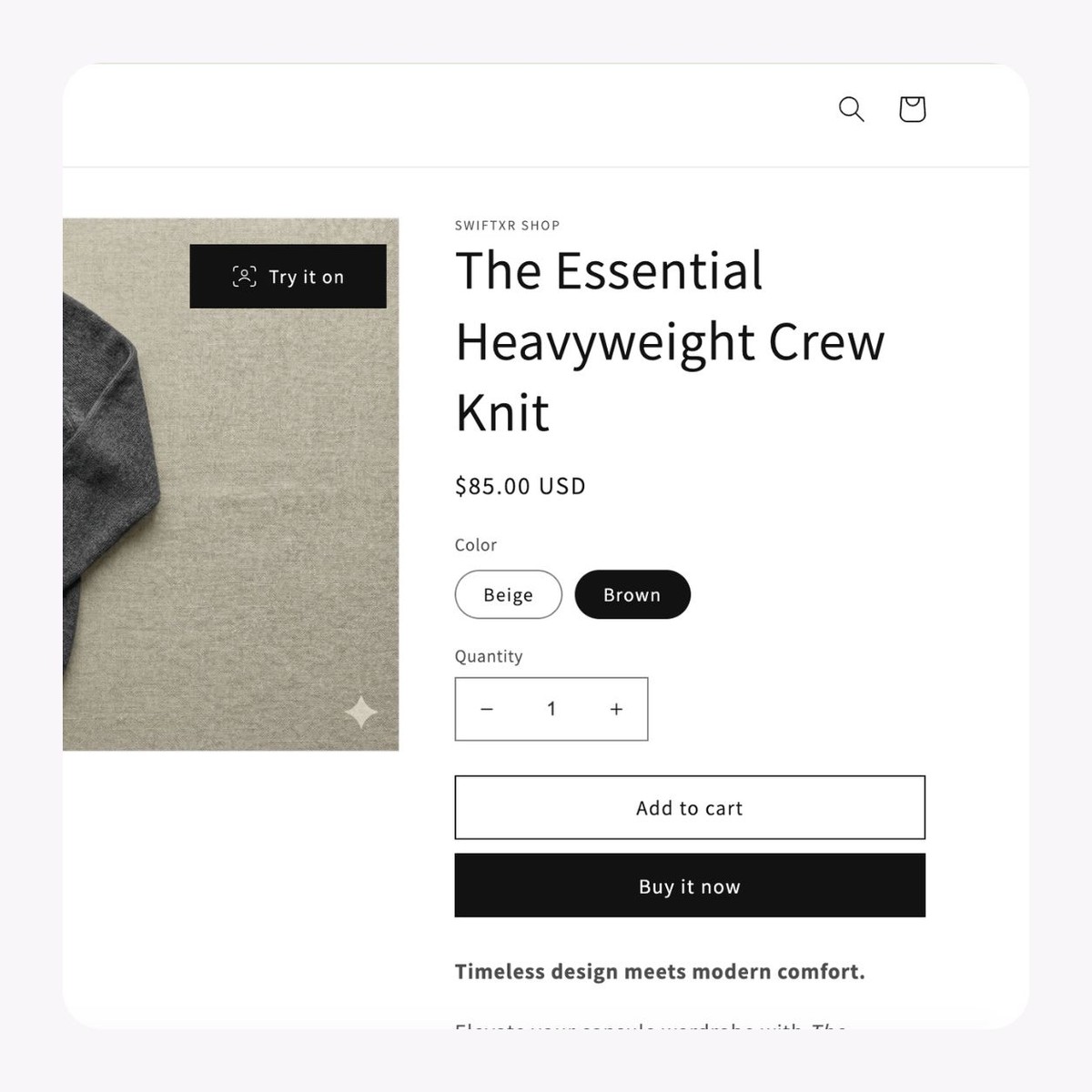
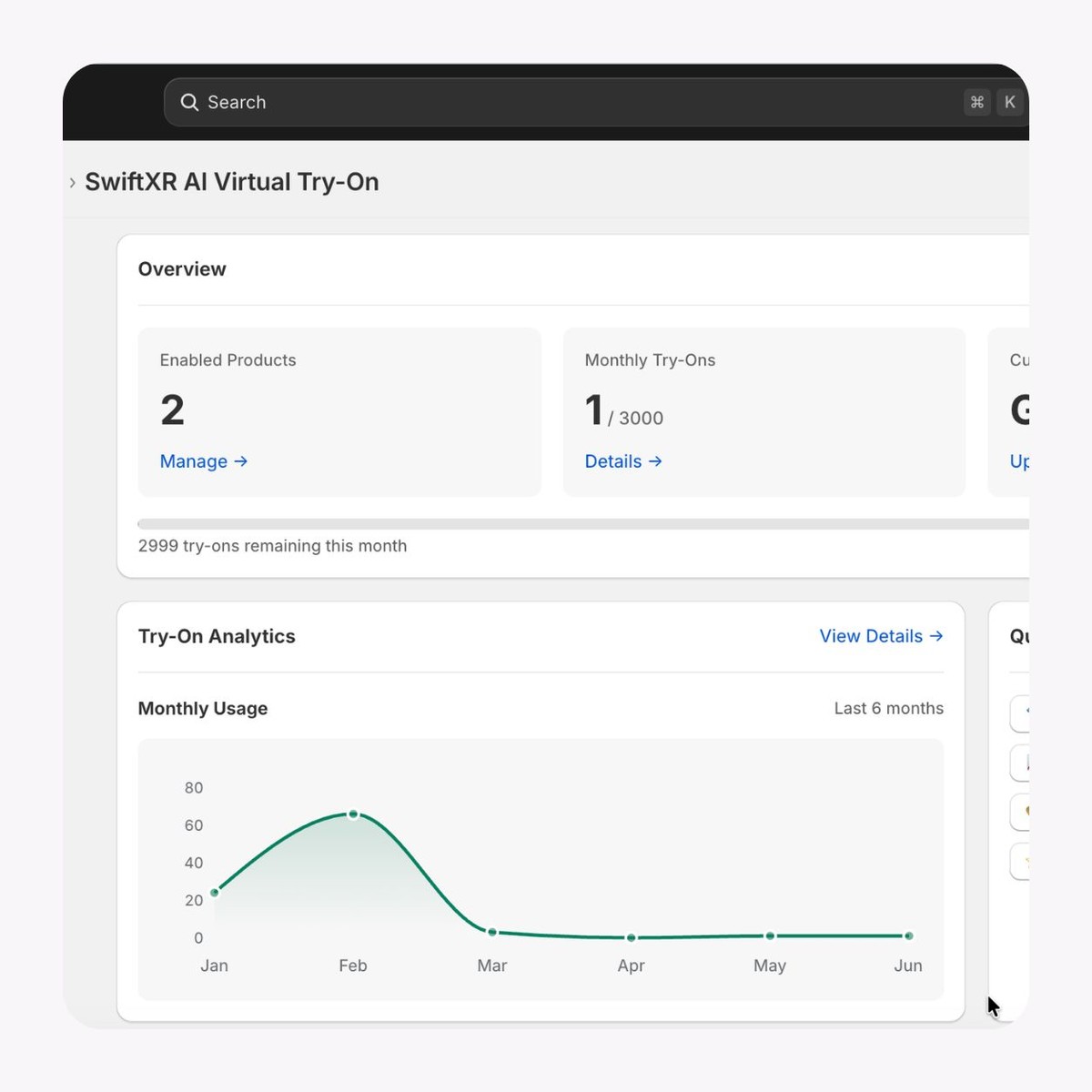
Shoppers add a photo of themselves or take one on the spot, and AI places your product on them in seconds.
Clothing, footwear, headwear, outerwear, and more. If it's worn, shoppers can see it on themselves.
Runs in any browser on phone or desktop, with nothing to download.
Shoppers can download their try-on or share it, putting your product in front of their friends.
Try-on uses whatever variant is selected on the page, so when a shopper switches color or style, they see that exact one on themselves.
Track try-on views for every product and see which items your shoppers are checking out the most.
Set it up once, and it runs on your store. Simple for you, effortless for shoppers
01
Install
Add the SwiftXR try-on plugin or app to your store.
02
Enable your products
Choose which products you want shoppers to try on.
03
Publish
Publish your site, and shoppers get a "Try it on" button to see your products on themselves.
Watch a shopper upload a photo and see the product on themselves in seconds. This is the exact experience your customers get on your store.
If your customers wear it, they can see it on themselves first. Photo try-on shines on items that cover the body, where shoppers hesitate most.
Fashion & clothing
Shoppers see how your shirts, dresses, and jackets fit and drape on them. Fewer returns, more confident orders.
Footwear
Let shoppers see how your shoes and boots look on them before they add to cart.
Headwear
Hats, caps, and beanies, shown on the shopper so they can judge the look and fit.
Outerwear & accessories
Jackets, coats, scarves, and bags, shown in context on a real person.
What to know before getting started with SwiftXR.
SwiftXR projects are lightweight, interactive experiences that you can create, share, and embed on your website. No prior 3D or immersive development experience is needed.
Platform credits are the unit of usage on SwiftXR. Each interaction with a 3D or AR experience consumes credits based on complexity and duration.
No. You can update your projects as many times as you want without any extra charges.
A project view is counted each time a unique session loads and interacts with your SwiftXR experience.
If you exceed your plan's included views, additional usage is billed at your plan's overage rate.
Yes. SwiftXR supports multiple 3D objects, hotspots, animations, and AR triggers within a single project.
What our customers say.
See how brands use SwiftXR to help customers understand products before they buy.
Retail (air treatment products)
DUUX
Retail (automated laundry racks)
GoodLiving
Real Estate
Cozy Homeva
Manufacturing
TopMetalPro
Furniture
Taeillo Nigeria
Cast Stone Fireplaces
ARCH Casting, Co.
Wooden House Construction
Ebat Yapı ve Ahşap Sanatları
3D Construction Printing
Versarien Construction
Signage & Environmental Graphics
Clark Technical Design
Central Salone
E Commerce
Central Salone
Art
SlickcityPrintsAfrica