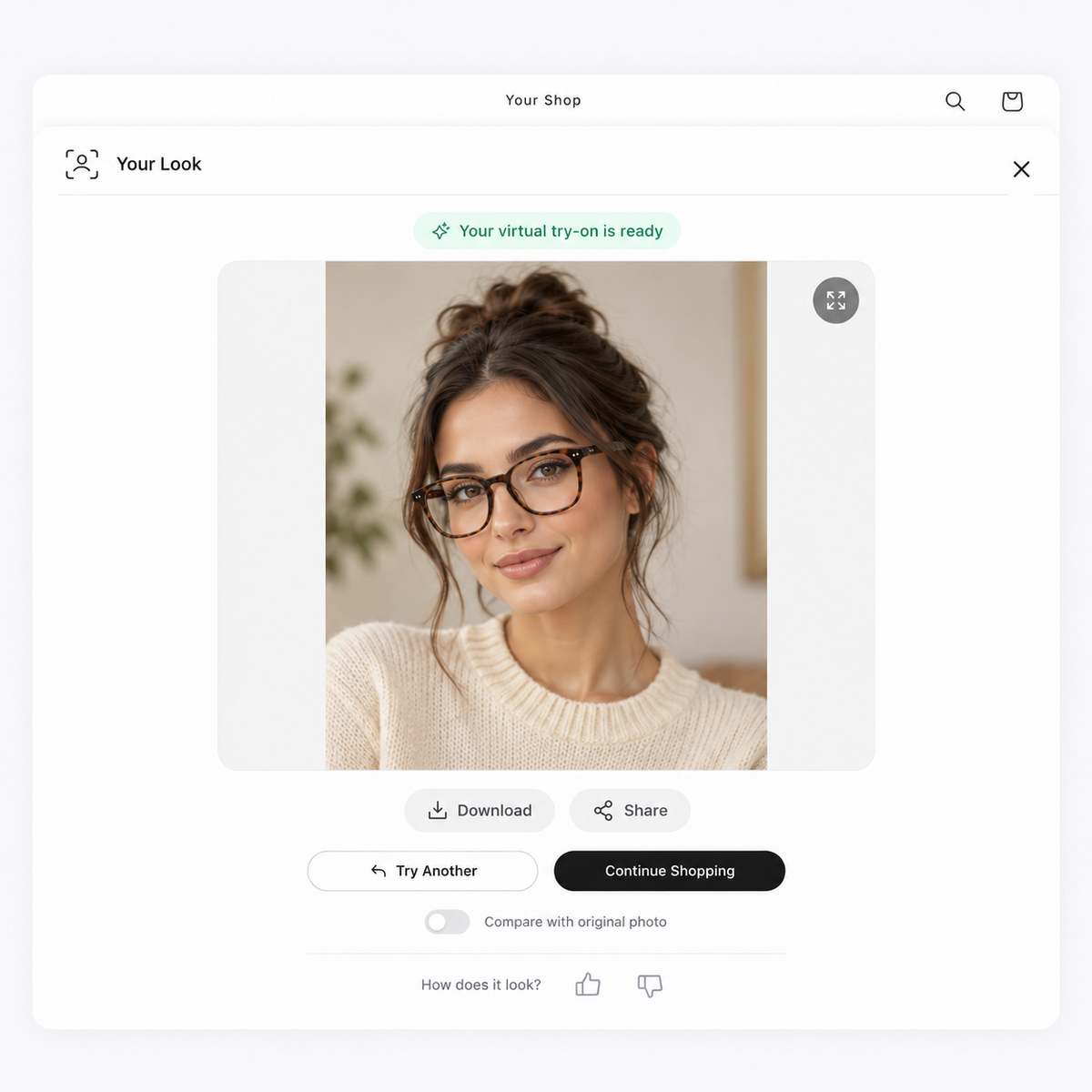
Try frames on live
Shoppers open the try-on from your product page and see the selected frame positioned on their face in real time.

SwiftXR Virtual Try-On lets shoppers preview eyewear on their face, right from your product page. They can compare frames in real time without downloading an app.
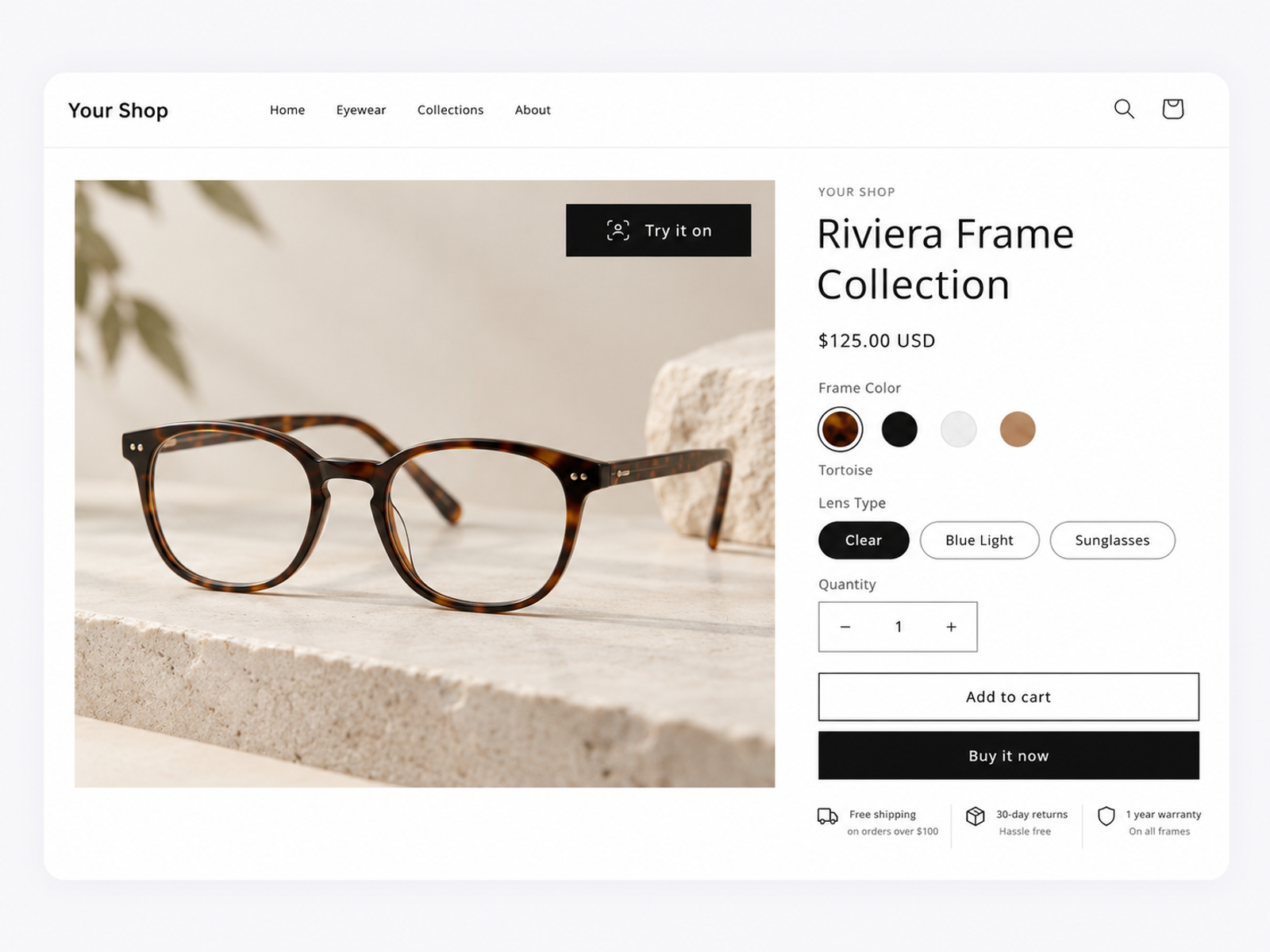
Eyewear is personal. SwiftXR gives shoppers a clearer way to compare how different frames look on their face before they make a choice.
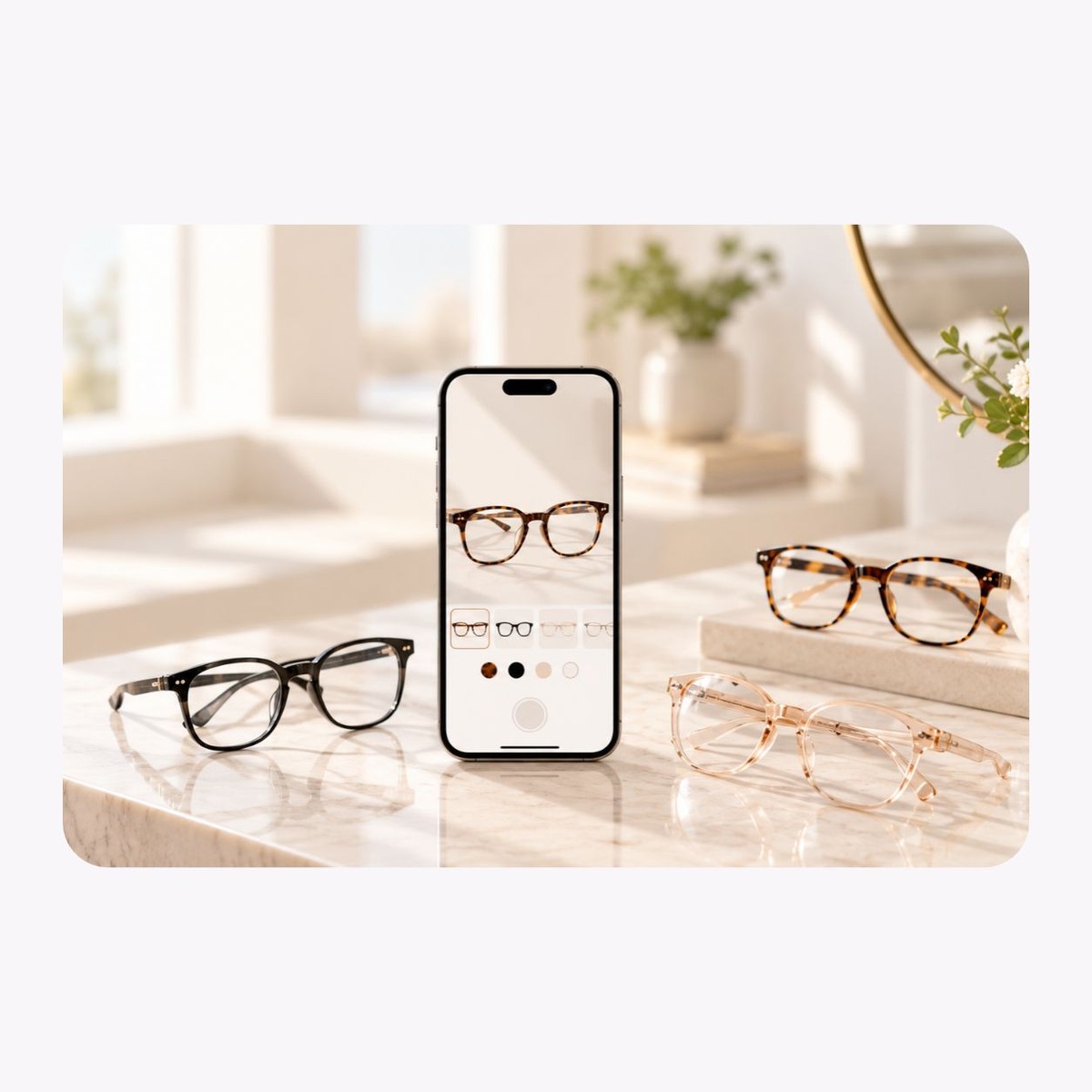
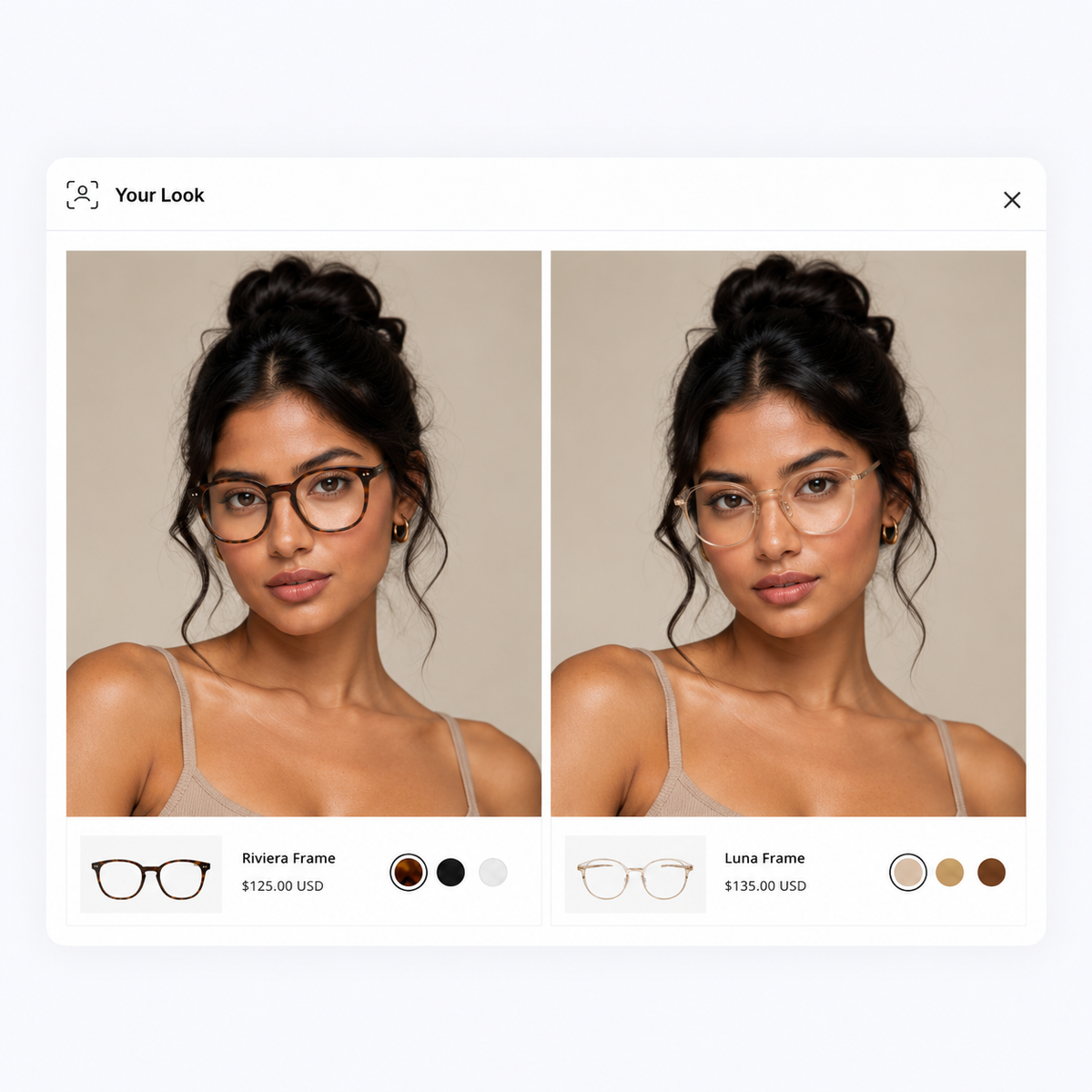
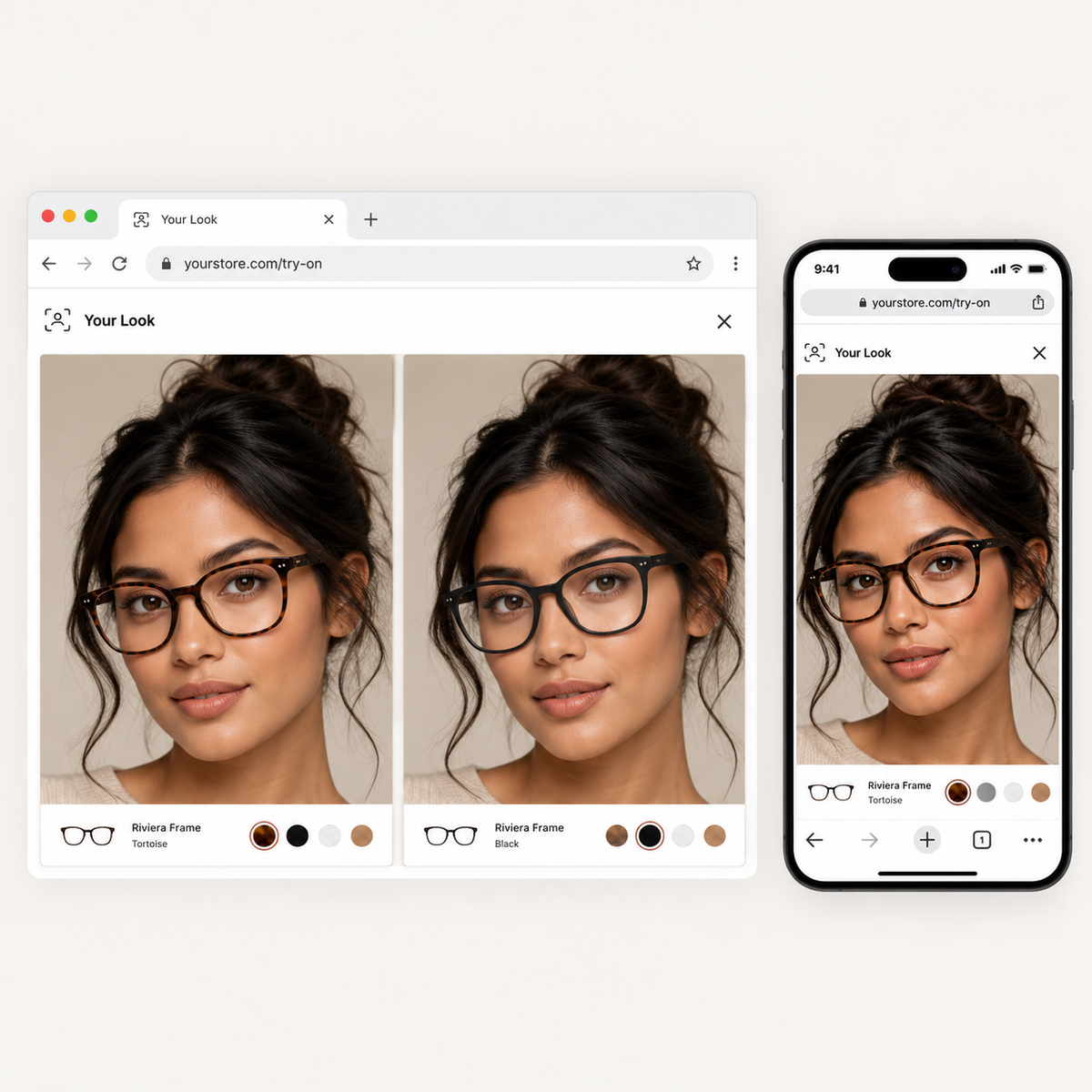
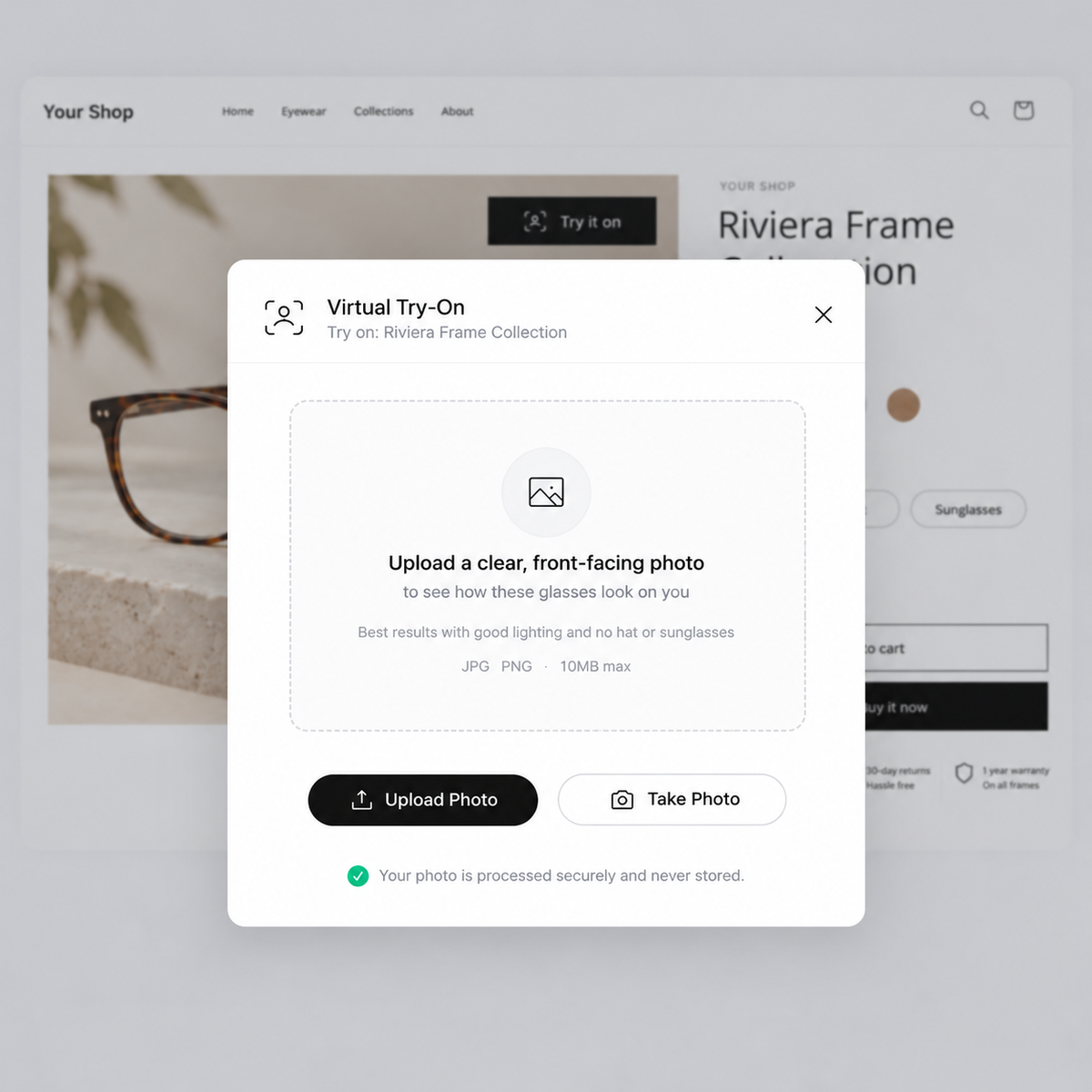
Shoppers open the try-on from your product page and see the selected frame positioned on their face in real time.
Use the experience for glasses, sunglasses, and other supported eyewear so shoppers can judge the look of a frame in context.
Give shoppers a visual way to move between frame shapes, colors, and styles instead of judging every option from product photos alone.
The experience runs from the web on supported devices, so shoppers can move from browsing frames to trying them on without an app download.
Add the visual try-on layer to the shopping journey you already have while product information, pricing, variants, and checkout stay in your store.
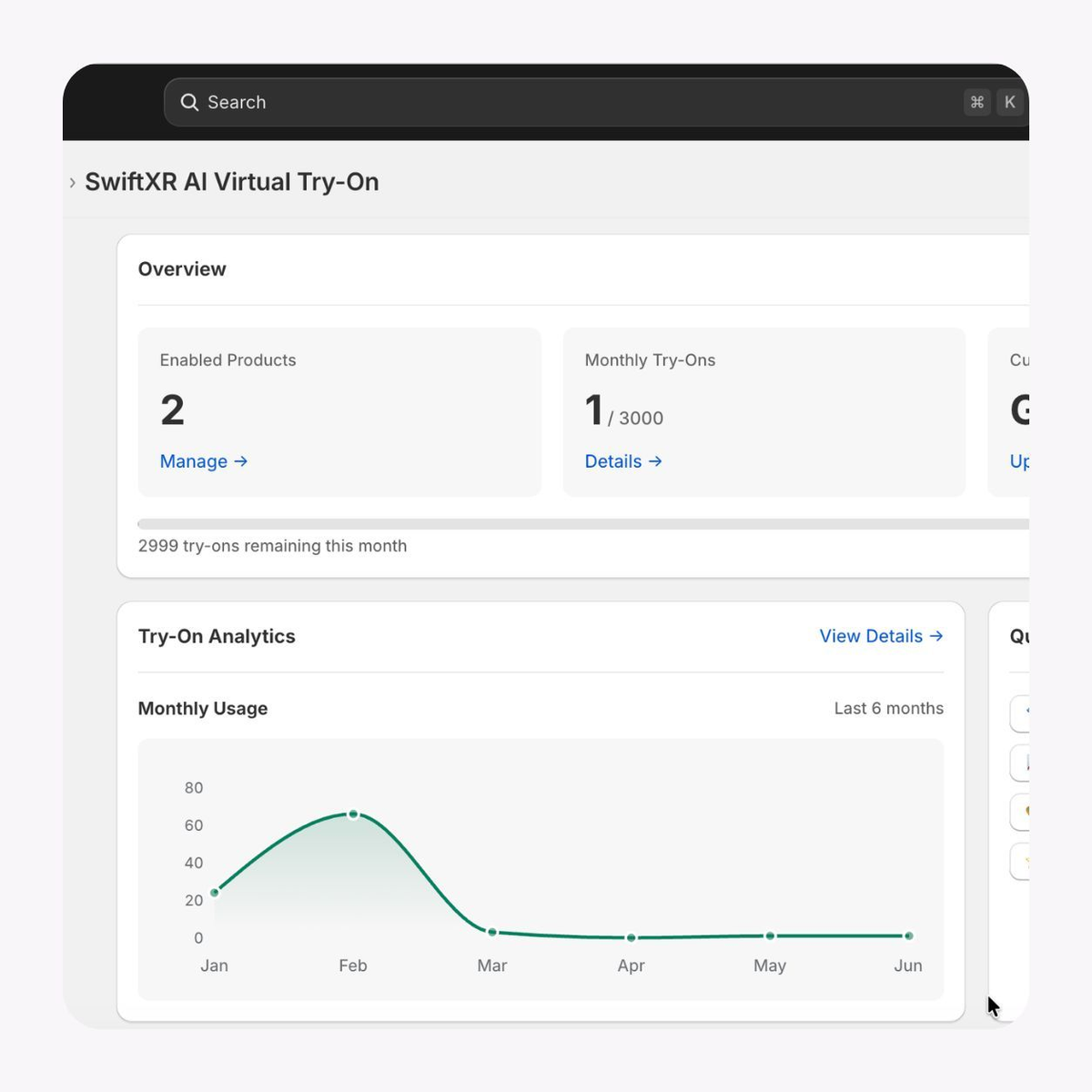
Use SwiftXR analytics to understand how people interact with the experience and which eyewear experiences receive attention.
Set up the experience around the frames you want shoppers to explore, then place it directly in the buying journey.
01
Add your eyewear
Prepare the approved frame assets and products you want available for virtual try-on.
02
Set up the try-on
Connect the frames to the face-tracking experience and review how they appear across supported devices.
03
Publish
Add the try-on experience to the relevant product page so shoppers can preview frames while they browse.
Give shoppers a live view of the frame on their face while they are still deciding between styles. The experience stays close to the product page and the purchase journey.
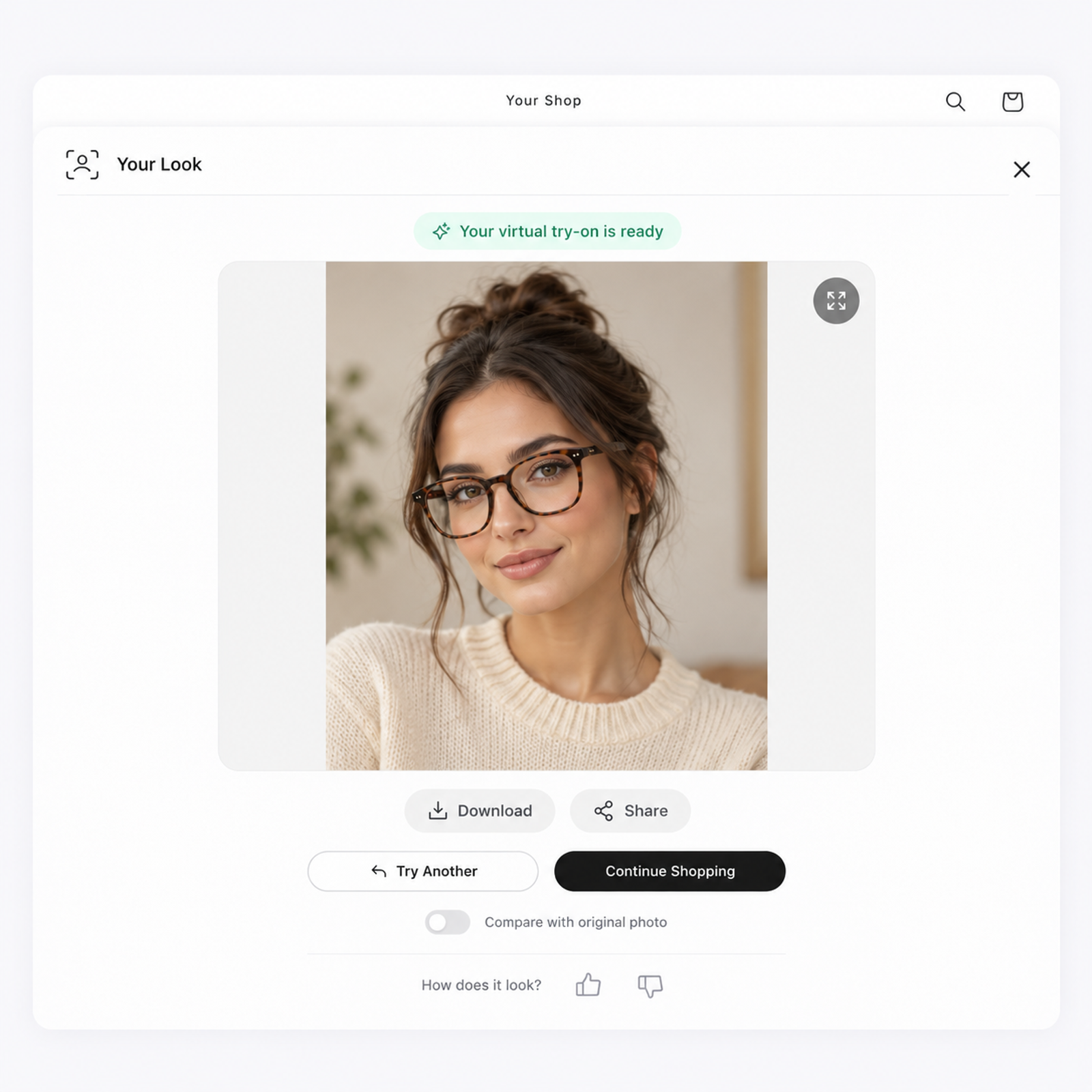
Use virtual try-on where appearance drives the decision and shoppers want to see the frame on their own face before choosing.
Prescription glasses
Help shoppers compare frame shapes, colors, and overall style on their face before choosing a pair.
Sunglasses
Let shoppers see how different sunglass silhouettes and styles look on them before they decide.
New frame collections
Give launches and seasonal collections an interactive way for shoppers to explore several styles without leaving the page.
Online eyewear stores
Add virtual try-on to product discovery so shoppers can move from browsing a frame to seeing it on their face in the same web journey.
What to know before getting started with SwiftXR.
SwiftXR projects are lightweight, interactive experiences that you can create, share, and embed on your website. No prior 3D or immersive development experience is needed.
Platform credits are the unit of usage on SwiftXR. Each interaction with a 3D or AR experience consumes credits based on complexity and duration.
No. You can update your projects as many times as you want without any extra charges.
A project view is counted each time a unique session loads and interacts with your SwiftXR experience.
If you exceed your plan's included views, additional usage is billed at your plan's overage rate.
Yes. SwiftXR supports multiple 3D objects, hotspots, animations, and AR triggers within a single project.
What our customers say.
See how brands use SwiftXR to help customers understand products before they buy.
Retail (air treatment products)
DUUX
Retail (automated laundry racks)
GoodLiving
Real Estate
Cozy Homeva
Manufacturing
TopMetalPro
Furniture
Taeillo Nigeria
Cast Stone Fireplaces
ARCH Casting, Co.
Wooden House Construction
Ebat Yapı ve Ahşap Sanatları
3D Construction Printing
Versarien Construction
Signage & Environmental Graphics
Clark Technical Design
Central Salone
E Commerce
Central Salone
Art
SlickcityPrintsAfrica