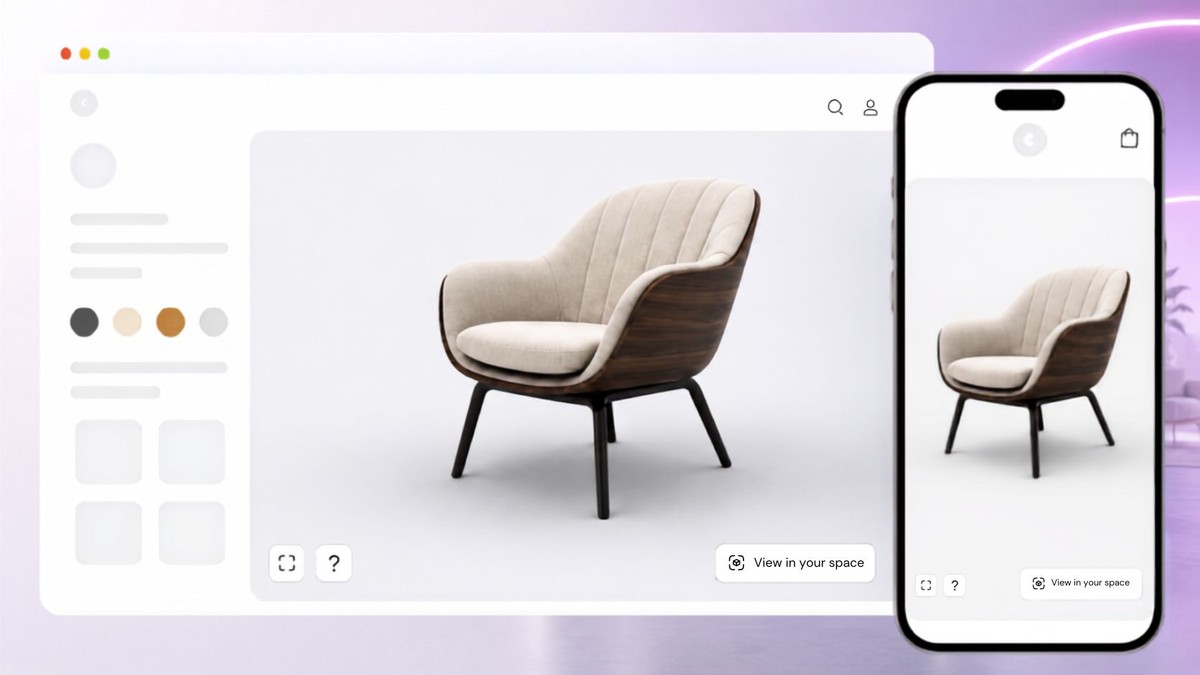
Inspect the visible product
Rotate and zoom to locate a visible part beside the correct product specification.

Use approved 3D views and hotspots for product orientation. Keep manuals, safety instructions, compatibility and support decisions in maintained help content.
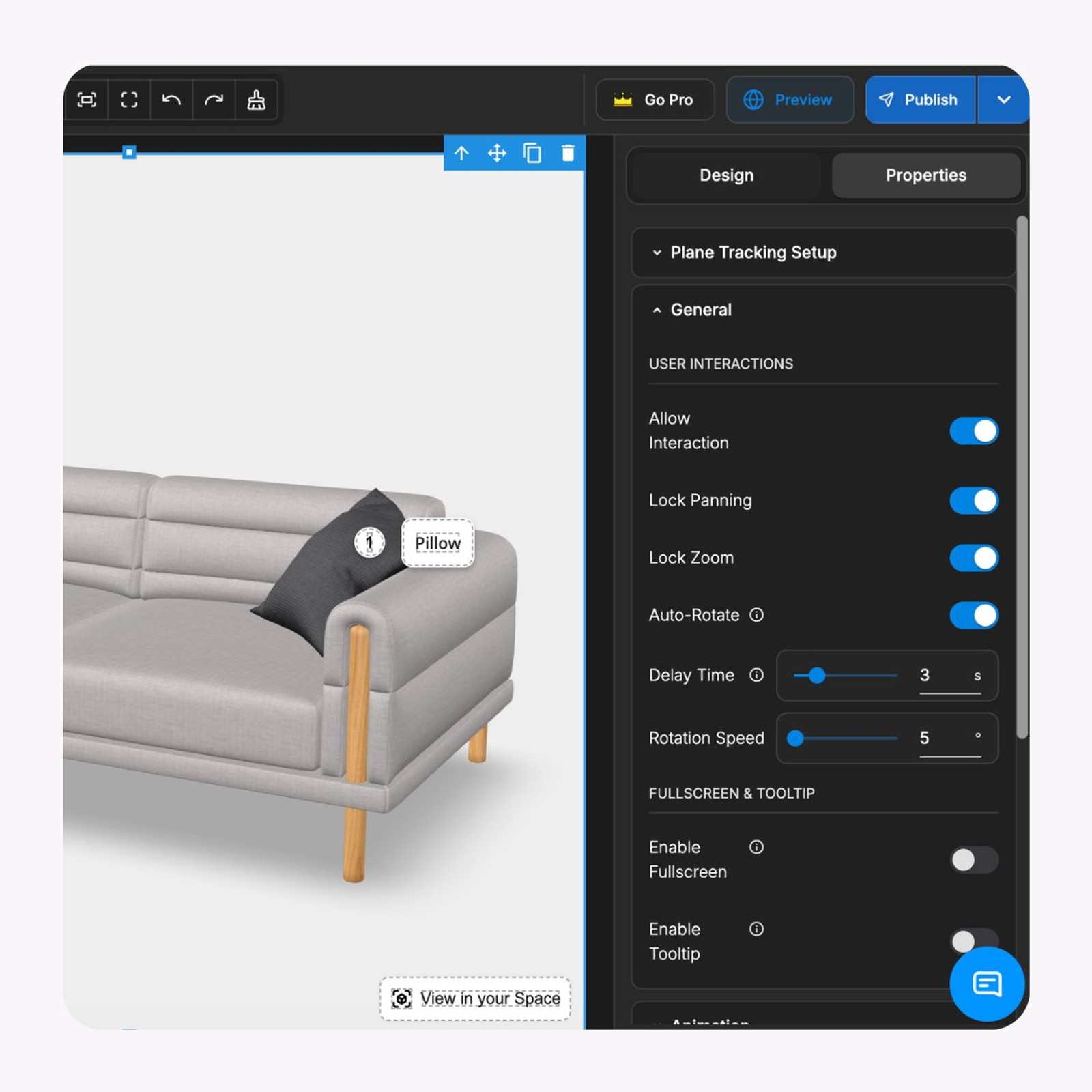
Make visible parts easier to locate. A 3D guide supports the manual; it does not verify a repair or diagnosis.


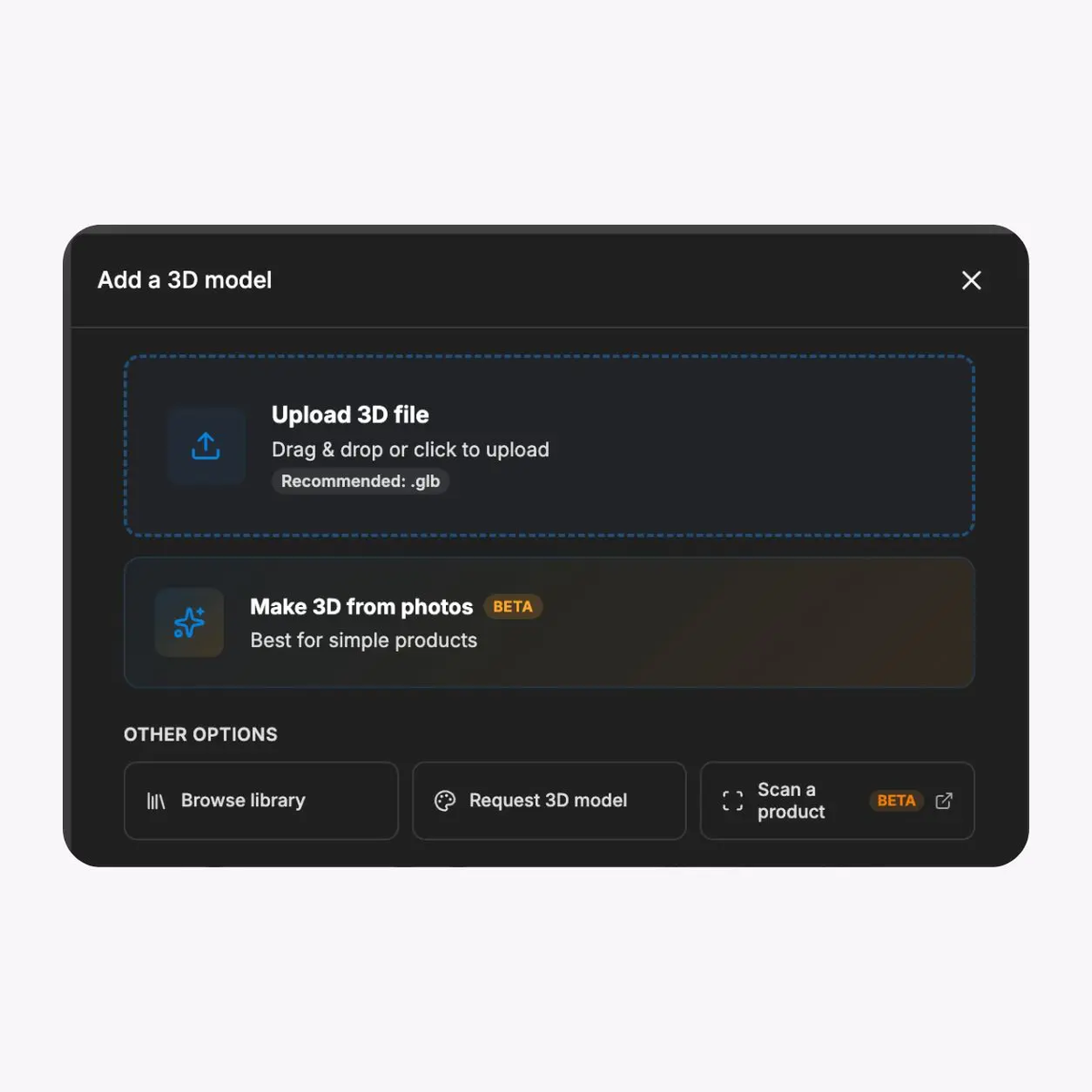

Rotate and zoom to locate a visible part beside the correct product specification.
Add approved labels, text, media or links at the part a customer needs to identify.
Deliver browser viewing on customer devices, then test touch controls and fallback content.
Place the experience on a help page with maintained manuals, specifications and contact links.
Bring the correct product revision into the editor and check geometry, orientation and appearance.
Use available views and interaction data alongside support feedback, without claiming comprehension or ticket reduction.
Choose a recurring location question. Keep the model, wording and destination document tied to the same product revision.
01
Choose a location question
Use an actual support question and identify the product revision and authoritative manual.
02
Approve the visual explanation
Check the model and hotspot wording with the product owner before sharing the guide.
03
Test the support handoff
Check phone and desktop use, fallback copy and links to the correct document.
Rotate and zoom around a sample chair. This demonstrates viewing, not a customer manual or support result.
Use approved views for identification. Keep safety, repair and compatibility guidance in the documents and processes that own them.
Help-centre product pages
Place the viewer beside the correct manual, model identifier and support contact route.
Support reply links
Share an approved view to clarify a visible location while the agent maintains the case context.
Visible component identification
Help customers name the part they mean; confirm compatibility separately with approved product records.
What to know before getting started with SwiftXR.
SwiftXR projects are lightweight, interactive experiences that you can create, share, and embed on your website. No prior 3D or immersive development experience is needed.
Platform credits are the unit of usage on SwiftXR. Each interaction with a 3D or AR experience consumes credits based on complexity and duration.
No. You can update your projects as many times as you want without any extra charges.
A project view is counted each time a unique session loads and interacts with your SwiftXR experience.
If you exceed your plan's included views, additional usage is billed at your plan's overage rate.
Yes. SwiftXR supports multiple 3D objects, hotspots, animations, and AR triggers within a single project.
What our customers say.
See how brands use SwiftXR to help customers understand products before they buy.
Retail (air treatment products)
DUUX
Retail (automated laundry racks)
GoodLiving
Real Estate
Cozy Homeva
Manufacturing
TopMetalPro
Furniture
Taeillo Nigeria
Cast Stone Fireplaces
ARCH Casting, Co.
Wooden House Construction
Ebat Yapı ve Ahşap Sanatları
3D Construction Printing
Versarien Construction
Signage & Environmental Graphics
Clark Technical Design
Central Salone
E Commerce
Central Salone
Art
SlickcityPrintsAfrica