
Browser-based inspection
Let buyers rotate and zoom around an approved product without installing specialist software.

Give sales teams one approved browser-based product experience for live conversations, controlled follow-up pages, supported AR, and useful interaction evidence.
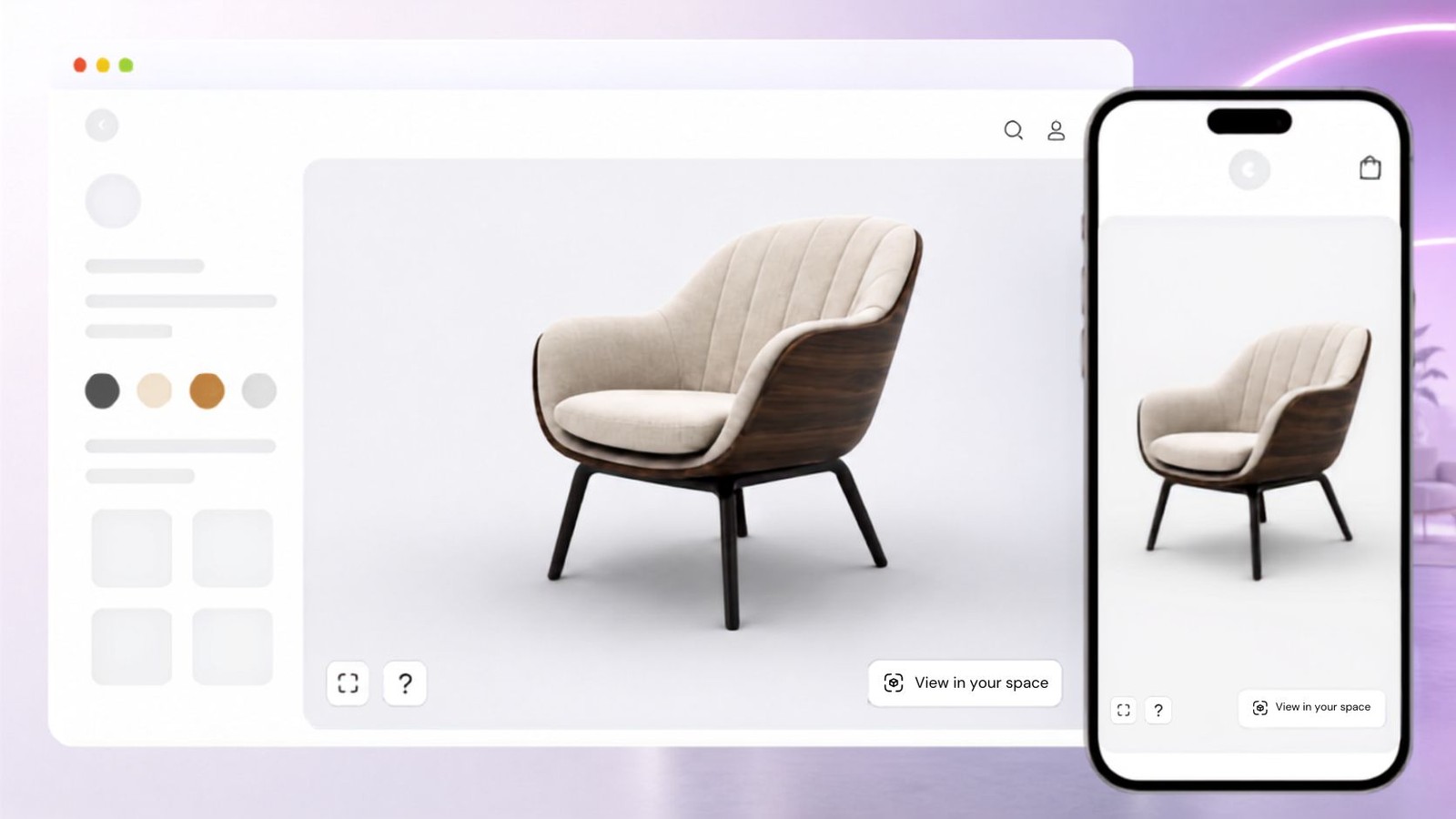
Start with one buyer question and one approved product. Add only the interactions your sales and product teams can support.

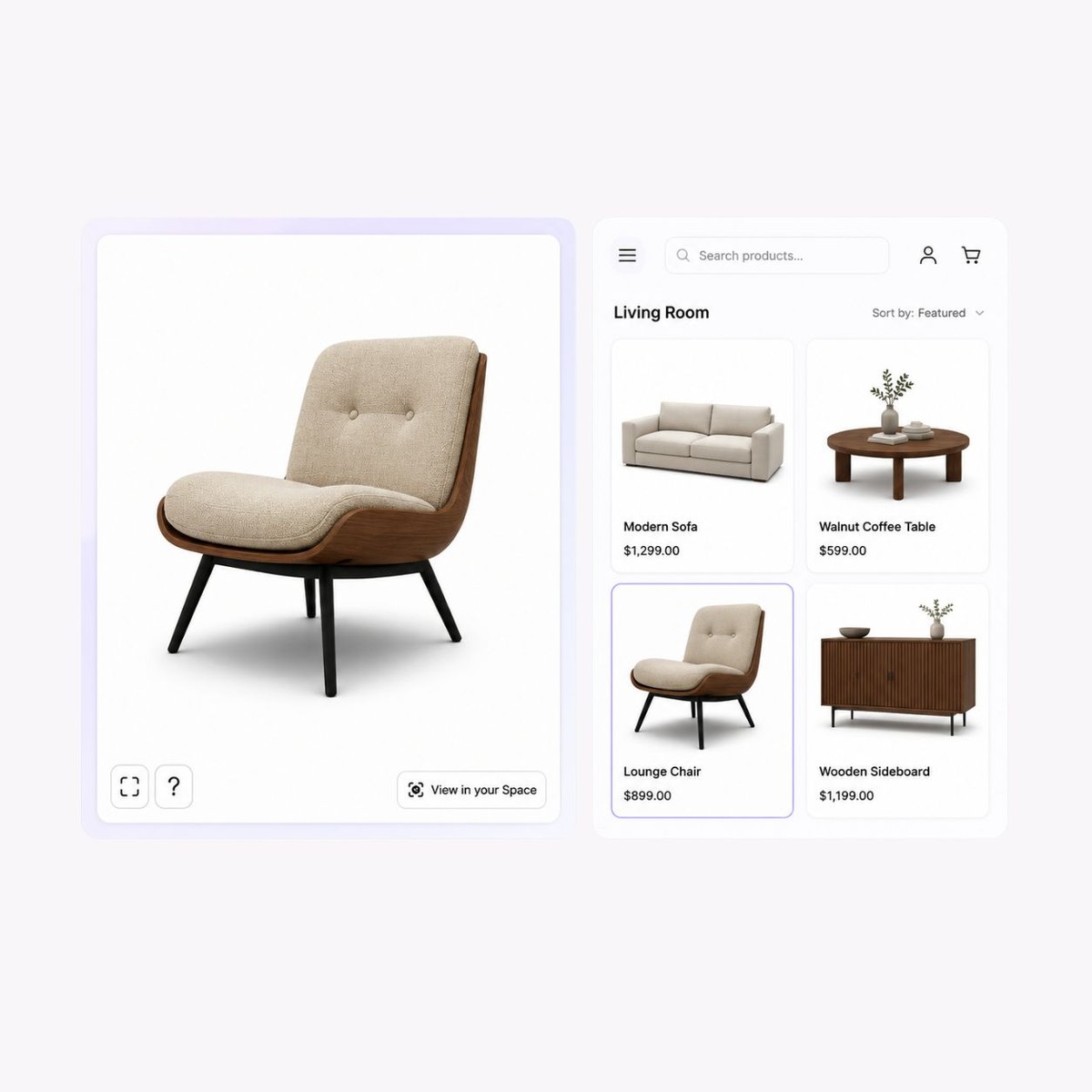


Let buyers rotate and zoom around an approved product without installing specialist software.
Direct attention to supported visible details while keeping specifications in maintained content.
Open one approved experience during a call or place it on a controlled follow-up page.
Add the experience to product, campaign, proposal, or distributor pages with surrounding context.
Show approved colour, material, or finish changes without implying price, stock, or compatibility.
Review experience interactions alongside other data without calling interaction a sales result.
Treat the demo as governed product evidence, with clear ownership before and after the sales conversation.
01
Define the buyer task
Name the visible detail, option, or spatial question the demo must help the buyer understand.
02
Build and approve
Confirm revision, scale, materials, opening view, hotspots, supported options, and factual limits.
03
Test the handoff
Rehearse the live route, mobile view, fallback, follow-up page, and next action before sharing.
Rotate and zoom around a sample product to assess browser interaction. It is a platform example, not a customer sales result.
Reuse the experience when the buyer question stays the same. Keep commercial context and ownership visible at every destination.
Remote sales calls
Inspect the product live, return to the opening view, and discuss one supported buyer question.
Follow-up pages
Place the experience beside maintained specifications, agreed scope, contact details, and the next action.
Distributor enablement
Give partners a consistent product view while preserving local qualification and commercial processes.
What to know before getting started with SwiftXR.
SwiftXR projects are lightweight, interactive experiences that you can create, share, and embed on your website. No prior 3D or immersive development experience is needed.
Platform credits are the unit of usage on SwiftXR. Each interaction with a 3D or AR experience consumes credits based on complexity and duration.
No. You can update your projects as many times as you want without any extra charges.
A project view is counted each time a unique session loads and interacts with your SwiftXR experience.
If you exceed your plan's included views, additional usage is billed at your plan's overage rate.
Yes. SwiftXR supports multiple 3D objects, hotspots, animations, and AR triggers within a single project.
What our customers say.
See how brands use SwiftXR to help customers understand products before they buy.
Retail (air treatment products)
DUUX
Retail (automated laundry racks)
GoodLiving
Real Estate
Cozy Homeva
Manufacturing
TopMetalPro
Furniture
Taeillo Nigeria
Cast Stone Fireplaces
ARCH Casting, Co.
Wooden House Construction
Ebat Yapı ve Ahşap Sanatları
3D Construction Printing
Versarien Construction
Signage & Environmental Graphics
Clark Technical Design
Central Salone
E Commerce
Central Salone
Art
SlickcityPrintsAfrica