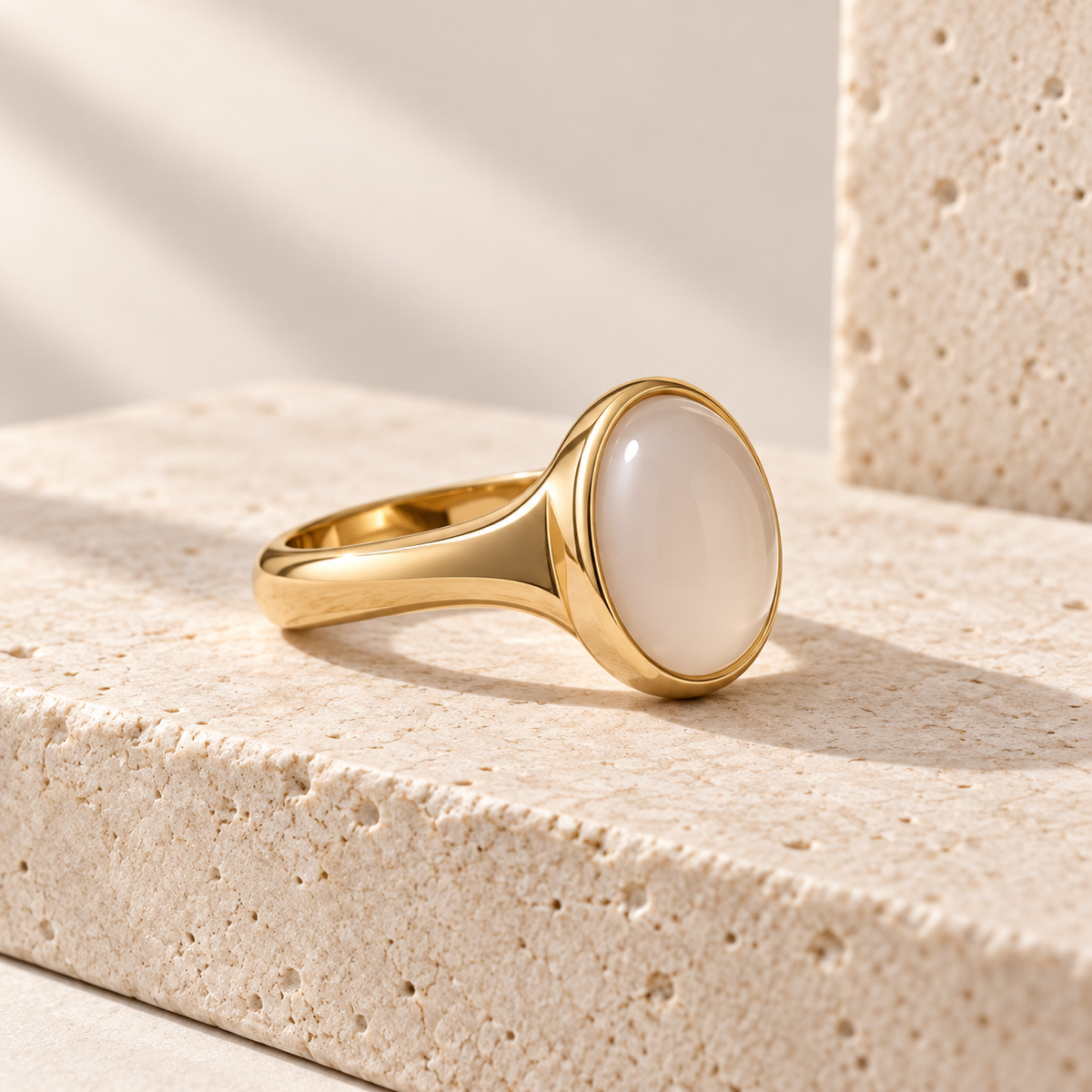
Detailed product inspection
Rotate and zoom around an approved model to examine its setting, side profile, and visible finish.

Add a controlled 3D view to jewellery product pages. Keep dimensions, materials, available options, and order details in your maintained store content.
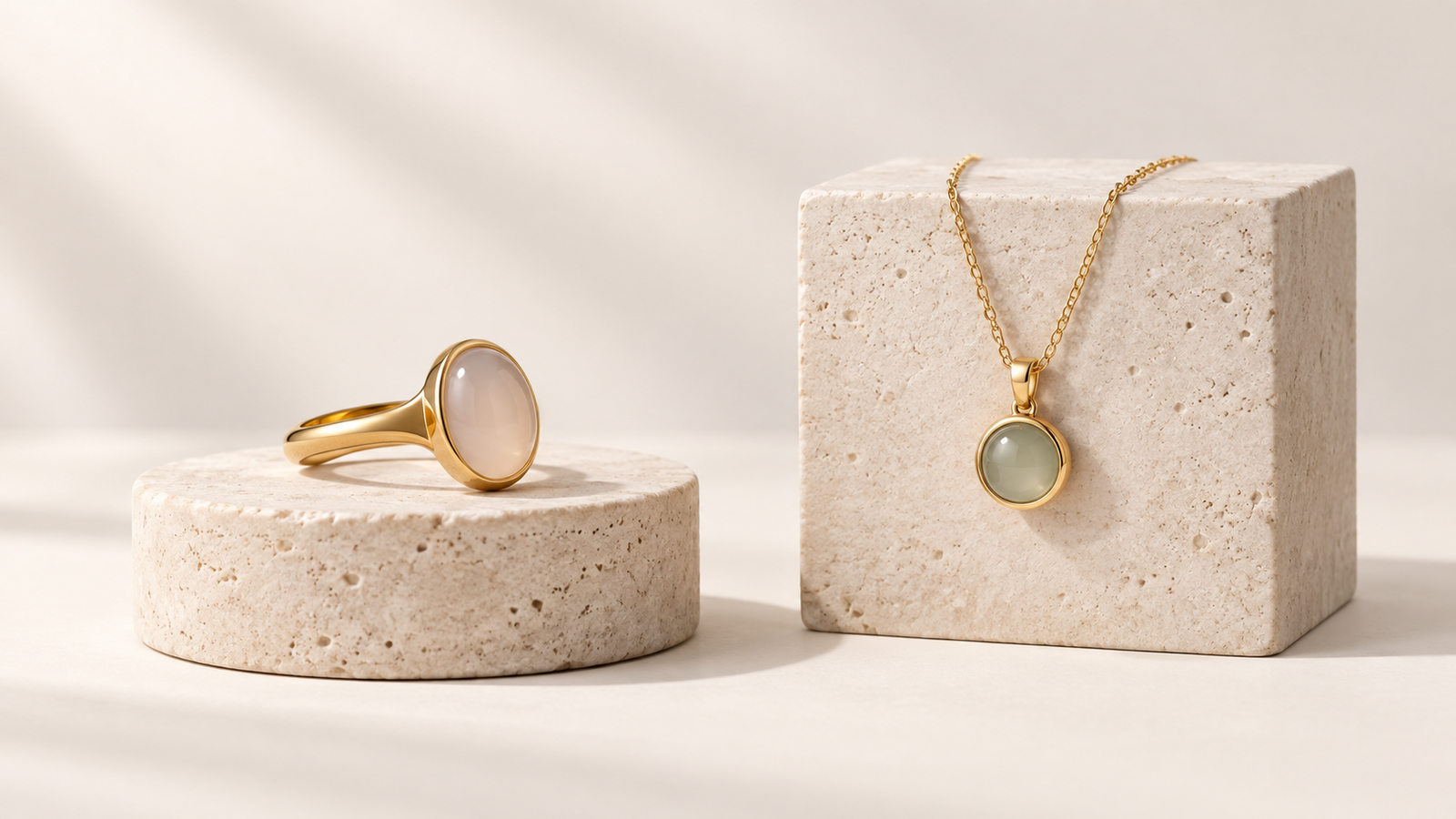
Help buyers inspect approved details. Keep product facts and commercial choices with the systems that own them.


Rotate and zoom around an approved model to examine its setting, side profile, and visible finish.
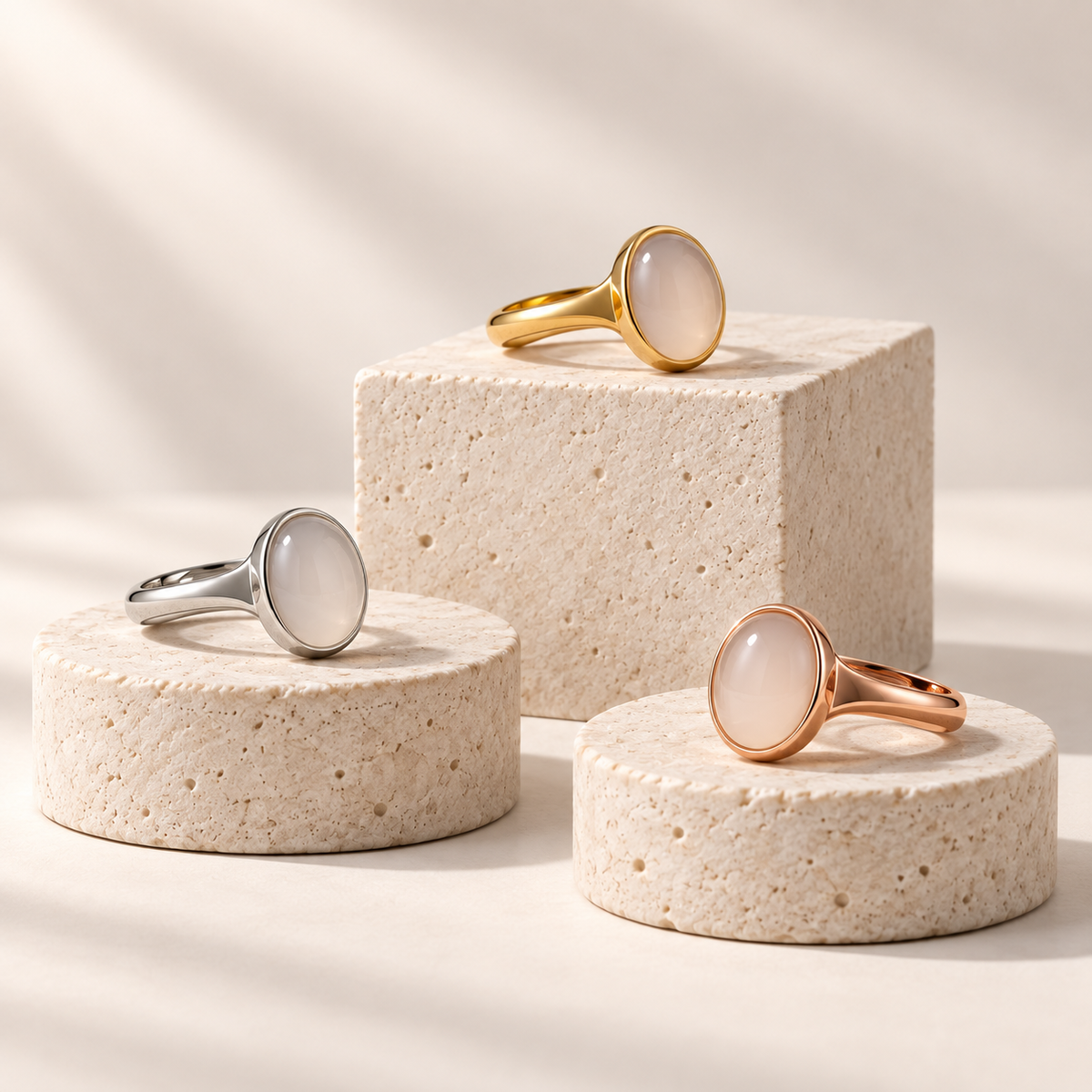
Show approved appearance options while the store maintains sellable variants and prices.
Make the approved experience available on phone and desktop, then test touch and fallback behaviour.
Point to verified visible details and link to maintained specifications without inventing gem properties.
Place the viewer beside the SKU, dimensions, material description, and the store next action.
Import an approved model and verify colour, proportion, lighting, and scale before release.
Start with a representative piece and a defined buyer question. Review the visible model and the store handoff separately.
01
Define the buyer question
Choose the detail, shape, or finish the viewer must help a buyer understand.
02
Approve the model
Compare geometry, scale, stone appearance, materials, and opening view with the physical reference.
03
Test the product page
Check mobile interaction, fallback, variant labels, and the cart or enquiry record.
Rotate and zoom around a platform sample. It is not a jewellery rendering or customer result.
Keep specifications and commercial terms in maintained content while the interactive view supports inspection.
Product detail pages
Place the viewer beside dimensions, materials, care information, and a clear purchase path.
Collection introductions
Show approved pieces to explain a design family without implying every SKU has a model.
Wholesale review
Share an approved view while specifications and commercial terms stay in controlled documents.
What to know before getting started with SwiftXR.
SwiftXR projects are lightweight, interactive experiences that you can create, share, and embed on your website. No prior 3D or immersive development experience is needed.
Platform credits are the unit of usage on SwiftXR. Each interaction with a 3D or AR experience consumes credits based on complexity and duration.
No. You can update your projects as many times as you want without any extra charges.
A project view is counted each time a unique session loads and interacts with your SwiftXR experience.
If you exceed your plan's included views, additional usage is billed at your plan's overage rate.
Yes. SwiftXR supports multiple 3D objects, hotspots, animations, and AR triggers within a single project.
What our customers say.
See how brands use SwiftXR to help customers understand products before they buy.
Retail (air treatment products)
DUUX
Retail (automated laundry racks)
GoodLiving
Real Estate
Cozy Homeva
Manufacturing
TopMetalPro
Furniture
Taeillo Nigeria
Cast Stone Fireplaces
ARCH Casting, Co.
Wooden House Construction
Ebat Yapı ve Ahşap Sanatları
3D Construction Printing
Versarien Construction
Signage & Environmental Graphics
Clark Technical Design
Central Salone
E Commerce
Central Salone
Art
SlickcityPrintsAfrica