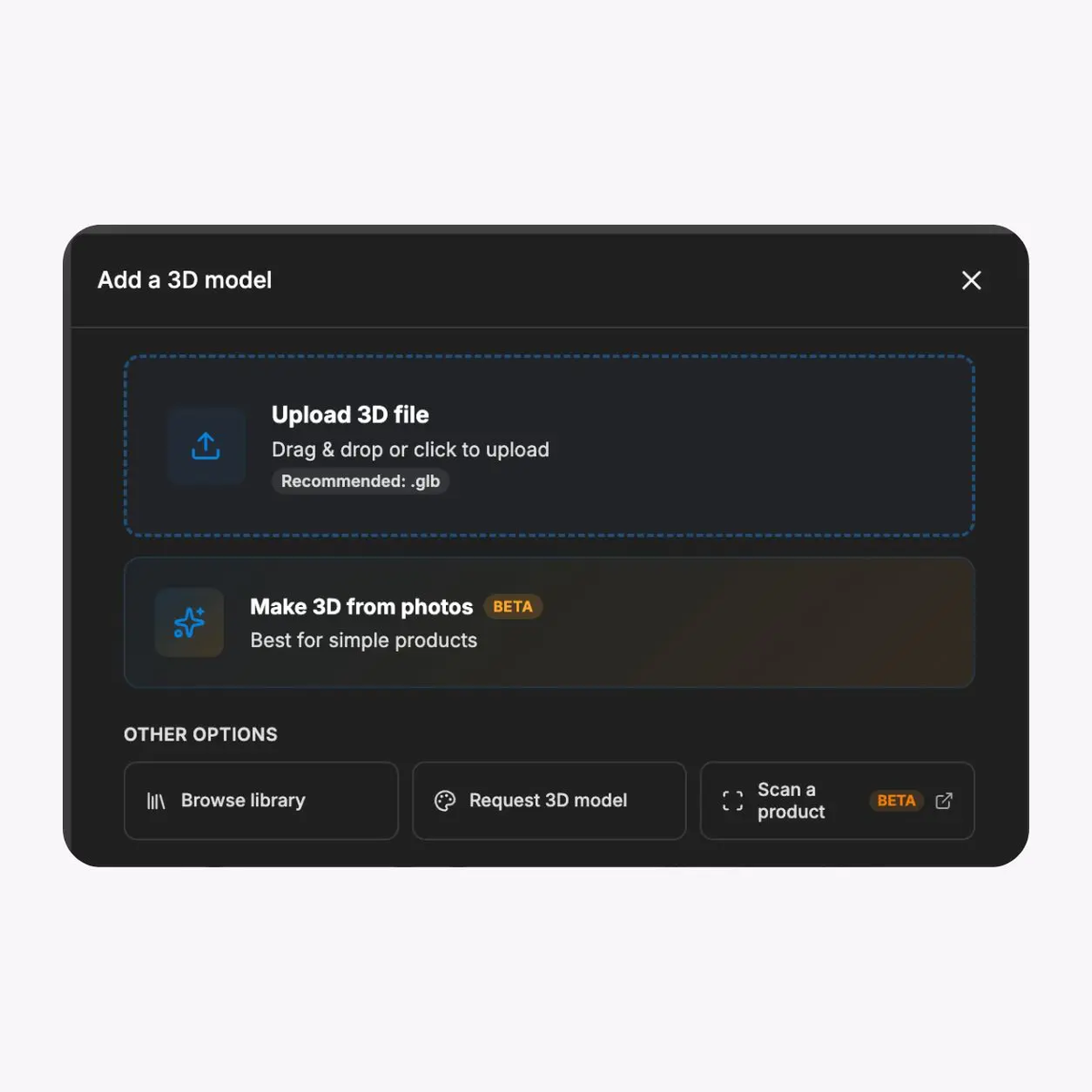
Start with an approved product image
Use a clear product image that represents the item shoppers are evaluating. Confirm the product identity, orientation, visible finish, ownership, and destination before publishing the AR experience.

Use approved product imagery to create a browser-based AR experience shoppers can open from your product page. Keep pricing, availability, specifications, and checkout in the ecommerce systems that already own them.
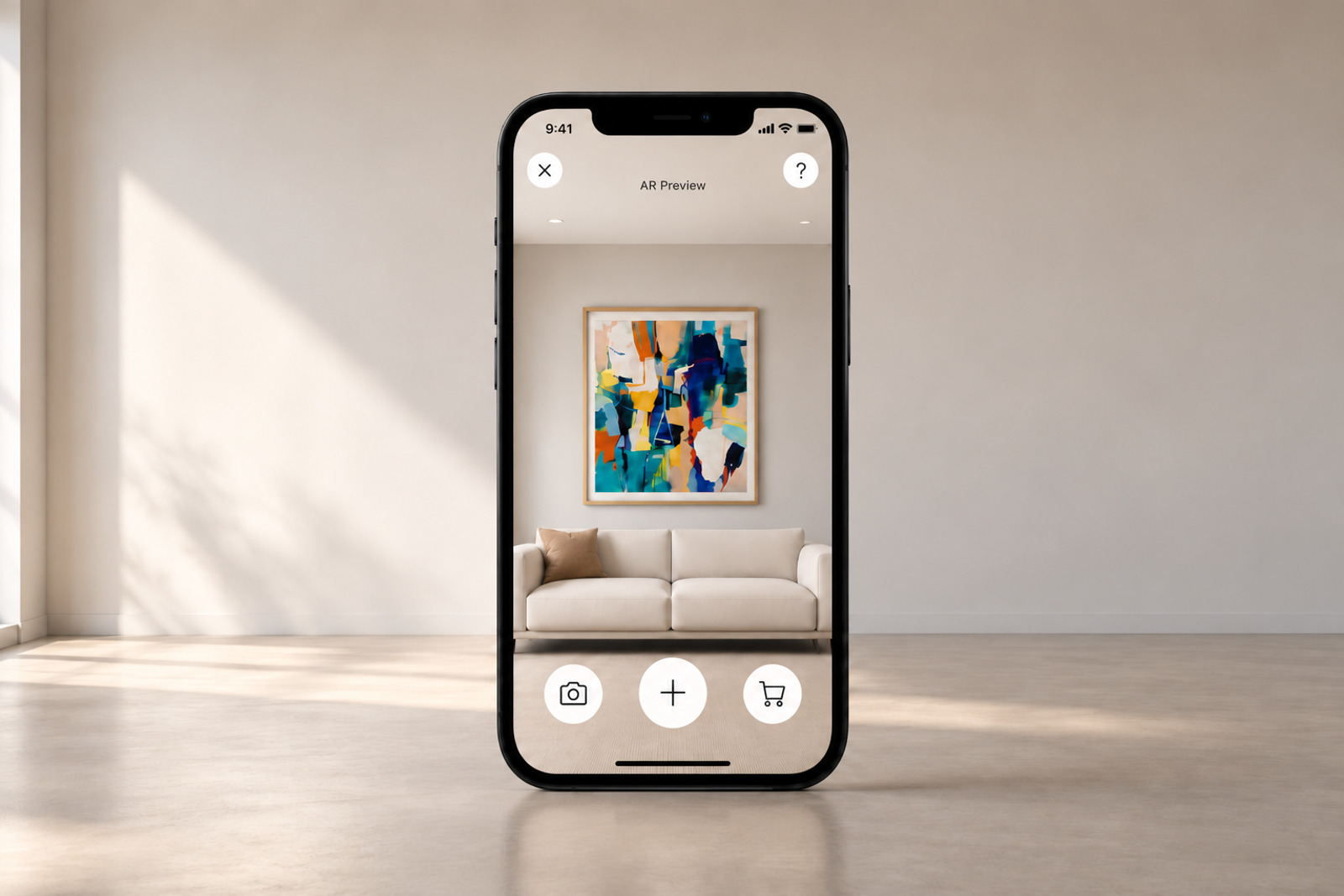
Treat the product image as the visual starting point. Keep authoritative price, inventory, dimensions, product claims, and checkout in the ecommerce page and systems that maintain them.
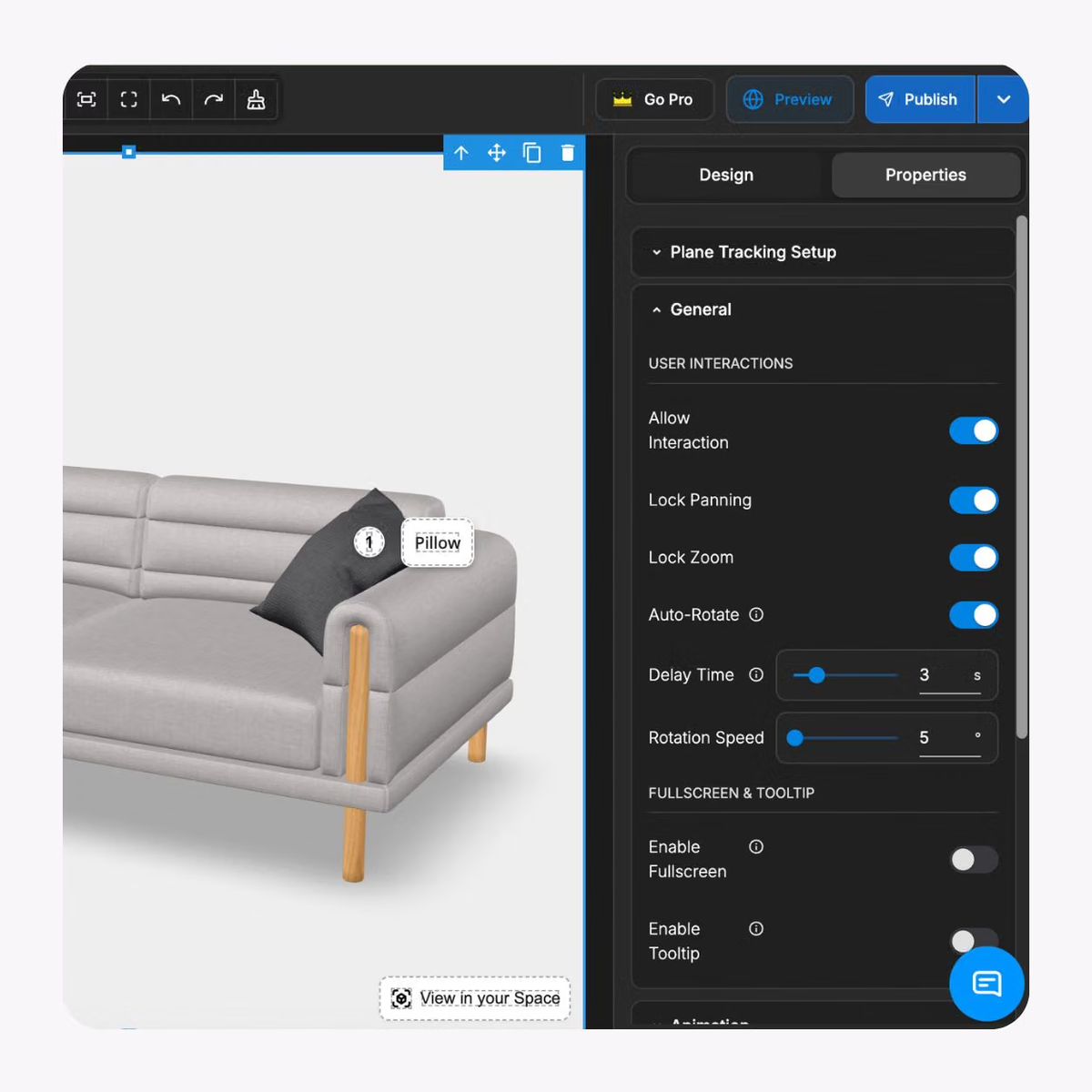


Use a clear product image that represents the item shoppers are evaluating. Confirm the product identity, orientation, visible finish, ownership, and destination before publishing the AR experience.
Set the visual presentation so the product appears in a useful shopper context. Review orientation, scale, placement, and fallback media before release.
Where the product experience and device support it, let shoppers launch AR without moving into a separate app. Test the launch path, placement, fallback, and return journey on the devices you expect shoppers to use.
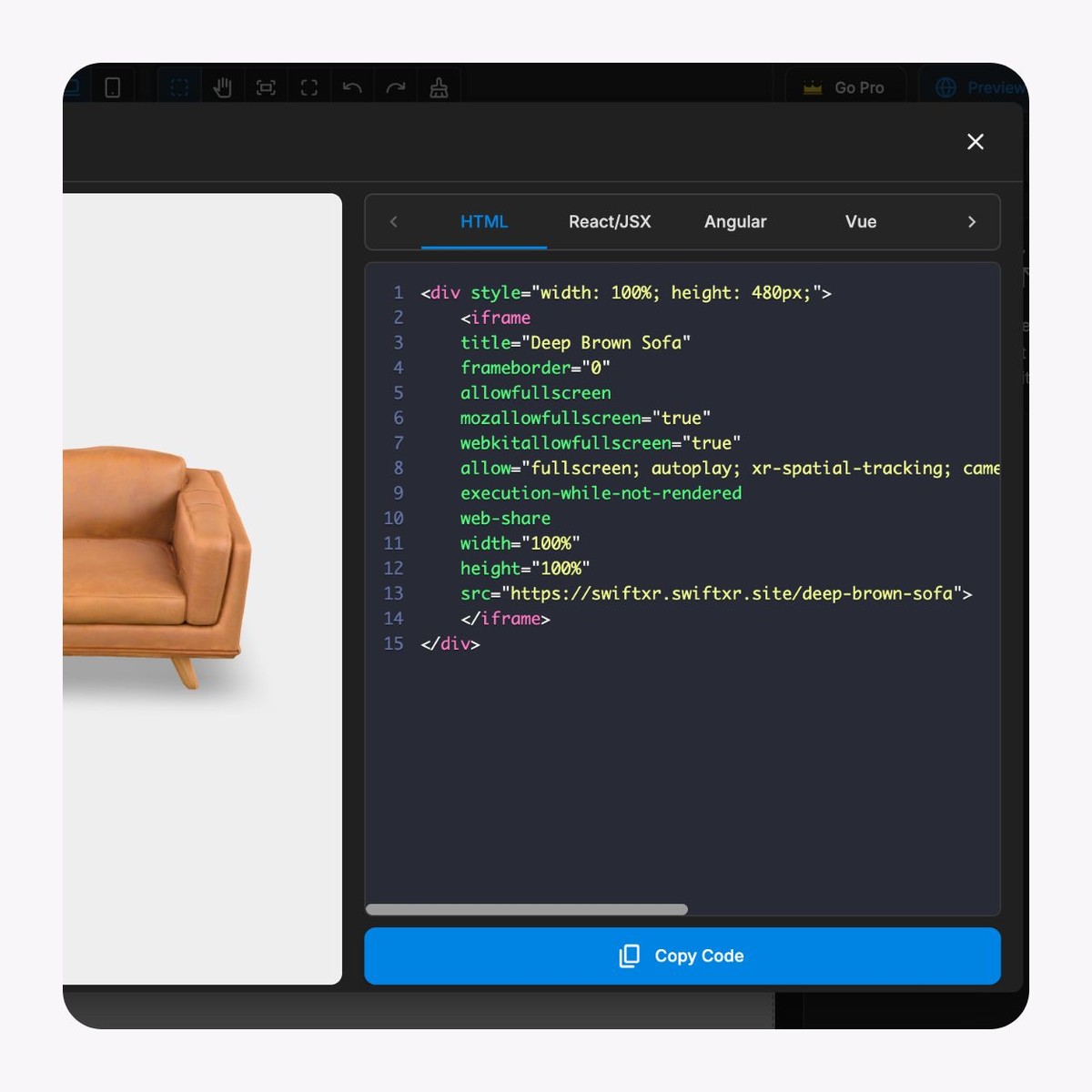
Use a controlled share link or embed the experience inside the relevant product, collection, landing, or campaign page. Keep the destination and next action explicit.
Use available views and interactions as diagnostic signals for the experience. Define what each event means and review it alongside the ecommerce metrics your team already trusts.
Start with one product where visual context matters, one shopper task, and one clear destination before applying the pattern across a catalogue.
01
Choose one product and one shopper question
Select the product image, product page, target devices, visual question, AR destination, fallback, and release owner for the first experience.
02
Build the approved AR presentation
Prepare the product visual, set the intended orientation and scale, and connect the experience to the ecommerce page without moving product facts out of their source of truth.
03
Test the complete buying route
Check the product page, AR launch, placement, fallback, device behaviour, accessibility, analytics, and return to the commercial journey before publishing.
Use the sample to review the interaction pattern: a shopper starts from product content, opens a browser-based AR experience, evaluates the product in context, and returns to the buying journey. The sample is not proof of performance for a specific store or product category.
Apply the pattern to products that benefit from spatial or visual context while keeping authoritative commercial information in the ecommerce experience.
Home decor and wall products
Help shoppers understand how decorative products may look in a real room before they continue to purchase.
Artwork, prints, and framed products
Turn approved product imagery into a wall-preview experience while size, material, pricing, and fulfilment remain on the product page.
Product launches and campaigns
Give campaign traffic an interactive way to evaluate a product in context, then route shoppers back to the controlled product or purchase destination.
Specialty ecommerce
Use AR when product photography explains appearance but still leaves a practical question about scale, presence, or placement.
What to know before getting started with SwiftXR.
SwiftXR projects are lightweight, interactive experiences that you can create, share, and embed on your website. No prior 3D or immersive development experience is needed.
Platform credits are the unit of usage on SwiftXR. Each interaction with a 3D or AR experience consumes credits based on complexity and duration.
No. You can update your projects as many times as you want without any extra charges.
A project view is counted each time a unique session loads and interacts with your SwiftXR experience.
If you exceed your plan's included views, additional usage is billed at your plan's overage rate.
Yes. SwiftXR supports multiple 3D objects, hotspots, animations, and AR triggers within a single project.
What our customers say.
See how brands use SwiftXR to help customers understand products before they buy.
Retail (air treatment products)
DUUX
Retail (automated laundry racks)
GoodLiving
Real Estate
Cozy Homeva
Manufacturing
TopMetalPro
Furniture
Taeillo Nigeria
Cast Stone Fireplaces
ARCH Casting, Co.
Wooden House Construction
Ebat Yapı ve Ahşap Sanatları
3D Construction Printing
Versarien Construction
Signage & Environmental Graphics
Clark Technical Design
Central Salone
E Commerce
Central Salone
Art
SlickcityPrintsAfrica