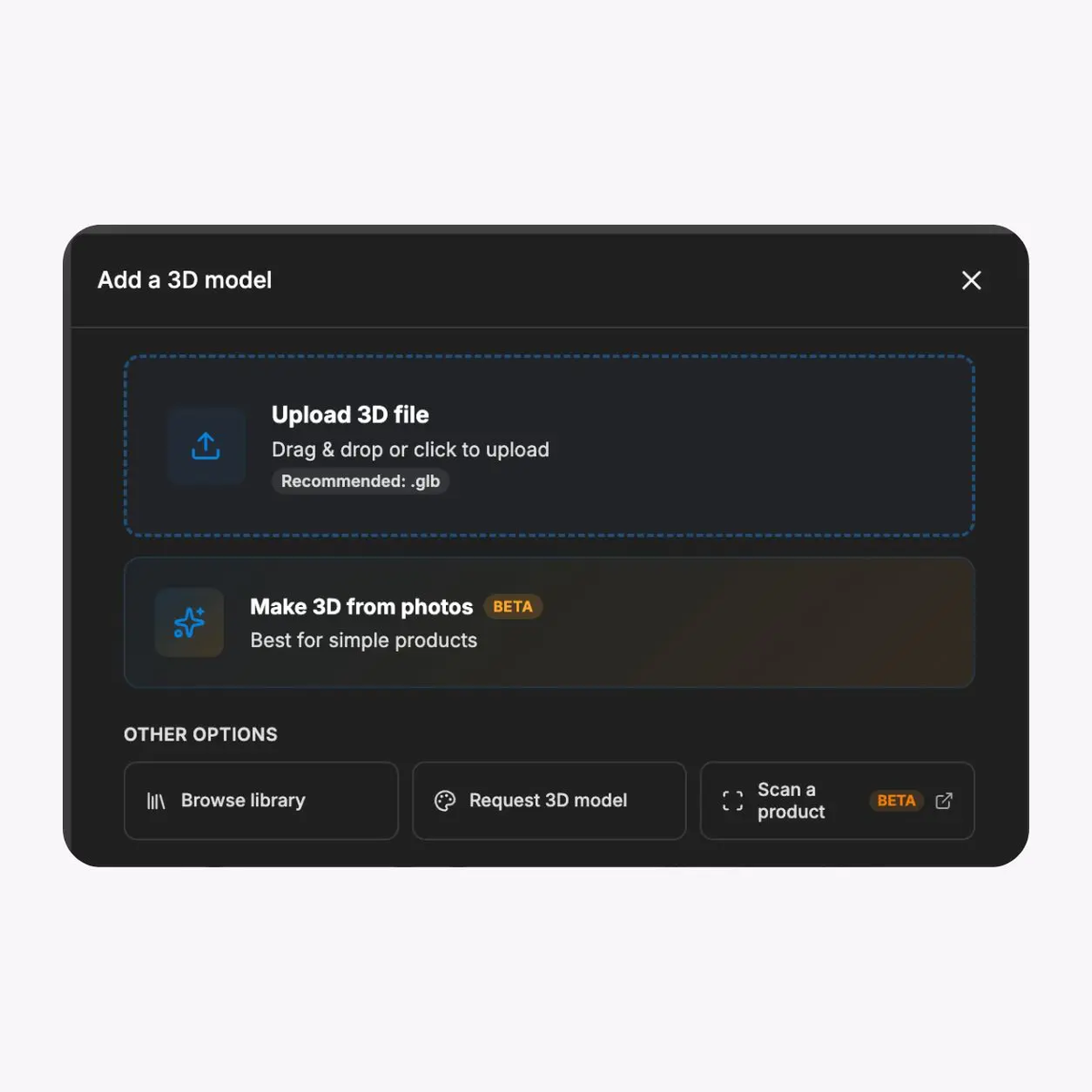
Bring approved vehicle assets
Start with an approved model and a controlled record of scale, orientation, materials, components, rights, revision, and destination. Validate the exact output before release.

Present approved vehicle colours, materials, components, and options in a browser-based visual experience while keeping pricing, stock, eligibility, and ordering in the systems that own them.

Start with approved product data, build only the permitted visual options, and validate the real sales or website route before wider use.

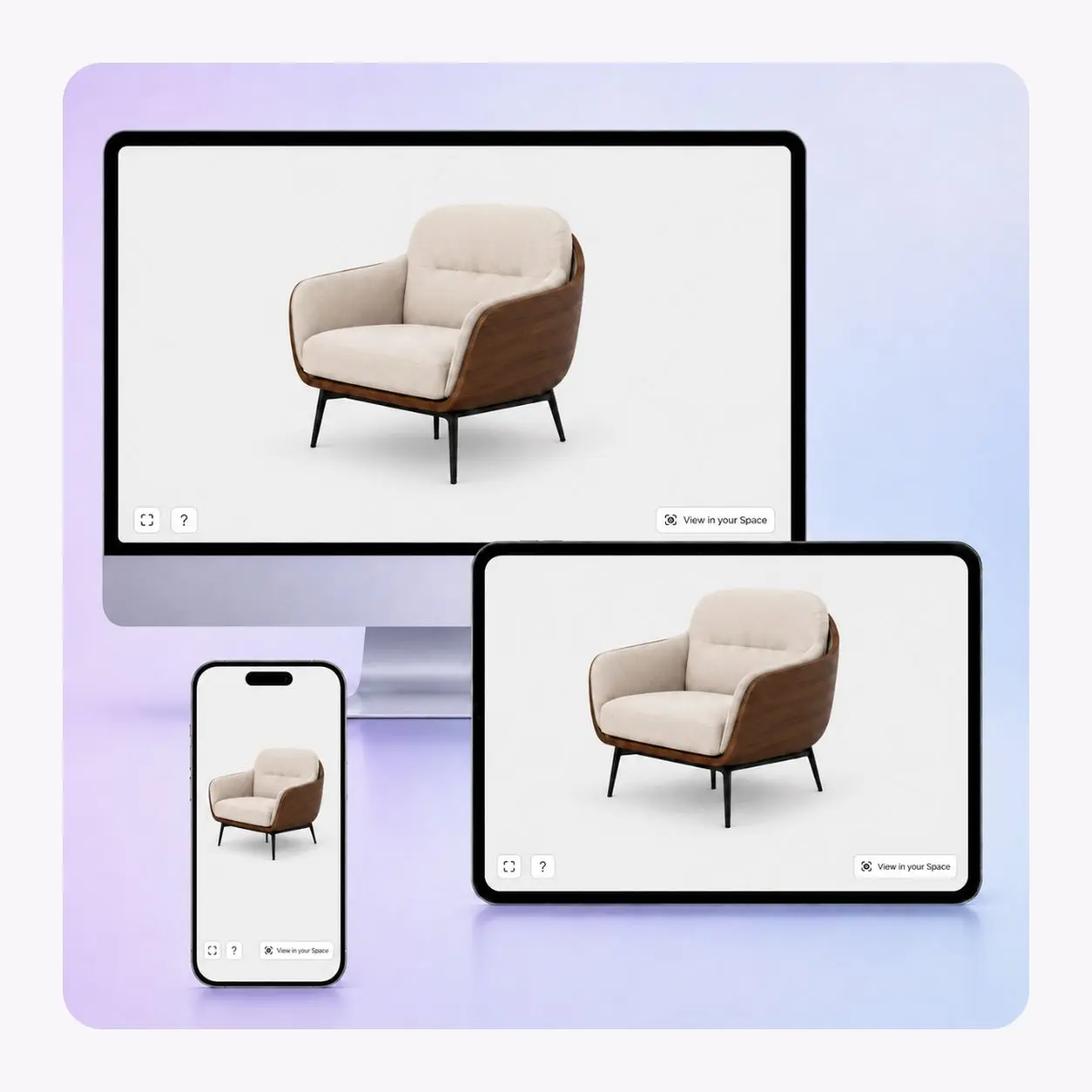
Start with an approved model and a controlled record of scale, orientation, materials, components, rights, revision, and destination. Validate the exact output before release.
Present approved paint, trim, upholstery, wheel, or accessory states. Keep visual labels aligned with product data and do not imply a price or availability change without a tested connection.
Use controlled camera views and hotspots to focus attention on approved exterior, interior, component, or accessory details without replacing product specifications.
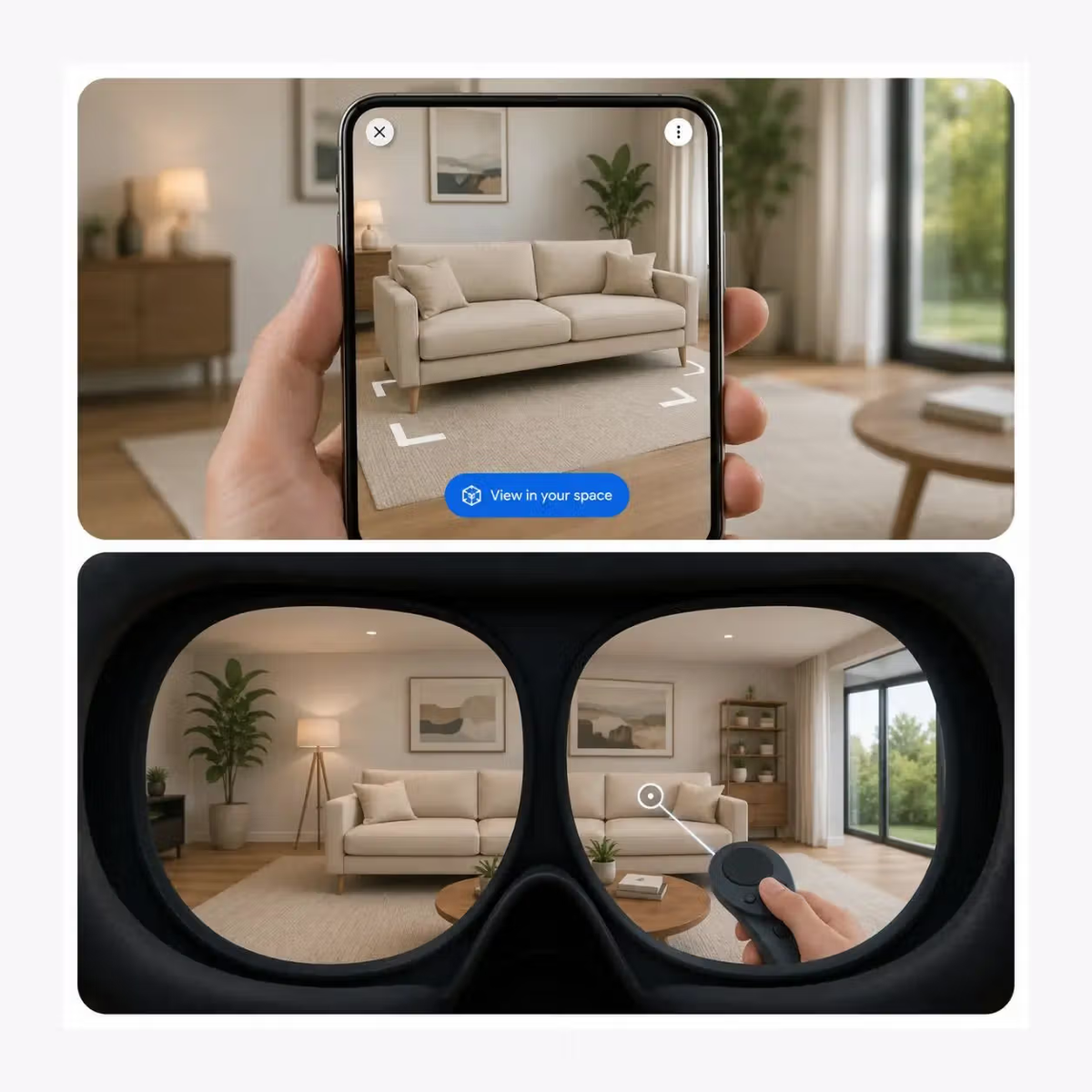
Where the asset and device support it, test an AR route for spatial review. Validate scale, launch behaviour, fallback media, lighting conditions, and the surrounding page.
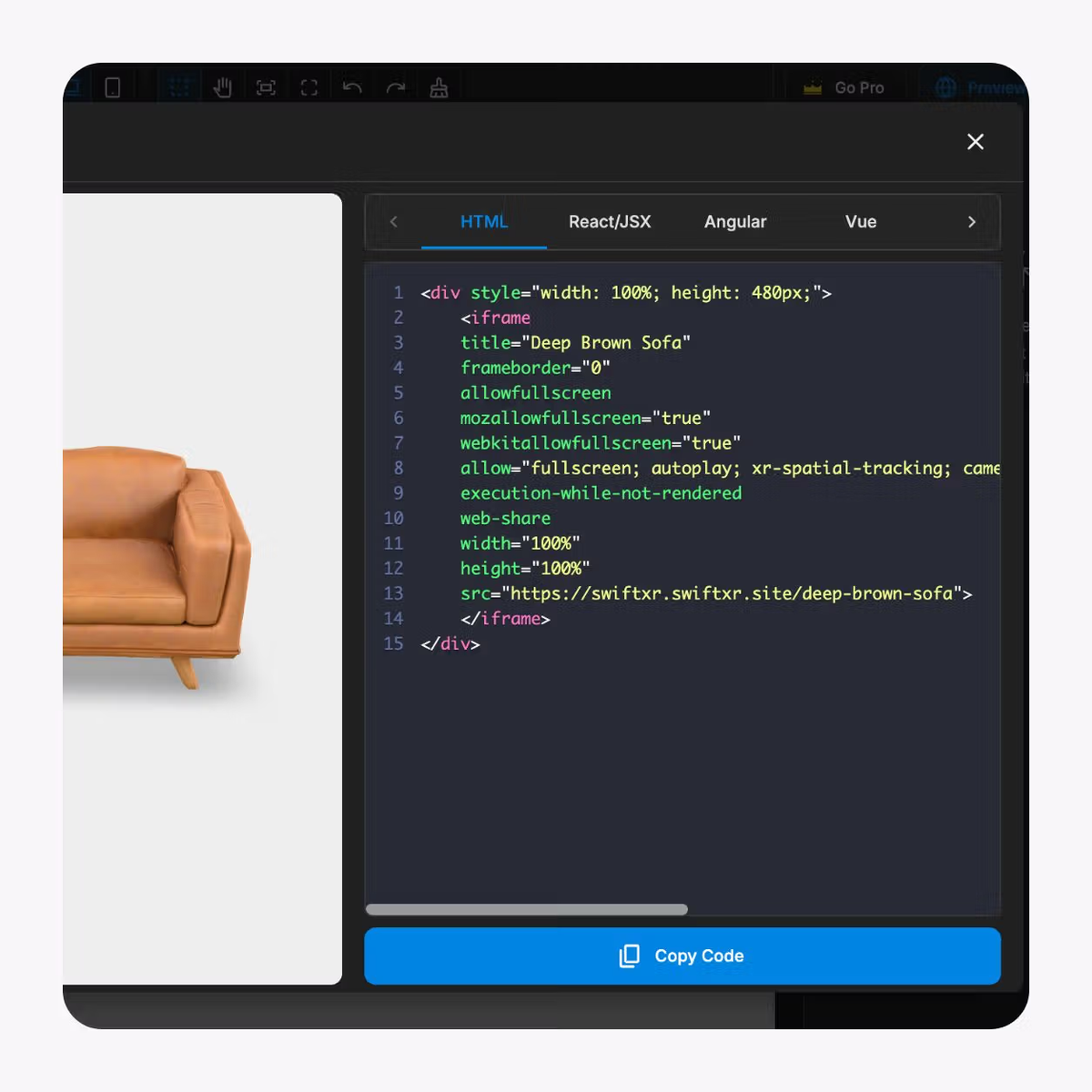
Publish a controlled link for sales use or embed the experience on an approved website. Test the page template, consent tools, performance, accessibility, and fallback.
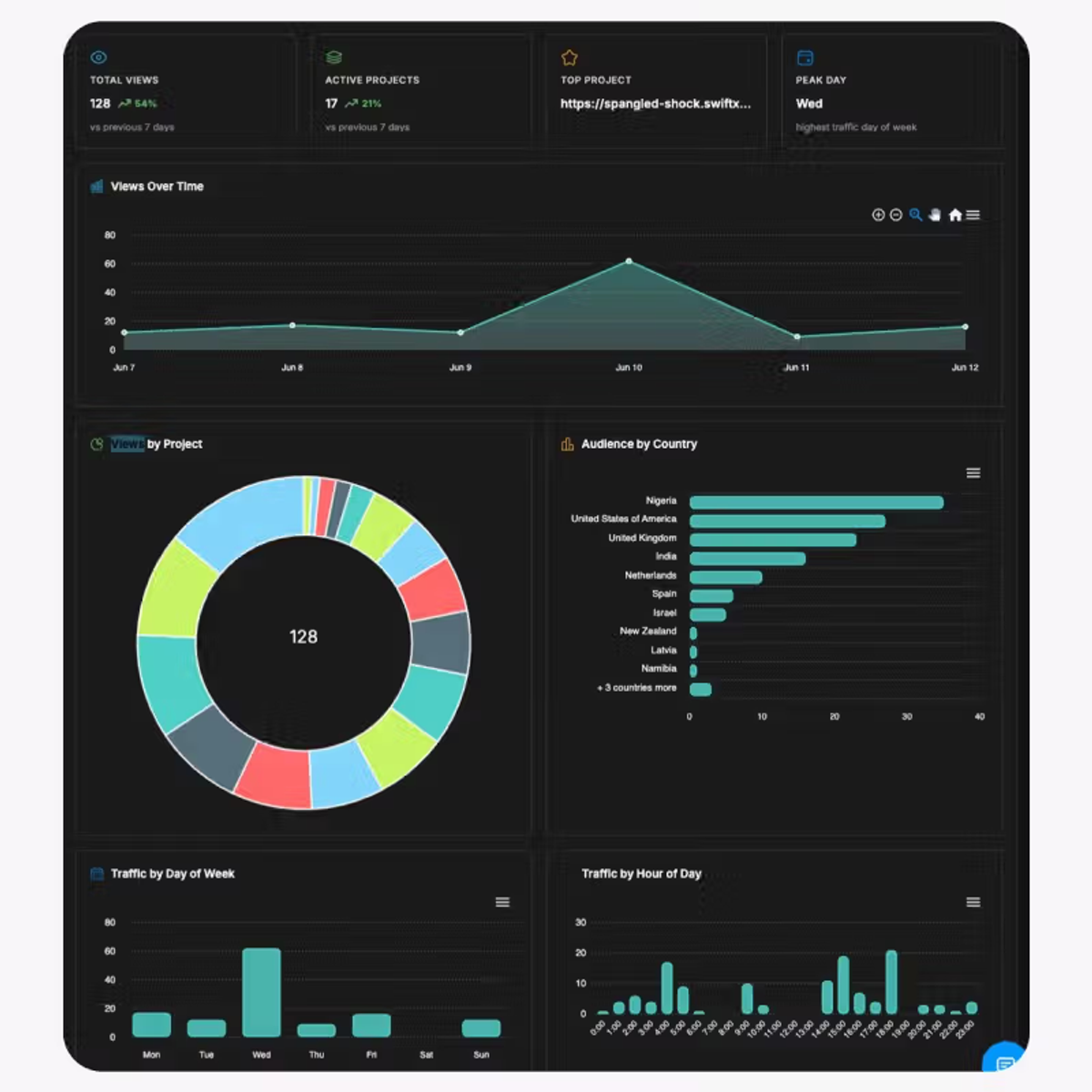
Use view and interaction data as diagnostic signals. Define event meanings, privacy basis, reporting ownership, and review cadence before using the data in a business decision.
Scope one representative configuration, build only approved visual states, then validate the destination and handoff.
01
Scope one representative configuration
Choose one vehicle, specialty product, or accessory family that exposes meaningful options. Define the buyer task, approved source, system boundaries, and release evidence.
02
Build the approved visual experience
Upload the approved asset, create only permitted visual options, set views and hotspots, and connect the correct fallback. Keep product records and labels aligned.
03
Validate the destination and handoff
Test the real page or sales route across representative devices. Confirm visual states, fallback, accessibility, option meaning, links, analytics, and the next commercial step.
Use this generic model only to review interaction patterns. It is not automotive customer proof and does not establish an integration with pricing, stock, dealer, CPQ, or order systems.
Use the visual layer alongside authoritative product data, sales processes, accessible alternatives, and release ownership.
Vehicle brand campaign pages
Let buyers inspect approved colour, trim, or accessory states before moving to the authoritative product or enquiry route.
Dealer group websites
Give sales teams a consistent visual explanation while keeping market, stock, price, and eligibility in the systems that own them.
Specialty vehicle teams
Present approved bodies, equipment, or interior options with clear revision ownership and an explicit next commercial step.
Aftermarket suppliers
Show how an approved wheel, finish, or accessory changes the product view without implying fitment, availability, or order validation.
What to know before getting started with SwiftXR.
SwiftXR projects are lightweight, interactive experiences that you can create, share, and embed on your website. No prior 3D or immersive development experience is needed.
Platform credits are the unit of usage on SwiftXR. Each interaction with a 3D or AR experience consumes credits based on complexity and duration.
No. You can update your projects as many times as you want without any extra charges.
A project view is counted each time a unique session loads and interacts with your SwiftXR experience.
If you exceed your plan's included views, additional usage is billed at your plan's overage rate.
Yes. SwiftXR supports multiple 3D objects, hotspots, animations, and AR triggers within a single project.
What our customers say.
See how brands use SwiftXR to help customers understand products before they buy.
Retail (air treatment products)
DUUX
Retail (automated laundry racks)
GoodLiving
Real Estate
Cozy Homeva
Manufacturing
TopMetalPro
Furniture
Taeillo Nigeria
Cast Stone Fireplaces
ARCH Casting, Co.
Wooden House Construction
Ebat Yapı ve Ahşap Sanatları
3D Construction Printing
Versarien Construction
Signage & Environmental Graphics
Clark Technical Design
Central Salone
E Commerce
Central Salone
Art
SlickcityPrintsAfrica