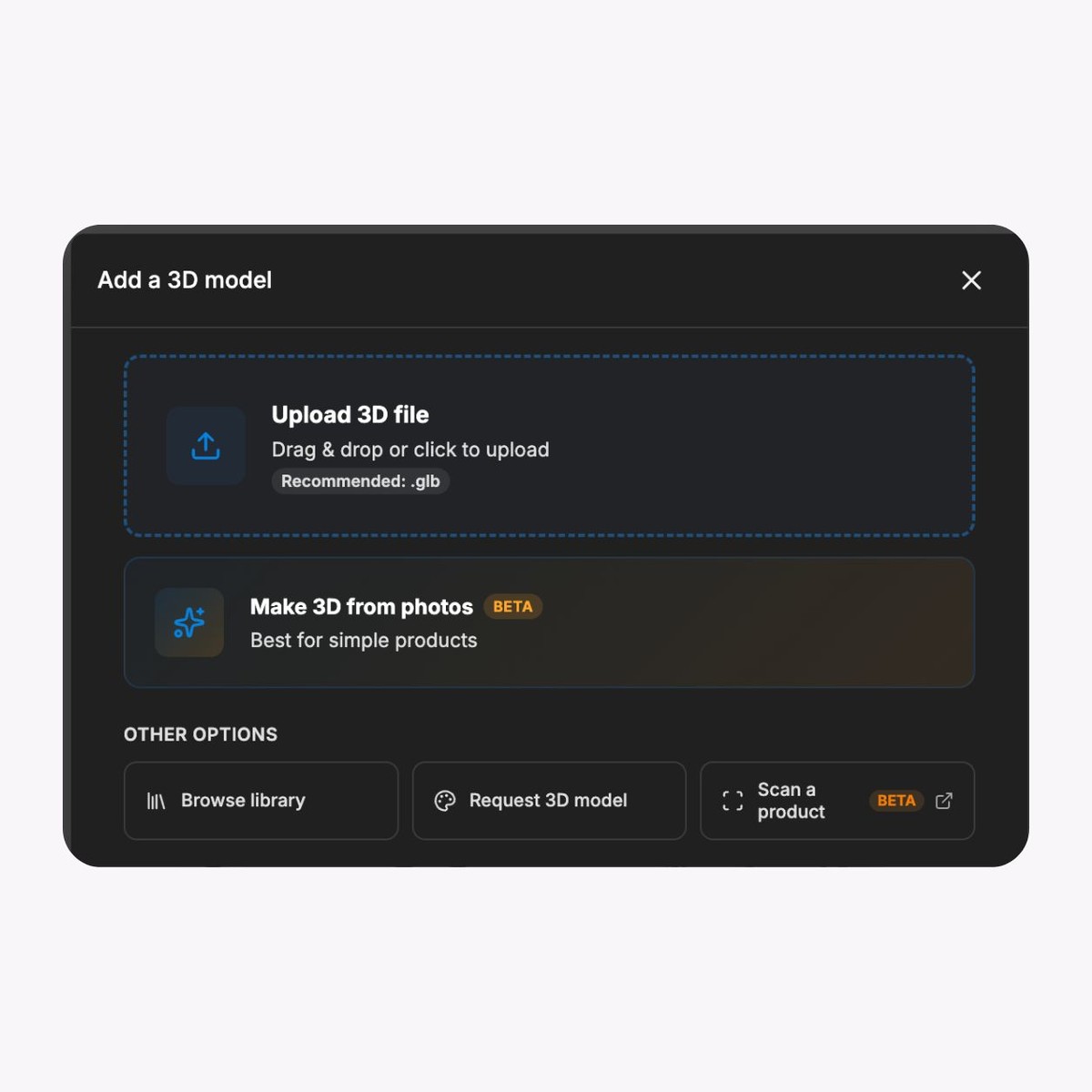
Bring approved 3D product assets
Start with an approved product model or controlled visual asset, then record its product identifier, scale, orientation, materials, rights, revision, owner, and destination. Validate the exact asset before release.

Use an approved pack entry point to open a browser-based product experience while keeping product facts, claims, consent, accessibility, and the commercial handoff in the systems that own them.
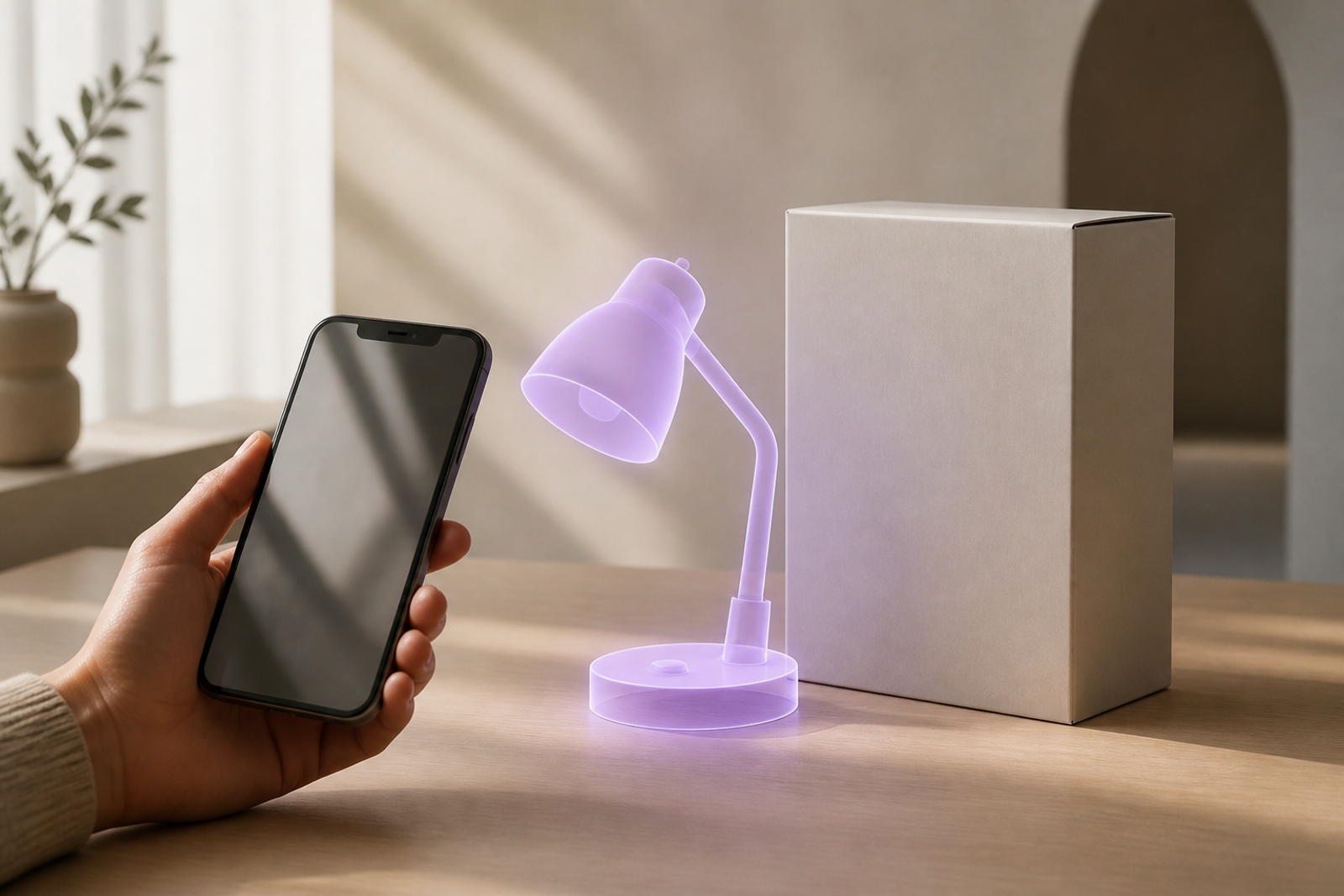
Treat the pack as an entry route. Keep authoritative product, legal, commercial, consent, and accessibility information in the systems and pages that own it.

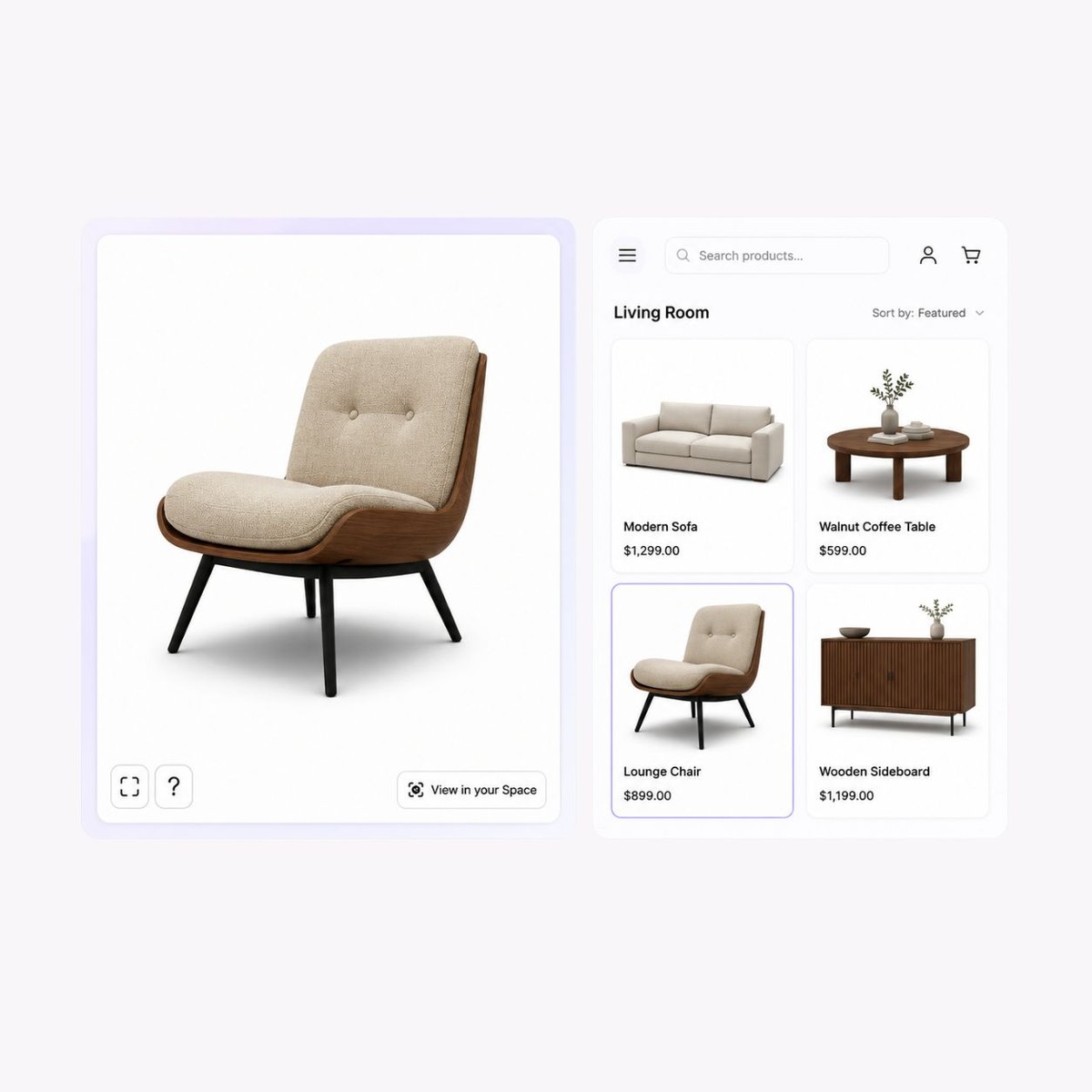


Start with an approved product model or controlled visual asset, then record its product identifier, scale, orientation, materials, rights, revision, owner, and destination. Validate the exact asset before release.
Use the visual editor to set approved colours, lighting, camera angles, and AR scale. Keep every visible state aligned with the product record and the surrounding page.
Use hotspots and controlled views to focus attention on approved details without replacing essential page content or carrying an unsupported product, health, environmental, performance, or commercial claim.
Where the approved asset and target device support it, open an AR route from the browser experience. Validate scale, placement, lighting, launch behaviour, fallback media, and the surrounding page.
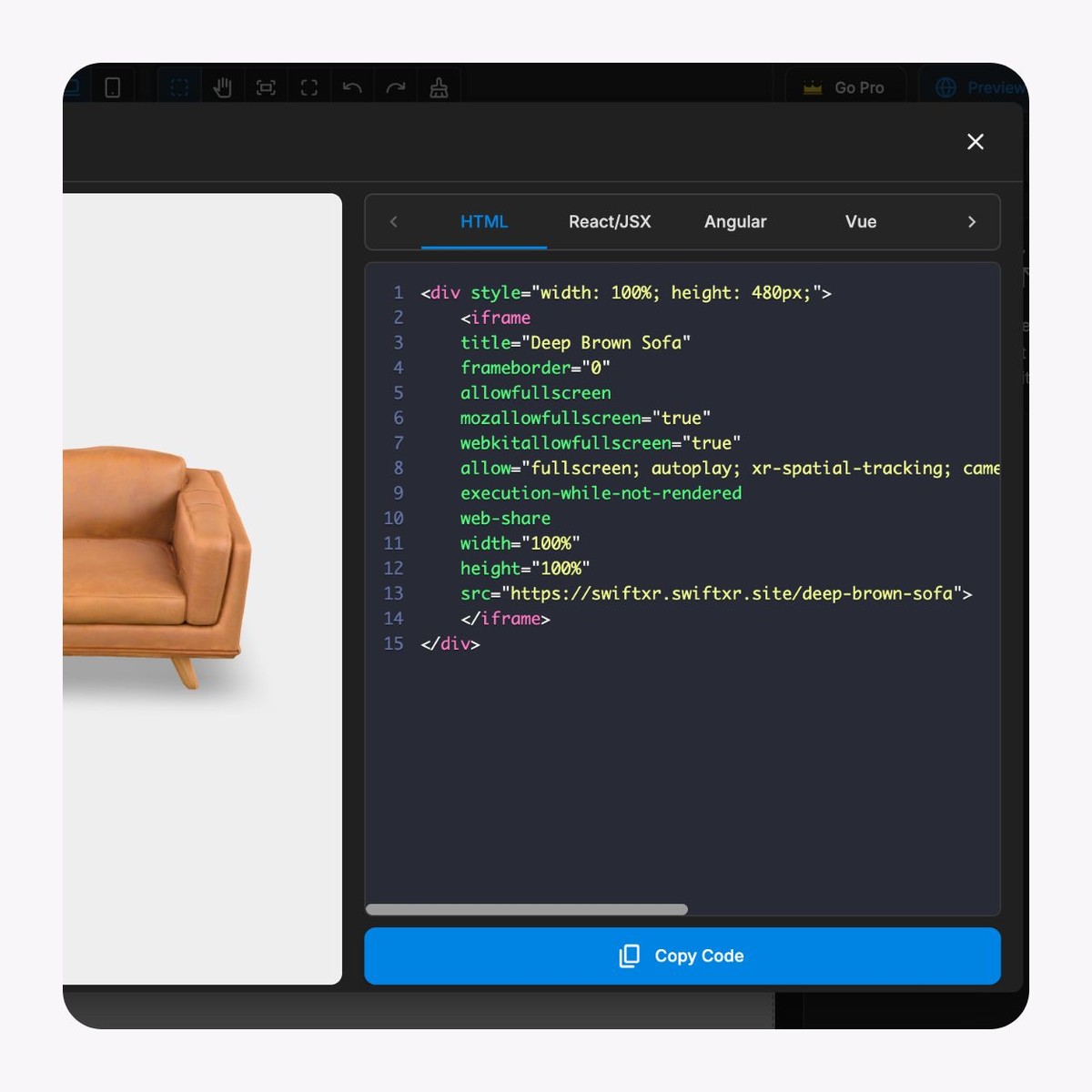
Publish a controlled link or provide an embed for an approved campaign or product page. Test redirects, consent tools, performance, accessibility, fallback, analytics, and the next commercial route.
Use available views and interactions as diagnostic signals. Define event meaning, privacy basis, campaign dates, reporting owner, and review cadence without treating interaction alone as proof of commercial impact.
Start with one representative pack, one buyer task, and one measurable acceptance record before scaling the pattern.
01
Scope one pack and one buyer task
Record the market, pack revision, physical entry point, destination, devices, fallback, authoritative facts, CTA, and release owner.
02
Build the approved visual experience
Prepare the approved asset, set only permitted visual states, add necessary views or hotspots, and publish to a controlled destination.
03
Test the printed and digital journey
Use the final pack or a production-equivalent proof to check the entry point, redirects, devices, accessibility, fallback, analytics, consent, product accuracy, and commercial handoff.
Use this generic model only to review browser interaction patterns. It is not packaging customer proof and does not establish compatibility with a specific code, print process, packaging material, consent platform, product-information system, promotion, retailer, or market.
Apply the visual layer only where the buyer task, authoritative facts, physical entry point, destination, fallback, and release evidence are clear.
Product launches
Give the buyer a richer approved product demonstration than the physical pack can hold, then continue to the authoritative product or enquiry route.
Guided product instructions
Use controlled views and hotspots to support an instruction journey while keeping essential and safety-critical information available outside the interactive media.
Sampling and event campaigns
Connect a controlled pack or printed item to a tested browser destination with explicit campaign dates, consent, fallback, analytics meaning, and ownership.
Market-specific packaging ranges
Reuse an approved product model across controlled experiences while keeping language, claims, availability, and legal content aligned with each market destination.
What to know before getting started with SwiftXR.
SwiftXR projects are lightweight, interactive experiences that you can create, share, and embed on your website. No prior 3D or immersive development experience is needed.
Platform credits are the unit of usage on SwiftXR. Each interaction with a 3D or AR experience consumes credits based on complexity and duration.
No. You can update your projects as many times as you want without any extra charges.
A project view is counted each time a unique session loads and interacts with your SwiftXR experience.
If you exceed your plan's included views, additional usage is billed at your plan's overage rate.
Yes. SwiftXR supports multiple 3D objects, hotspots, animations, and AR triggers within a single project.
What our customers say.
See how brands use SwiftXR to help customers understand products before they buy.
Retail (air treatment products)
DUUX
Retail (automated laundry racks)
GoodLiving
Real Estate
Cozy Homeva
Manufacturing
TopMetalPro
Furniture
Taeillo Nigeria
Cast Stone Fireplaces
ARCH Casting, Co.
Wooden House Construction
Ebat Yapı ve Ahşap Sanatları
3D Construction Printing
Versarien Construction
Signage & Environmental Graphics
Clark Technical Design
Central Salone
E Commerce
Central Salone
Art
SlickcityPrintsAfrica