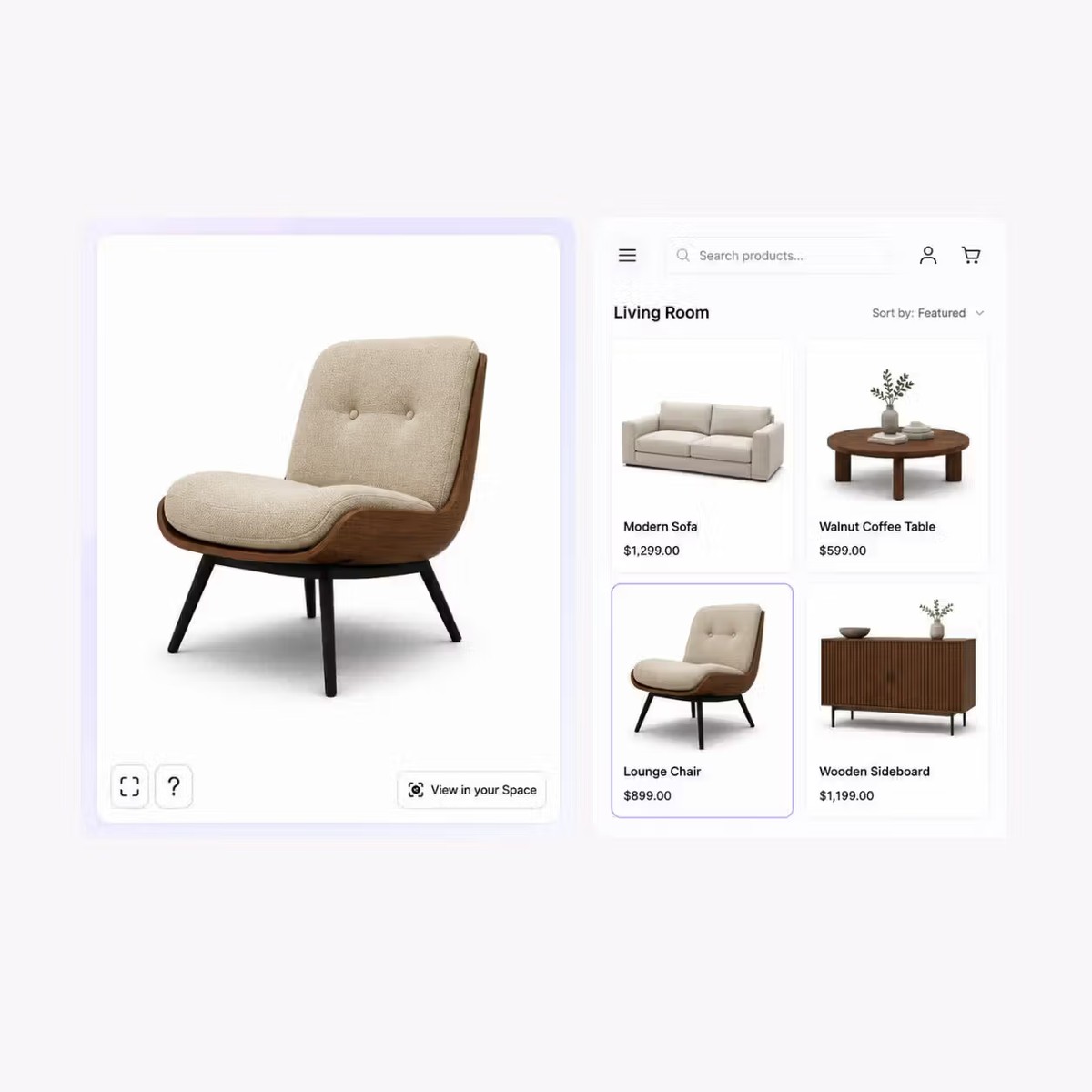
Interactive 3D inspection
Let shoppers rotate and zoom around the product before moving into AR.

Add interactive 3D and browser-based AR to furniture product pages so shoppers can inspect the product and view it in their own space.
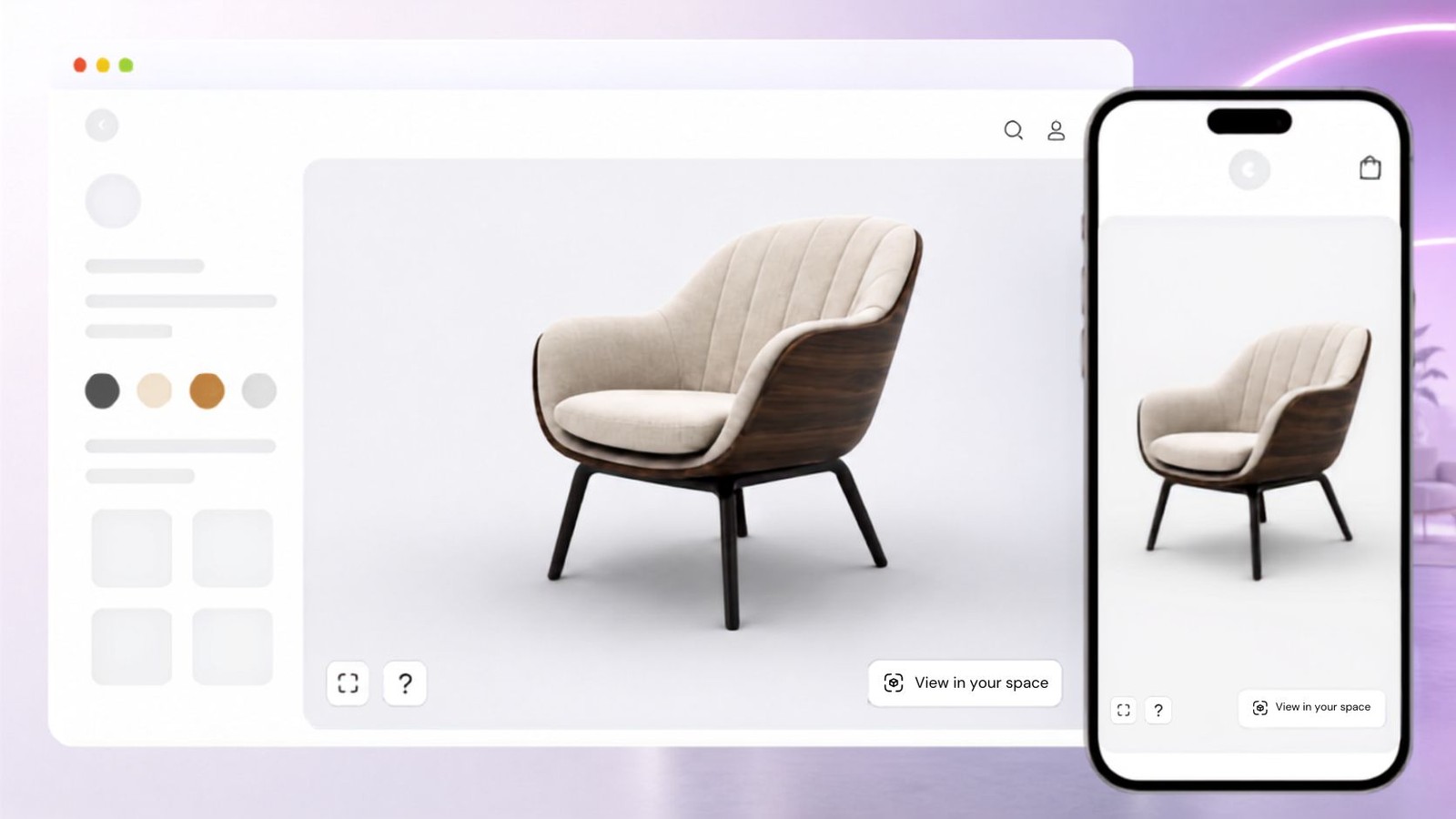
Give shoppers a way to inspect the product and understand how it looks in context before they continue to purchase.


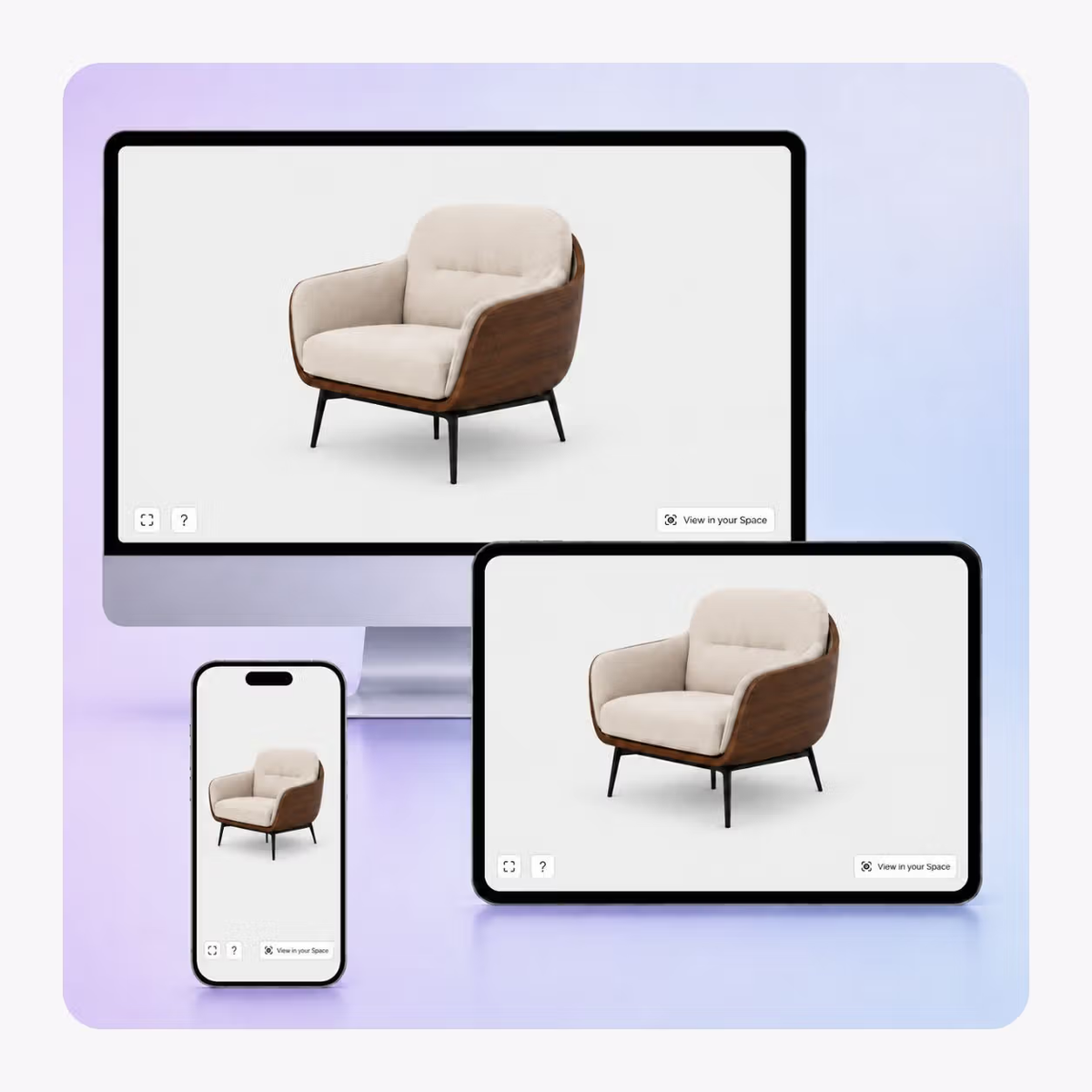
Let shoppers rotate and zoom around the product before moving into AR.
Open a supported mobile AR experience so shoppers can view the item in their own environment.
Place the viewer inside the ecommerce page you already use instead of sending shoppers to a separate destination.
Keep the core 3D experience available on desktop, tablet, and mobile, with AR available where supported.
Prepare one product experience, then publish it where shoppers already compare furniture.
01
Upload the furniture model
Bring in the approved 3D asset for the product you want shoppers to inspect.
02
Prepare 3D and AR
Review product orientation and presentation for both the browser viewer and supported AR placement.
03
Embed on the product page
Publish the experience inside your existing product journey or share it with a direct link.
Use a furniture experience that lets shoppers inspect the product first, then open AR when they need spatial context.
Furniture teams can place the same experience across ecommerce, sales, and product discovery workflows.
Sofas and seating
Give shoppers a clearer view of overall form before they place the piece in their room.
Tables and storage
Show product form from every side and give buyers a room-context view on supported devices.
Made-to-order furniture
Pair AR with configurable options when buyers need to compare finishes or variants.
B2B furniture sales
Use a shareable viewer to support remote product conversations and showroom follow-up.
What to know before getting started with SwiftXR.
SwiftXR projects are lightweight, interactive experiences that you can create, share, and embed on your website. No prior 3D or immersive development experience is needed.
Platform credits are the unit of usage on SwiftXR. Each interaction with a 3D or AR experience consumes credits based on complexity and duration.
No. You can update your projects as many times as you want without any extra charges.
A project view is counted each time a unique session loads and interacts with your SwiftXR experience.
If you exceed your plan's included views, additional usage is billed at your plan's overage rate.
Yes. SwiftXR supports multiple 3D objects, hotspots, animations, and AR triggers within a single project.
What our customers say.
See how brands use SwiftXR to help customers understand products before they buy.
Retail (air treatment products)
DUUX
Retail (automated laundry racks)
GoodLiving
Real Estate
Cozy Homeva
Manufacturing
TopMetalPro
Furniture
Taeillo Nigeria
Cast Stone Fireplaces
ARCH Casting, Co.
Wooden House Construction
Ebat Yapı ve Ahşap Sanatları
3D Construction Printing
Versarien Construction
Signage & Environmental Graphics
Clark Technical Design
Central Salone
E Commerce
Central Salone
Art
SlickcityPrintsAfrica