Official WooCommerce and WordPress plugin
Install from the WordPress plugin directory. Auto-renders viewer on every WooCommerce product with a model attached.

Bring your WooCommerce to life with interactive 3D, AR, and VR. Install one app, upload your models, and let visitors experience your work right on the page. No code, live in minutes.
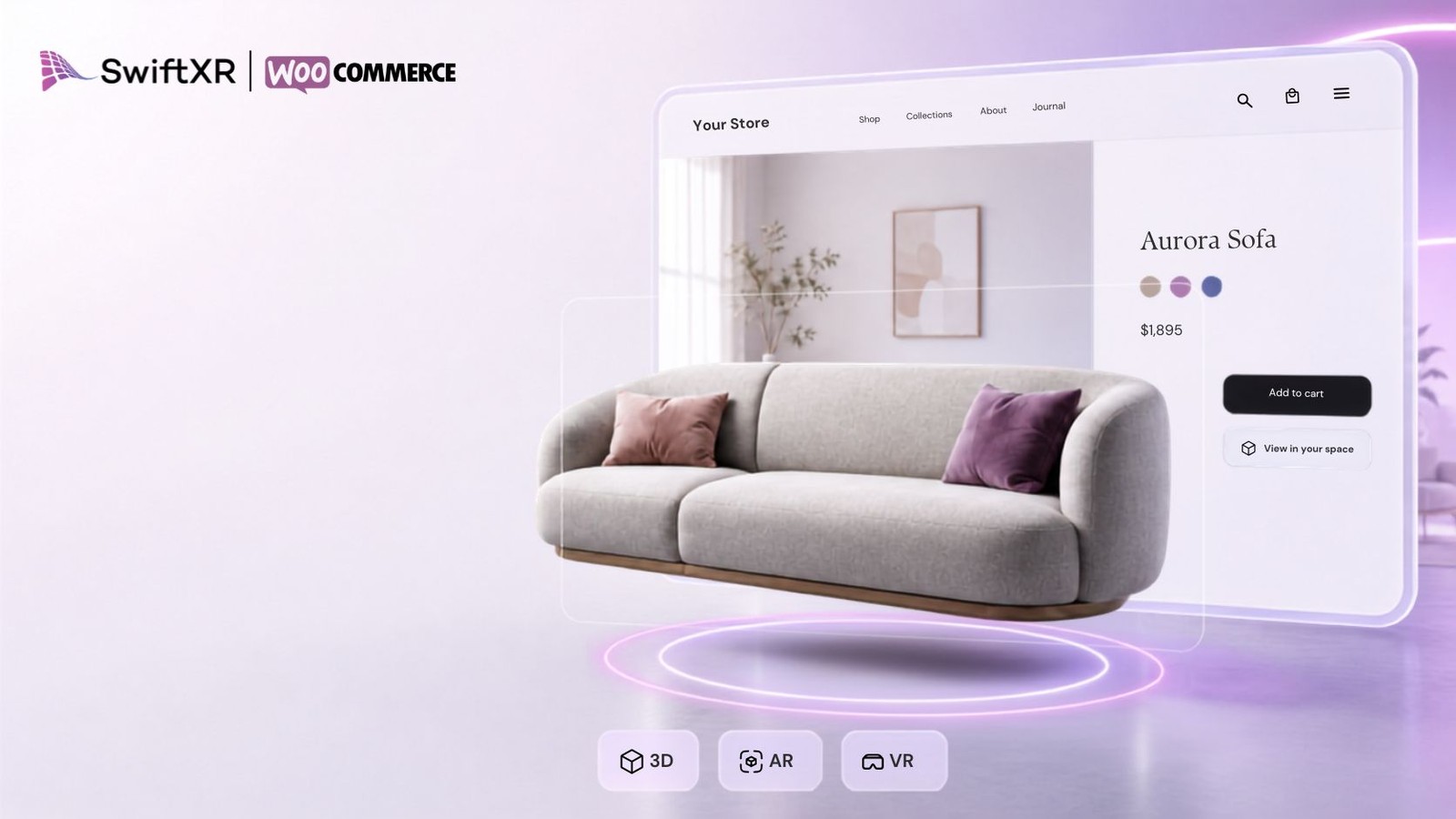
A no-code workflow built for WooCommerce stores and sites, from drop-in install to an AR-ready product page in minutes. Plus virtual showrooms and tours from the same account.
Install from the WordPress plugin directory. Auto-renders viewer on every WooCommerce product with a model attached.
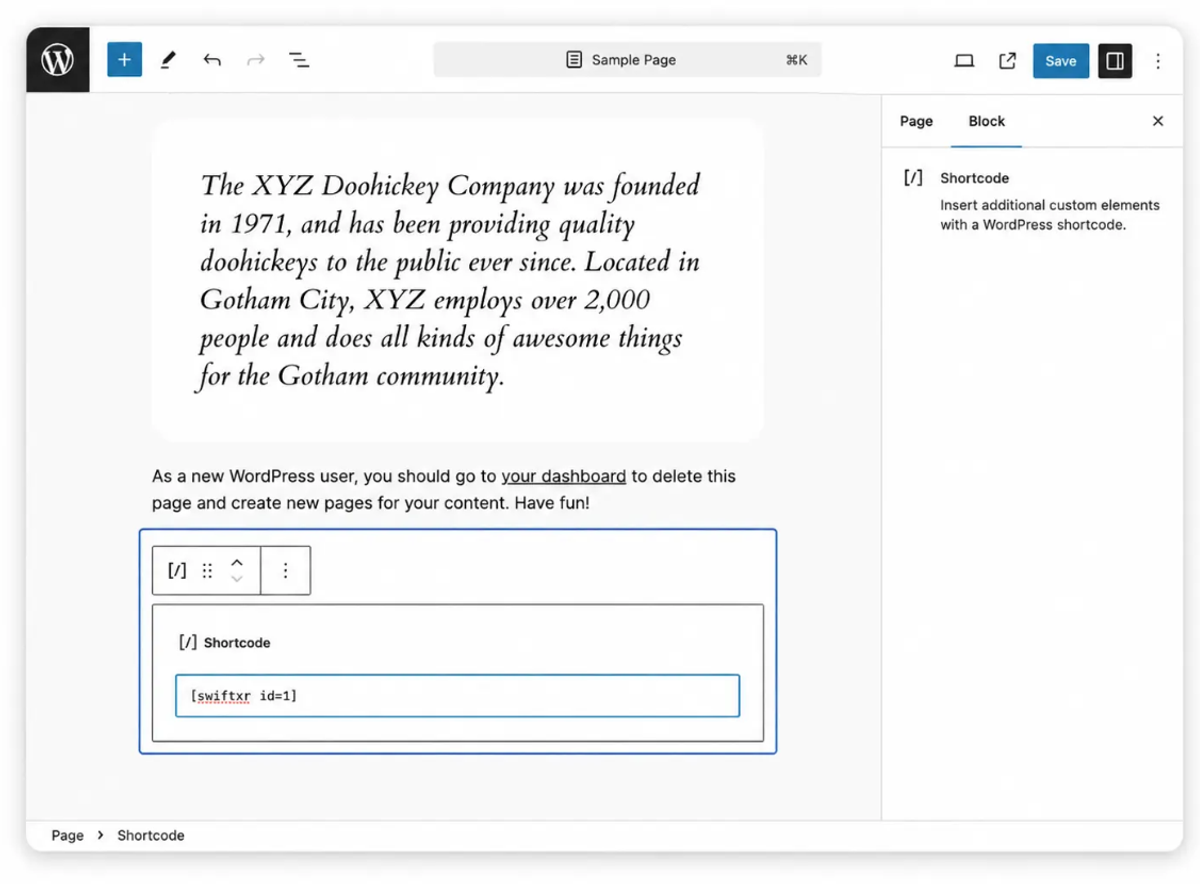
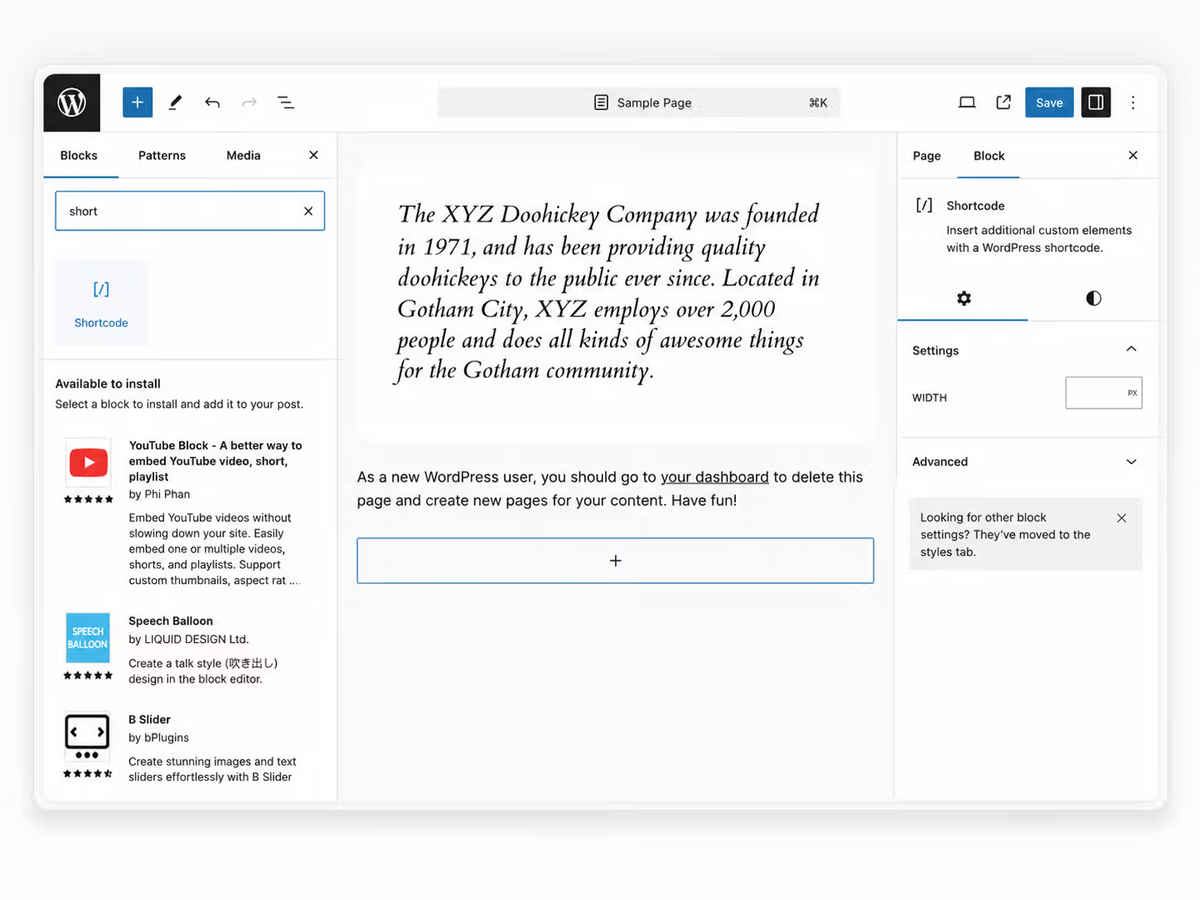
Drop the SwiftXR Gutenberg block into any page or post, or use the [swiftxr id="..."] shortcode inside any classic editor or theme template.
One install gives you 3D viewers, AR placement, and Web VR virtual tours. Use any combination across your site.
Compatible with Elementor, Divi, Beaver Builder, Bricks, and Oxygen. Embed via shortcode, block, or HTML widget.
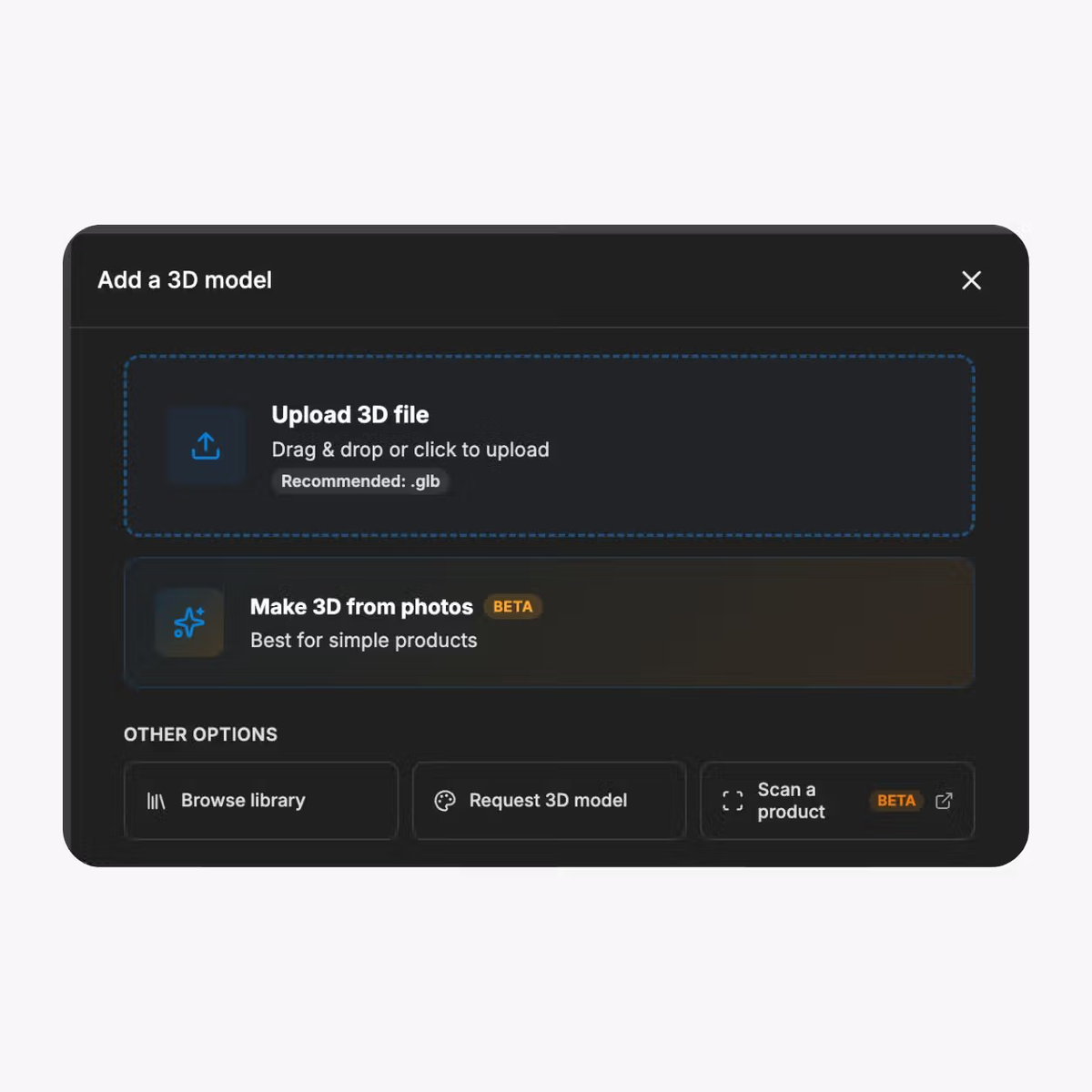
Upload models in GLB, GLTF, FBX, OBJ, and more, generate one from a photo, or use the library.
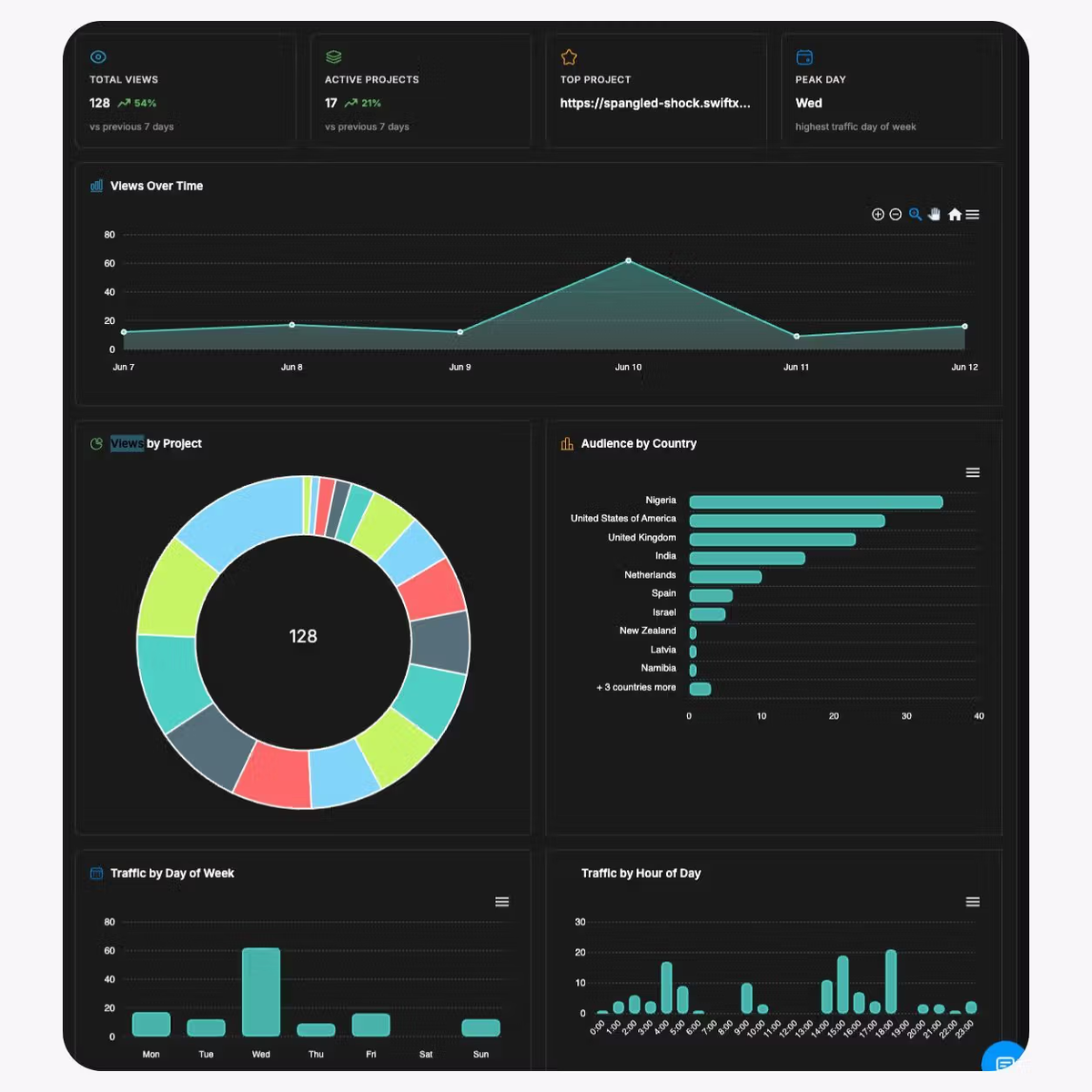
See views and engagement for every experience, right from your dashboard.
No theme edits, no developer ticket, no app store friction.
01
Install SwiftXR for WooCommerce
Sign up for SwiftXR and connect your WooCommerce site. Most users complete this in under five minutes.
02
Connect Your SwiftXR Project
Paste your published project URL and add it to the entry, or map a WooCommerce product to a published project from your dashboard.
03
Publish to your WooCommerce pages
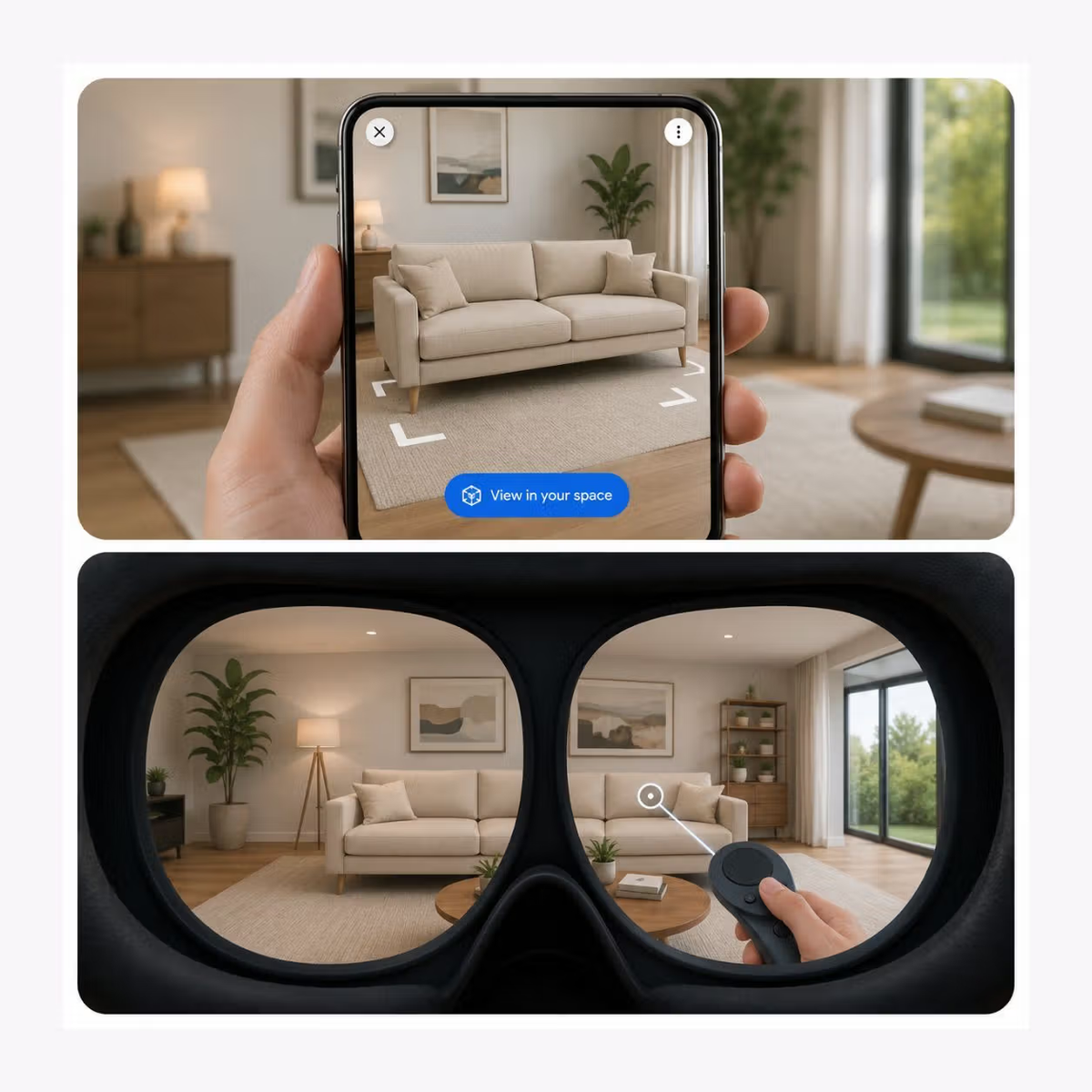
Map SwiftXR projects to your WooCommerce products. Viewers auto-render on every product page with a model attached. Tours embed on any page with the same snippet. Mobile shoppers tap "View in your space" to launch AR.
From premium consumer products to virtual showrooms, WooCommerce stores and sites use SwiftXR to make their pages stand out.
From premium consumer products to virtual showrooms, WooCommerce stores and sites use SwiftXR to make their pages stand out.
AR product viewer for e-commerce
D2C brands cutting returns and lifting add-to-cart with AR.
Custom and specialty retail
Premium and configurable products previewed in 3D.
Virtual showrooms and tours
Web VR walkthroughs of physical stores, properties, and venues.
Manufacturing and industrial
Made-to-order and configurable industrial goods.
What to know before getting started with SwiftXR.
SwiftXR projects are lightweight, interactive experiences that you can create, share, and embed on your website. No prior 3D or immersive development experience is needed.
Platform credits are the unit of usage on SwiftXR. Each interaction with a 3D or AR experience consumes credits based on complexity and duration.
No. You can update your projects as many times as you want without any extra charges.
A project view is counted each time a unique session loads and interacts with your SwiftXR experience.
If you exceed your plan's included views, additional usage is billed at your plan's overage rate.
Yes. SwiftXR supports multiple 3D objects, hotspots, animations, and AR triggers within a single project.
What our customers say.
See how brands use SwiftXR to help customers understand products before they buy.
Retail (air treatment products)
DUUX
Retail (automated laundry racks)
GoodLiving
Real Estate
Cozy Homeva
Manufacturing
TopMetalPro
Furniture
Taeillo Nigeria
Cast Stone Fireplaces
ARCH Casting, Co.
Wooden House Construction
Ebat Yapı ve Ahşap Sanatları
3D Construction Printing
Versarien Construction
Signage & Environmental Graphics
Clark Technical Design
Central Salone
E Commerce
Central Salone
Art
SlickcityPrintsAfrica