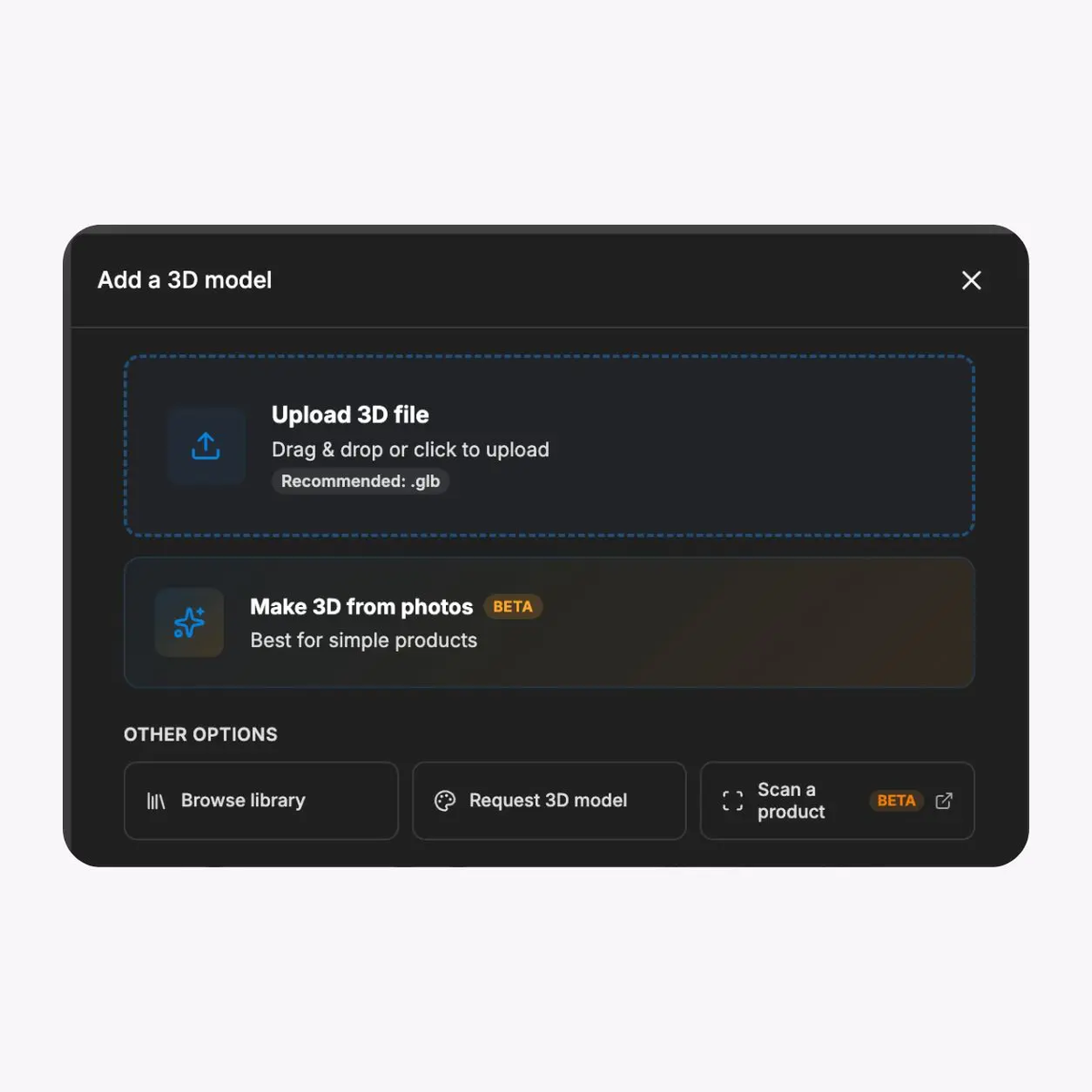
Every format you have
GLB, GLTF, OBJ, FBX, STL, DAE, and most CAD formats. SwiftXR supports the product assets you already use and prepares them for the web experience.

Let shoppers change colors, materials, finishes, and supported product variations in real time on the product page. Use the SwiftXR WooCommerce and WordPress plugin to connect the experience without building a custom 3D application.
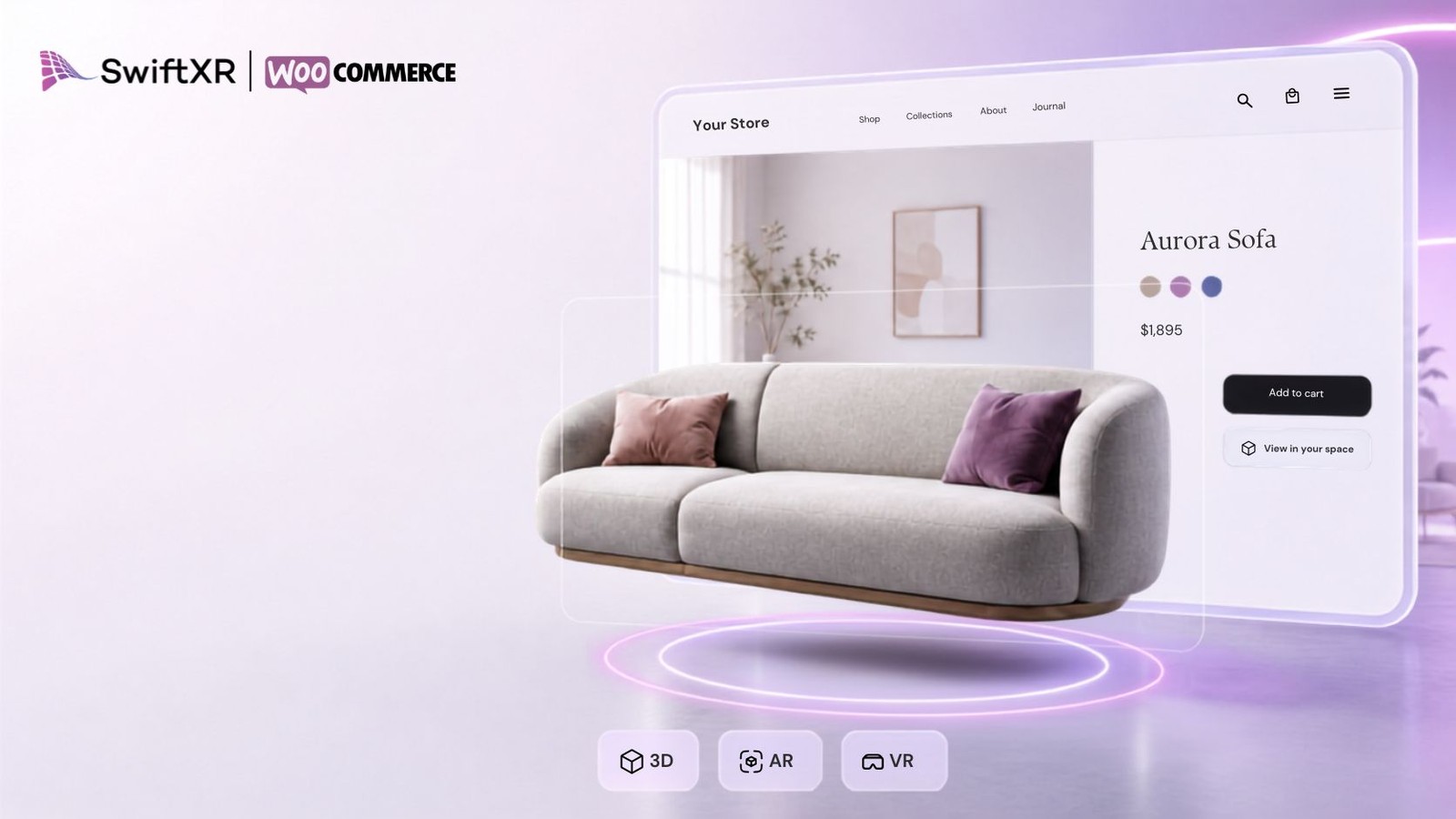
Give WooCommerce shoppers control over the product details they can change, then let them inspect the exact result in 3D, AR, and Web VR without rebuilding the product page.

GLB, GLTF, OBJ, FBX, STL, DAE, and most CAD formats. SwiftXR supports the product assets you already use and prepares them for the web experience.
Let shoppers switch colors, materials, finishes, and supported options on the 3D product. Every change updates the product immediately.
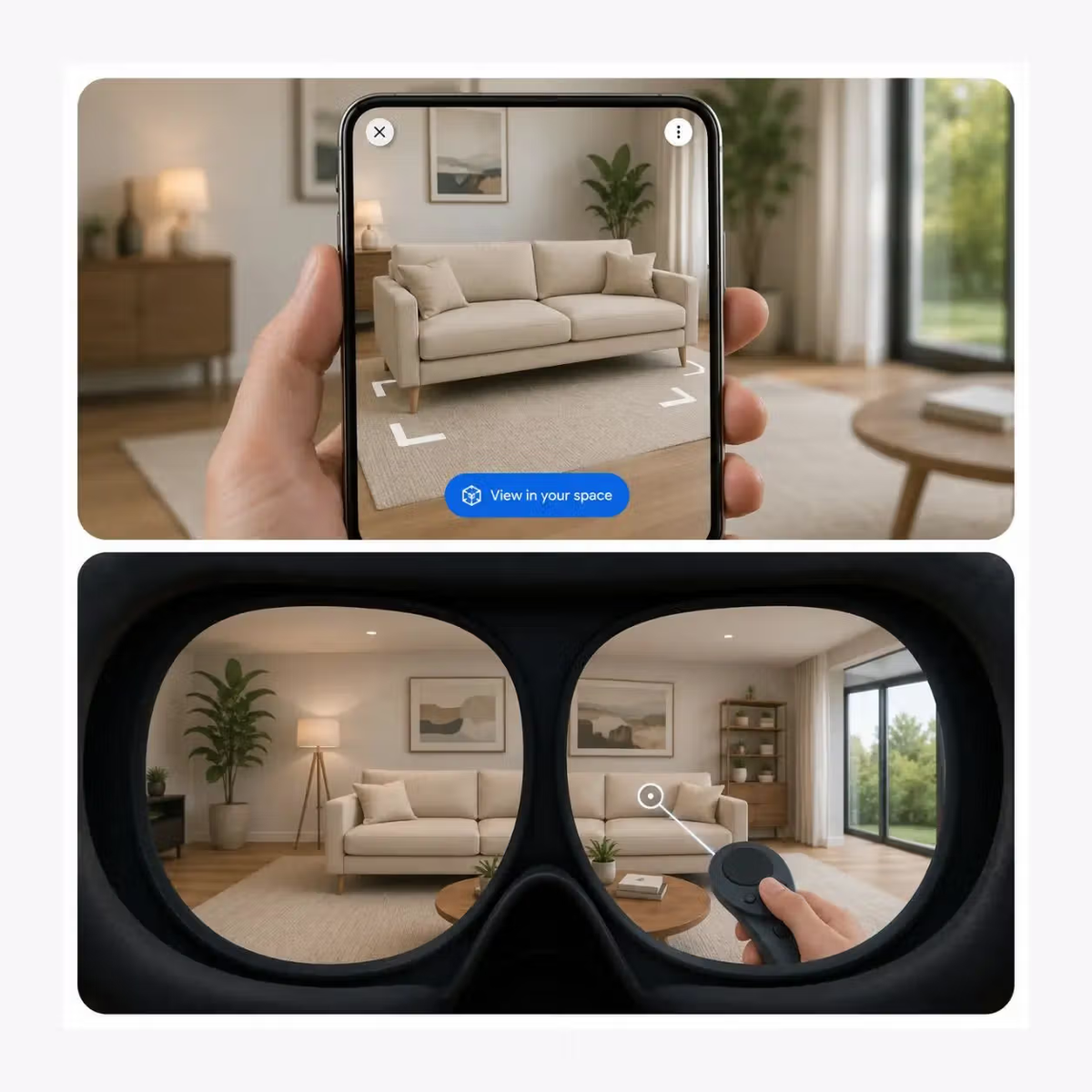
Let shoppers rotate the product in 3D, place supported products in AR, or open a Web VR experience from the same SwiftXR workflow.
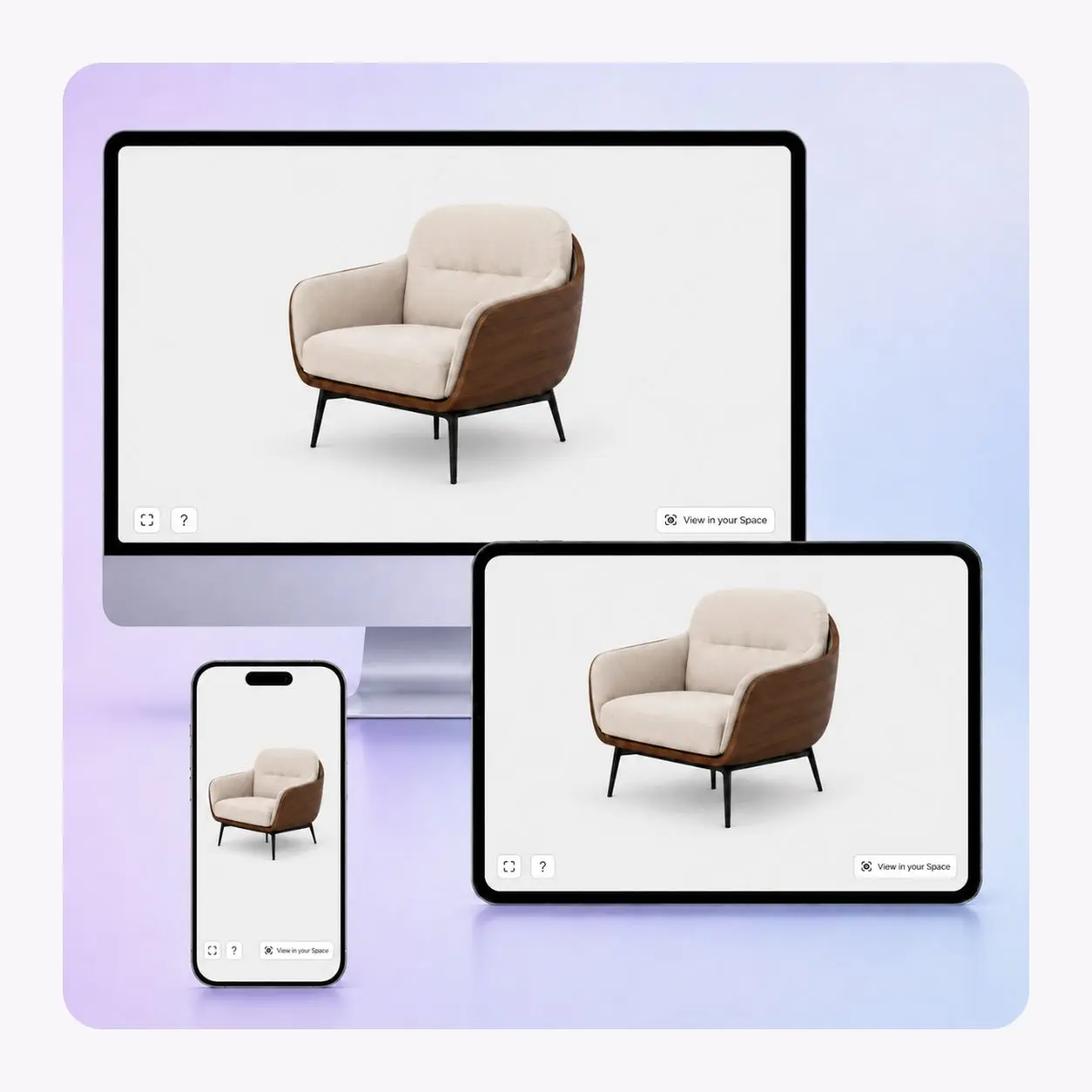
The configurator is built to work across supported phones, tablets, and desktop browsers, with interaction suited to touch and mouse.
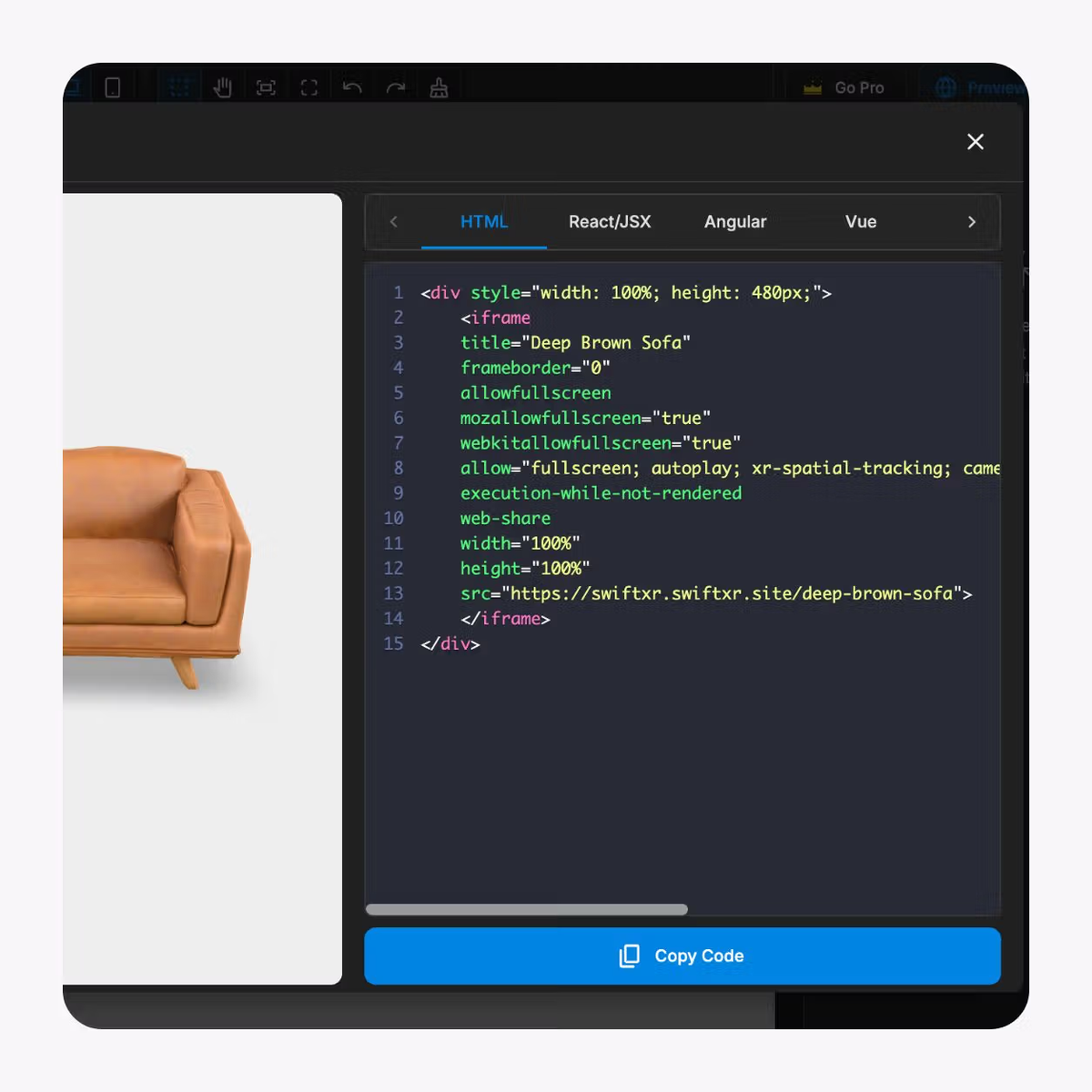
Publish by share link or embed the experience into the relevant product page using the integration route supported by your ecommerce platform.
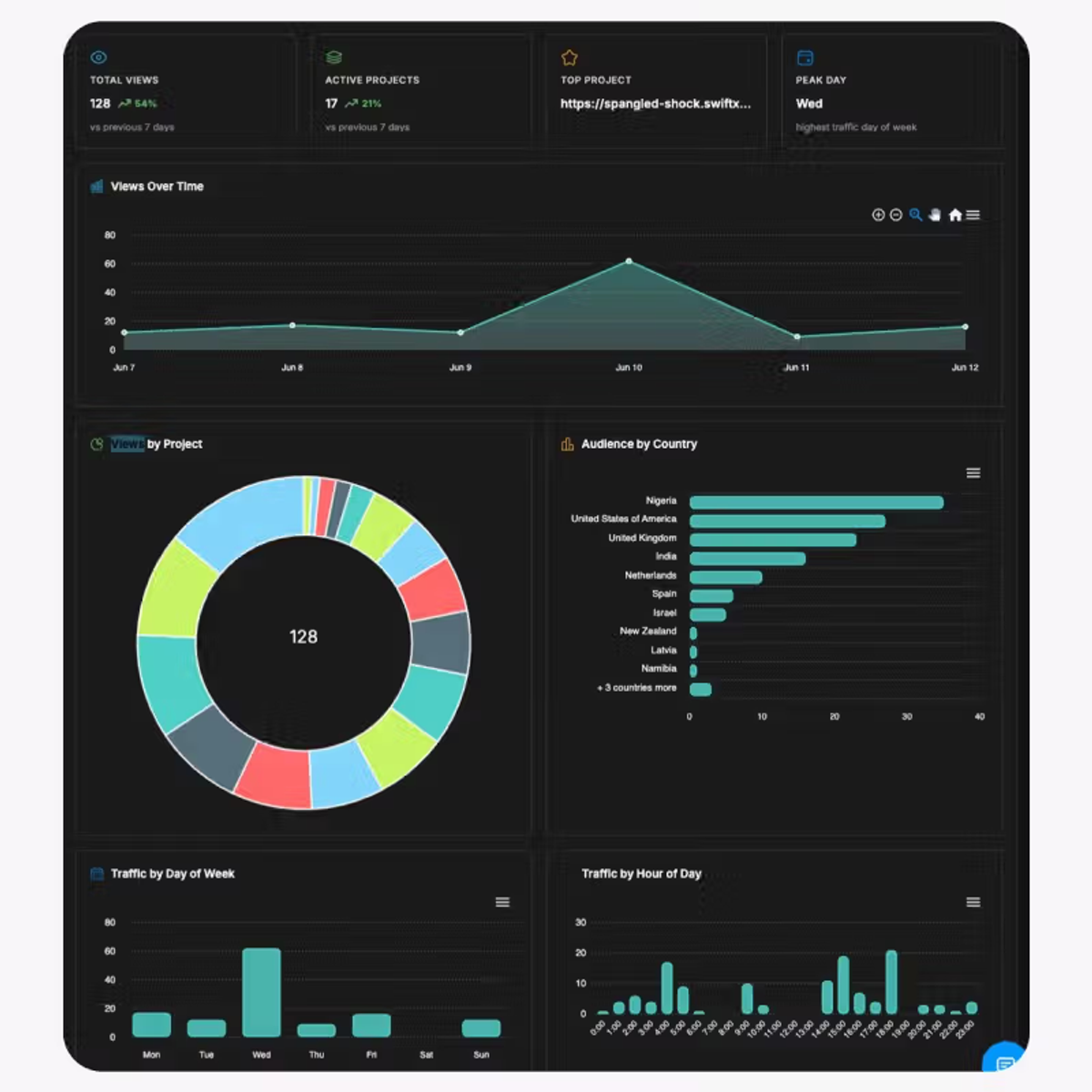
Review views and interactions with the configurator inside SwiftXR, then compare those signals with the commerce metrics your team already tracks.
The WooCommerce path is plugin-led and variation-aware. Build the visual experience, connect it to the product, then test the model and store logic together.
01
Install SwiftXR for WooCommerce
Install the plugin and connect your SwiftXR account to the WordPress site.
02
Build and align the options
Create the configurable product states in SwiftXR, then make sure the option names and allowed combinations match WooCommerce variations.
03
Connect, publish, and test
Map or place the published project on the product page, then test configuration, mobile performance, AR where enabled, add-to-cart, and the order details the store records.
A strong WooCommerce setup keeps the visual configuration and the store variation logic in agreement from product page to cart.
Use the configurator on products where color, material, finish, or component choices materially change what the shopper is buying.
Furniture and interiors
Show meaningful fabric, finish, and material variations before add-to-cart.
Custom retail
Make supported made-to-order options visible instead of leaving them as text-only selectors.
Fashion and accessories
Use live visual states when color and material variations influence the purchase.
Industrial products
Present supported visible configurations while WooCommerce retains the product and order record.
What to know before getting started with SwiftXR.
SwiftXR projects are lightweight, interactive experiences that you can create, share, and embed on your website. No prior 3D or immersive development experience is needed.
Platform credits are the unit of usage on SwiftXR. Each interaction with a 3D or AR experience consumes credits based on complexity and duration.
No. You can update your projects as many times as you want without any extra charges.
A project view is counted each time a unique session loads and interacts with your SwiftXR experience.
If you exceed your plan's included views, additional usage is billed at your plan's overage rate.
Yes. SwiftXR supports multiple 3D objects, hotspots, animations, and AR triggers within a single project.
What our customers say.
See how brands use SwiftXR to help customers understand products before they buy.
Retail (air treatment products)
DUUX
Retail (automated laundry racks)
GoodLiving
Real Estate
Cozy Homeva
Manufacturing
TopMetalPro
Furniture
Taeillo Nigeria
Cast Stone Fireplaces
ARCH Casting, Co.
Wooden House Construction
Ebat Yapı ve Ahşap Sanatları
3D Construction Printing
Versarien Construction
Signage & Environmental Graphics
Clark Technical Design
Central Salone
E Commerce
Central Salone
Art
SlickcityPrintsAfrica