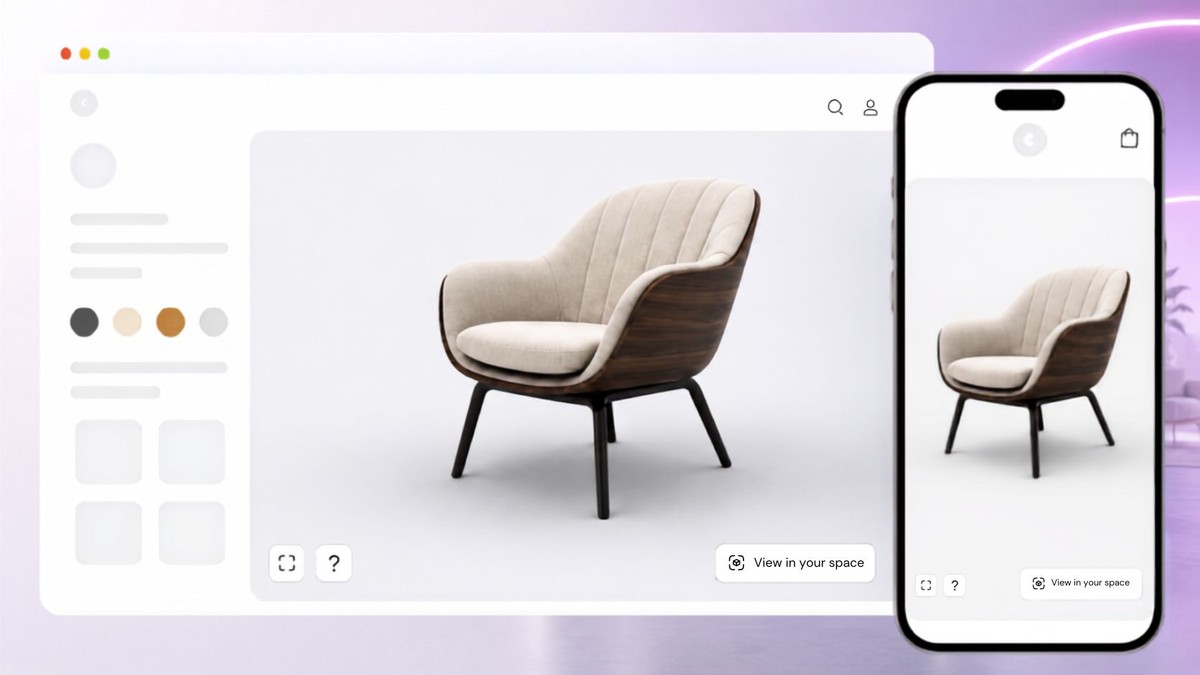
Inspect fixture geometry
Let buyers rotate and zoom to examine shades, bases and visible fittings.

SwiftXR helps lighting brands present approved fixture models in interactive 3D. Let buyers inspect shape and visible details beside specifications. A product viewer is not a brightness or beam-distribution simulation.
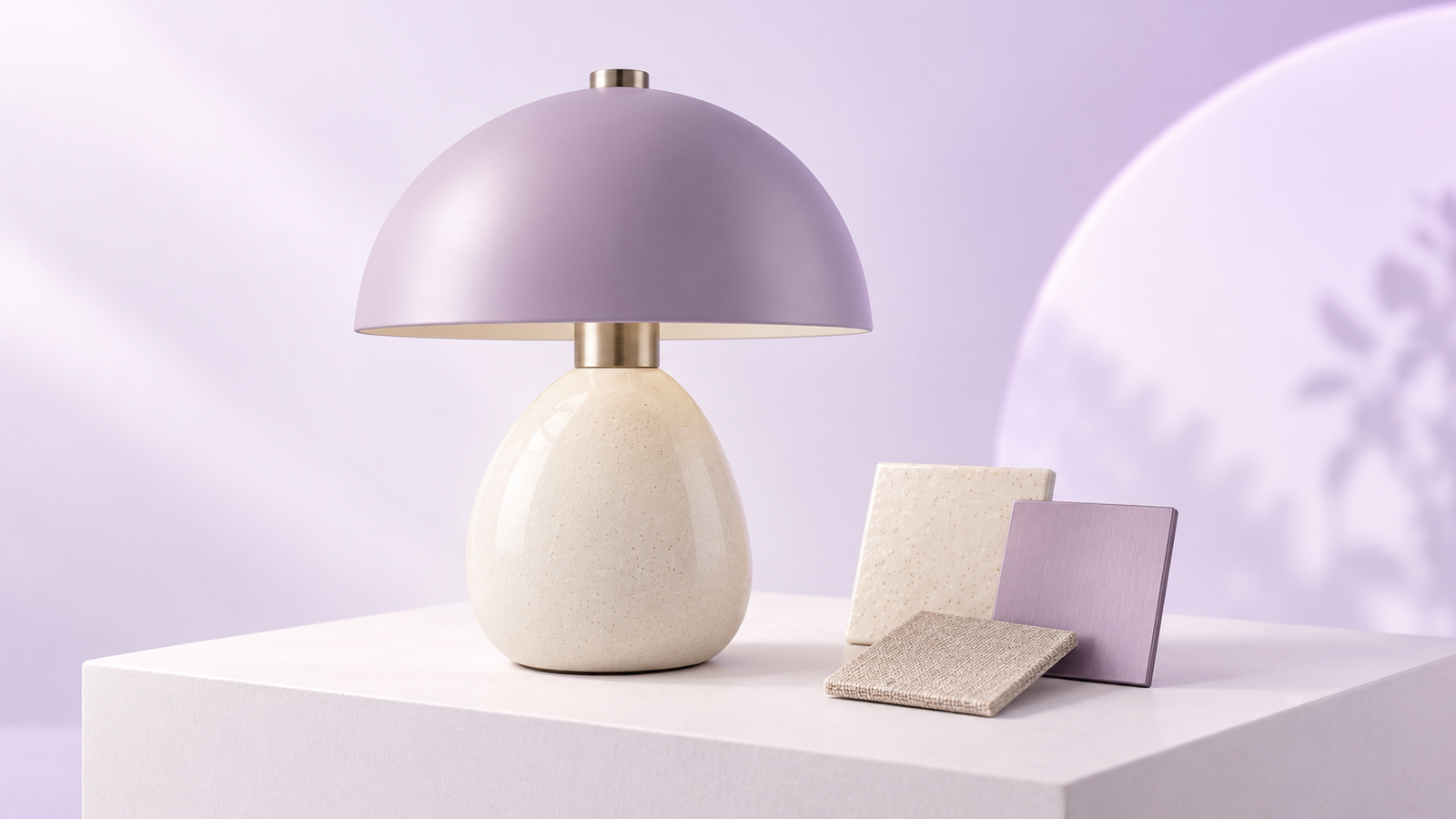
Use verified viewer capabilities for the physical product. Keep performance, compatibility and installation decisions tied to approved documentation.


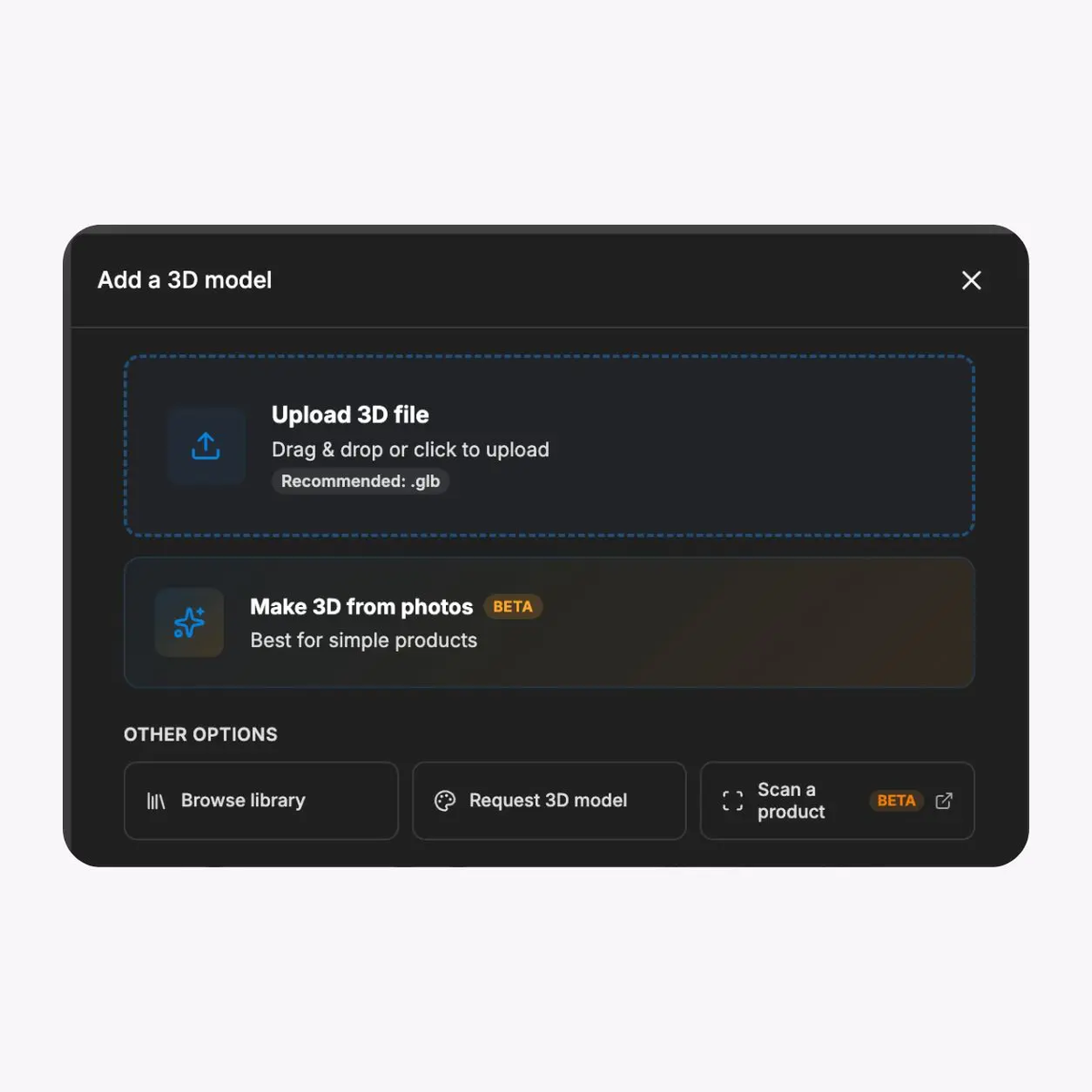
Let buyers rotate and zoom to examine shades, bases and visible fittings.
Add hotspot labels to approved details. Keep electrical and installation requirements in the product documentation.
Present the viewer on phones, tablets and desktop screens; test your own product-page layout.
Add the experience to the product page while retaining dimensions, photometric data and the enquiry route.
Start from a supported 3D file that your product team has checked against the fixture.
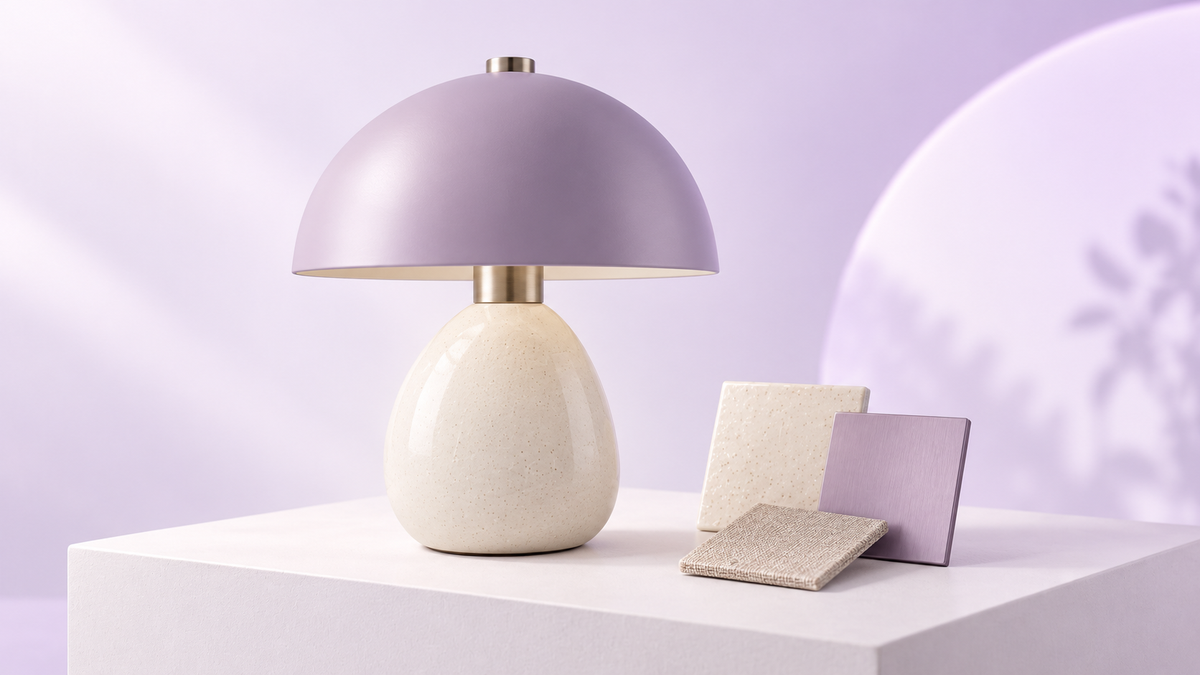
Share a standalone viewer in dealer discussions. Image: fictional lamp illustration, not a live demo.
For ecommerce and catalogue teams, a controlled fixture pilot separates useful visual inspection from technical lighting claims.
01
Approve the source
Match model geometry and finish to the sellable fixture. Retain dimensions and technical documents.
02
Prepare the view
Choose useful angles and labels. Review material appearance without claiming measured light output.
03
Test the destination
Check mobile and desktop inspection beside specifications, then approve the product-page embed or shared link.
This fictional lamp illustrates fixture presentation. Request a demo with your approved model; evaluate brightness and beam distribution using your technical evidence.
Keep the product view useful for each audience. Specifications remain authoritative for performance, compatibility and installation.
Retail fixture selection
Help shoppers inspect a shade or base alongside product dimensions and approved photography.
Dealer range discussions
Share fixture form before discussing stock, electrical requirements and the correct sellable variant.
What to know before getting started with SwiftXR.
SwiftXR projects are lightweight, interactive experiences that you can create, share, and embed on your website. No prior 3D or immersive development experience is needed.
Platform credits are the unit of usage on SwiftXR. Each interaction with a 3D or AR experience consumes credits based on complexity and duration.
No. You can update your projects as many times as you want without any extra charges.
A project view is counted each time a unique session loads and interacts with your SwiftXR experience.
If you exceed your plan's included views, additional usage is billed at your plan's overage rate.
Yes. SwiftXR supports multiple 3D objects, hotspots, animations, and AR triggers within a single project.
What our customers say.
See how brands use SwiftXR to help customers understand products before they buy.
Retail (air treatment products)
DUUX
Retail (automated laundry racks)
GoodLiving
Real Estate
Cozy Homeva
Manufacturing
TopMetalPro
Furniture
Taeillo Nigeria
Cast Stone Fireplaces
ARCH Casting, Co.
Wooden House Construction
Ebat Yapı ve Ahşap Sanatları
3D Construction Printing
Versarien Construction
Signage & Environmental Graphics
Clark Technical Design
Central Salone
E Commerce
Central Salone
Art
SlickcityPrintsAfrica